
 Home
Home  Apps
Apps  Games
Games  Windows
  Topics
  Terms of Service
  Cookies & Privacy Policy
  Disclaimer
Stop Motion Studio Pro


Information
- Category: Photography
- Price: $5.99
- Age Rating: Everyone
- Rating: 4.3
- Developer: Cateater
- Version: 25.12.8582
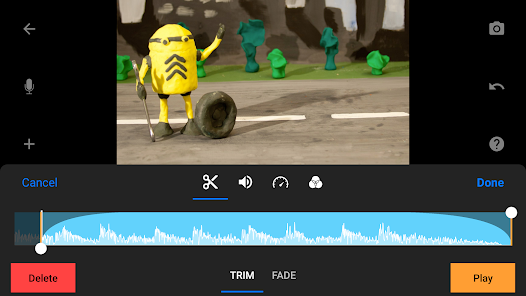
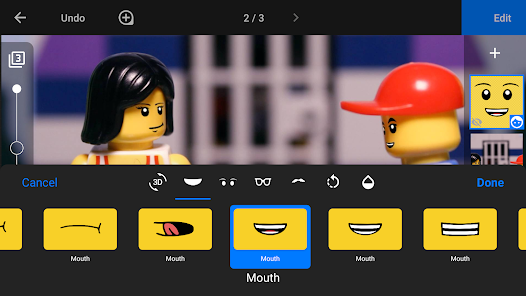
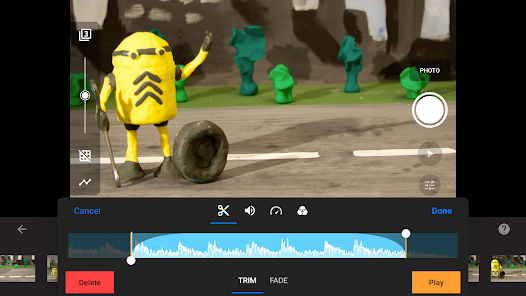
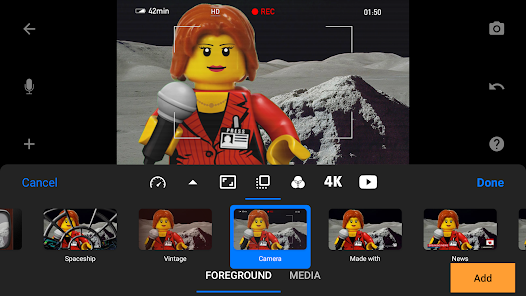
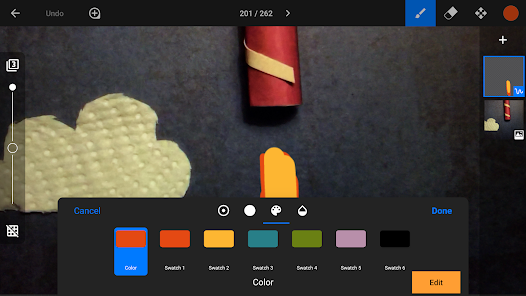
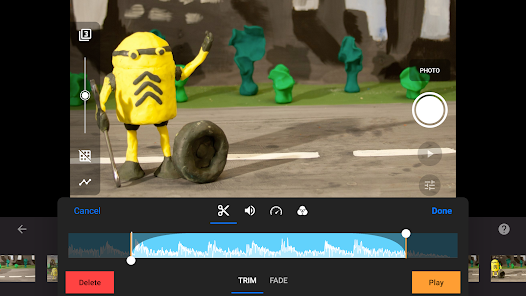
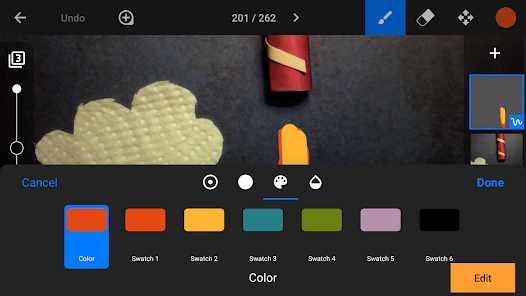
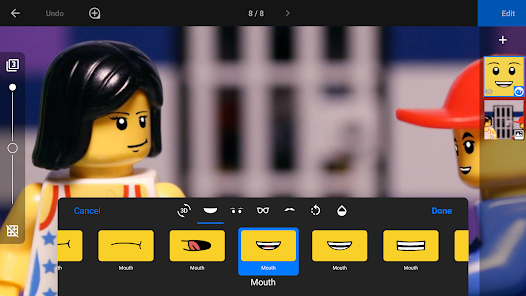
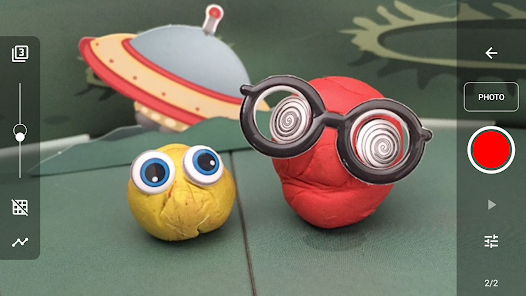
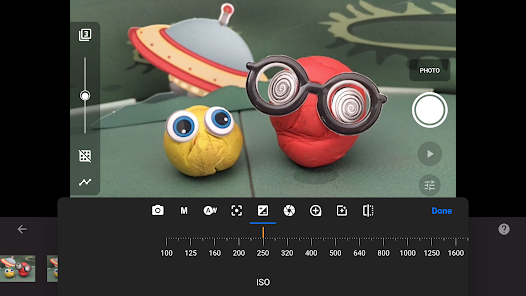
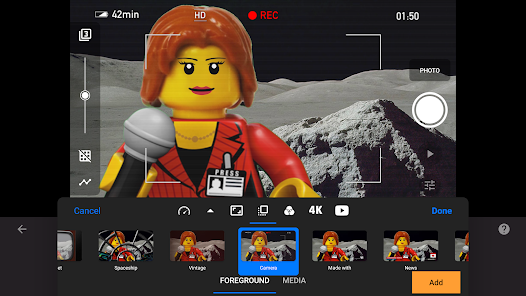
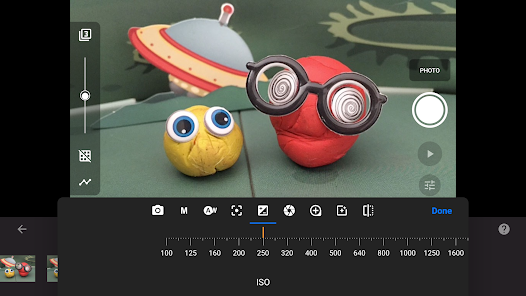
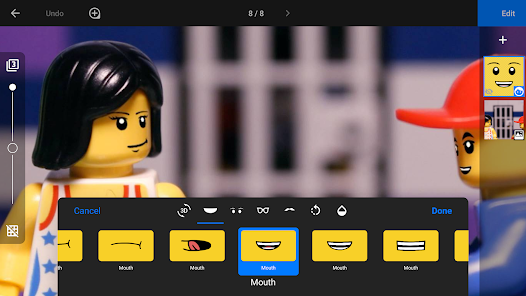
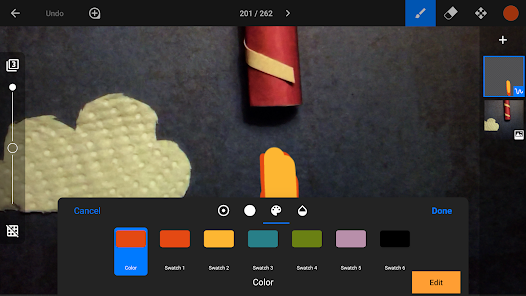
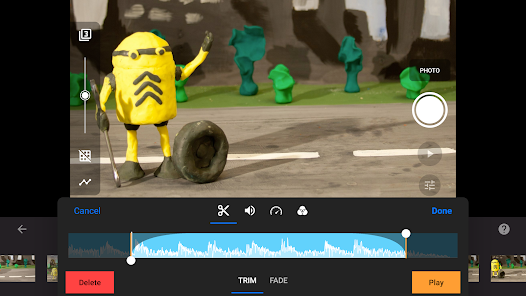
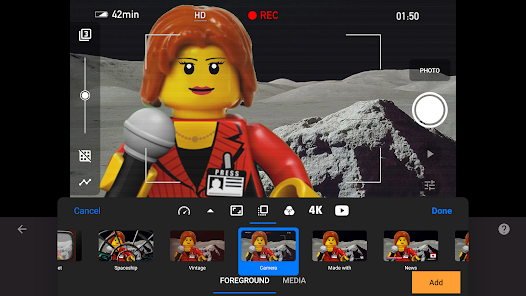
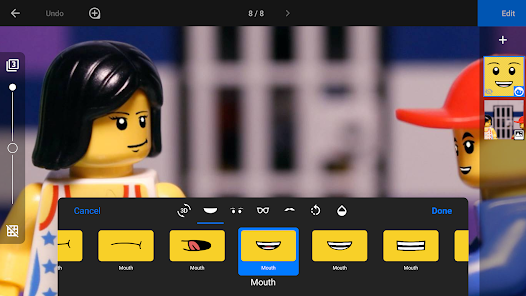
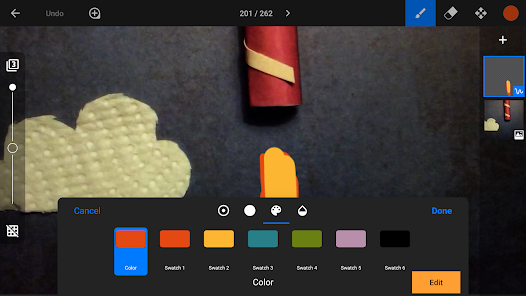
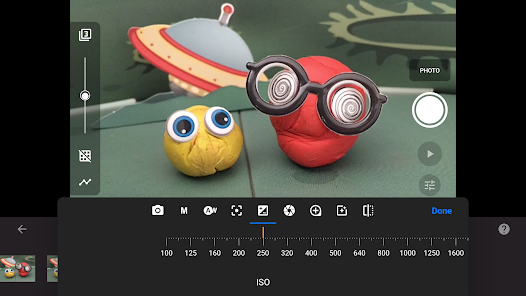
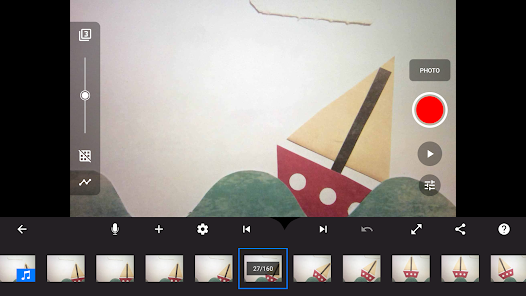
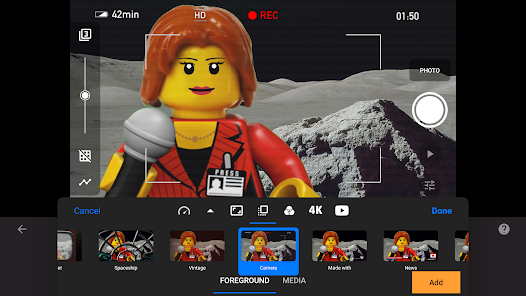
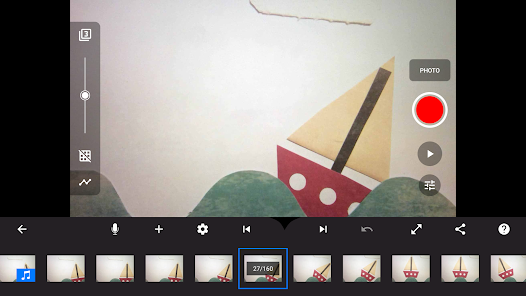
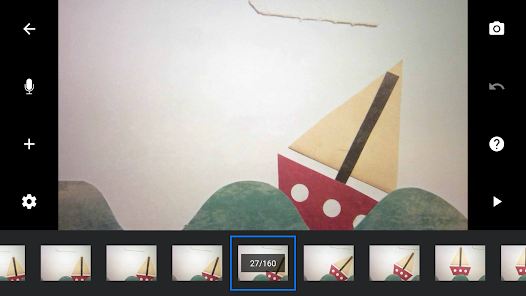
Stop Motion Studio Pro is a powerful app designed for creating stunning stop-motion animations with ease. Featuring a user-friendly interface, it allows both beginners and experienced animators to bring their ideas to life using a variety of tools and effects. With options for frame-by-frame editing, audio integration, and high-resolution output, this app empowers users to unleash their creativity and produce professional-quality animations right from their devices. Perfect for filmmakers, educators, and hobbyists alike!
Features of "Stop Motion Studio Pro"
"Stop Motion Studio Pro" is a powerful application designed for creating stunning stop motion animations. One of its standout features is the intuitive user interface, which allows both beginners and experienced animators to navigate the app with ease. The app supports high-resolution images, enabling users to produce professional-quality animations. Additionally, it offers a range of editing tools, including frame-by-frame editing, onion skinning, and the ability to add audio tracks, sound effects, and voiceovers to enhance the storytelling aspect of the animations.
Another notable feature is the built-in timeline, which helps users manage their frames and adjust timing effortlessly. The app also supports various export options, allowing users to share their creations on social media or save them in different formats. Furthermore, "Stop Motion Studio Pro" includes a library of visual effects and filters, enabling users to add a unique touch to their projects. Overall, the combination of these features makes "Stop Motion Studio Pro" a comprehensive tool for anyone looking to dive into the world of stop motion animation.
How to Use "Stop Motion Studio Pro"
Using "Stop Motion Studio Pro" is a straightforward process that can be broken down into a few simple steps. First, download and install the app on your device. Once opened, you can create a new project by selecting the "New Movie" option. After that, set up your scene and camera, ensuring proper lighting and focus for the best results. The app allows you to capture images frame by frame, so position your subject and take a photo, then make slight adjustments before capturing the next frame.
As you continue this process, you can utilize the onion skinning feature to see the previous frame, which helps in maintaining consistency in movement. Once you have captured all your frames, you can edit them using the app's editing tools. Add audio, adjust the timing, and apply any desired effects. Finally, when you are satisfied with your animation, export it in your preferred format and share it with your audience. With practice, you’ll be able to create captivating animations that showcase your creativity.
Pros & Cons of the App
"Stop Motion Studio Pro" comes with several advantages that make it a popular choice among animators. One of the primary pros is its user-friendly interface, which simplifies the animation process for users of all skill levels. The app's extensive editing tools and features, such as onion skinning and audio integration, allow for a high degree of creativity and customization. Additionally, the ability to export projects in various formats makes sharing work easy and accessible.
However, there are some cons to consider. Some users may find the app's advanced features overwhelming, especially if they are new to stop motion animation. Additionally, while the app is feature-rich, it may require a learning curve to fully utilize all its capabilities. There may also be occasional performance issues, particularly on older devices, which can hinder the animation process. Overall, while "Stop Motion Studio Pro" offers a robust set of tools for animators, potential users should weigh these pros and cons before diving in.
 Google Play
  App Store
 FAQ
Can I create playlists on Spotify?
Yes, users can create, share, and collaborate on playlists with friends.
Can I download music on Spotify?
Yes, premium users can download songs and playlists for offline listening.
Can I listen to Spotify offline?
Yes, premium users can listen to downloaded music offline without an internet connection.
Can I use Spotify on multiple devices?
Yes, you can use Spotify on multiple devices, but only one device can stream at a time.
Does Spotify have podcasts?
Yes, Spotify hosts a wide range of podcasts across various genres.
Similar Apps













You May Like

SNOW - AI Profile
Photography
3.8

Picsart AI Photo Editor, Video
Photography
4.1

Lightroom Photo & Video Editor
Photography
4.6

Amazon Photos: Photo & Video
Photography
4.7

Cartoon Photo PRO
Photography
4.6
FaceApp: Perfect Face Editor
Photography
4.3

Filmic Pro: Mobile Cine Camera
Photography
2.4
GIF Maker, GIF Editor Pro
Photography
4.7

Google Photos
Photography
4.4
Litchi for DJI Drones
Photography
4.5

Manual Camera: DSLR Camera Pro
Photography
4.0

PhotoPills
Photography
4.8