
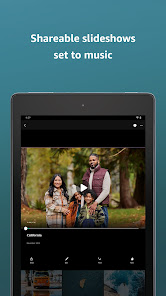
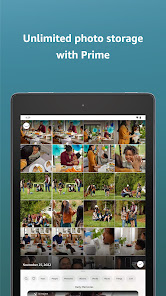

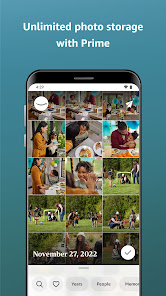
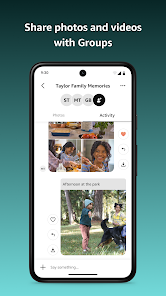
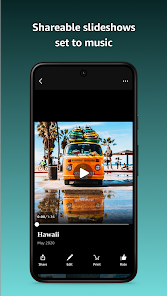
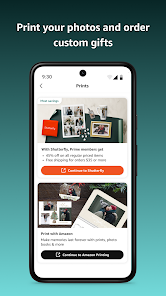

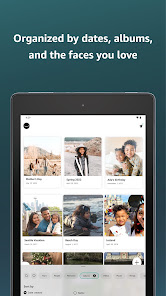

Amazon Photos: Photo & Video offers a comprehensive suite of features designed to enhance your photo and video management experience. One of its standout features is unlimited photo storage for Amazon Prime members, allowing users to back up their entire photo library without worrying about space constraints. Additionally, the app provides 5 GB of free storage for videos and other files, making it a versatile option for multimedia storage.
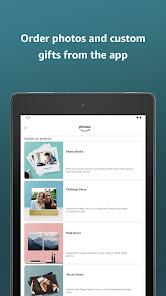
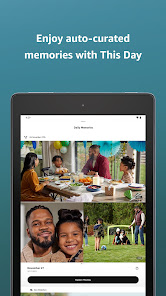
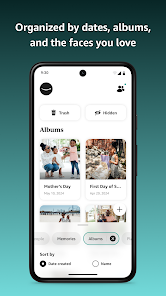
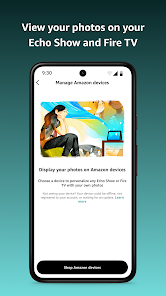
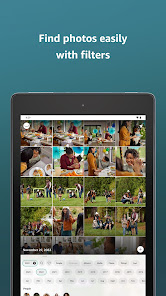
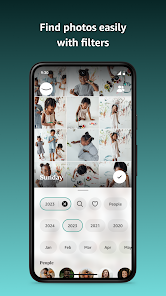
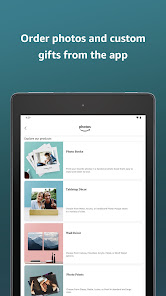
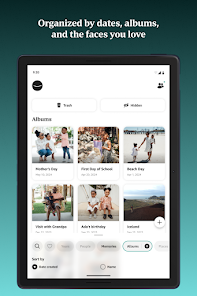
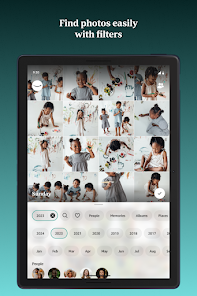
The app also includes powerful organization tools, such as automatic tagging and facial recognition, which help users easily locate and categorize their images. Users can create albums, share photos with friends and family, and even order prints directly through the app. Furthermore, the app supports high-resolution photo uploads and offers a user-friendly interface that simplifies navigation. With its seamless integration with other Amazon services, users can access their photos across multiple devices, ensuring that their memories are always at their fingertips.
Using Amazon Photos: Photo & Video is straightforward and user-friendly. To get started, download the app from the App Store or Google Play Store and sign in with your Amazon account. If you’re not a member, you can create a free account to access basic features. Once logged in, you can begin uploading photos and videos from your device by selecting the upload option, which allows you to choose files directly from your gallery.
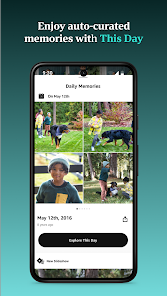
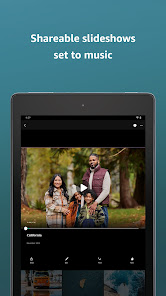
After uploading, the app will automatically organize your media into albums and apply tags for easy searching. You can also create custom albums to group your favorite memories. To share photos, simply select the images you want to share and choose the sharing option, which allows you to send links via email or social media. Additionally, you can enable automatic backup to ensure that all new photos are uploaded to your Amazon Photos account without manual intervention. This feature is particularly useful for safeguarding your memories against device loss or damage.
Amazon Photos: Photo & Video comes with several advantages that make it a popular choice among users. One of the primary benefits is the unlimited photo storage for Amazon Prime members, which is a significant draw for those with extensive photo collections. The app's user-friendly interface and robust organizational features, such as facial recognition and tagging, make it easy to manage and locate images. Additionally, the ability to order prints directly from the app adds convenience for users looking to create physical copies of their favorite photos.
However, there are some drawbacks to consider. While the app offers 5 GB of free storage for videos and other files, this may not be sufficient for users with large video libraries. Furthermore, some users may find the app's integration with Amazon services to be overwhelming or unnecessary if they do not use other Amazon products. Lastly, the app's reliance on an Amazon account may deter those who prefer not to engage with the Amazon ecosystem. Overall, while Amazon Photos provides excellent features for photo management, potential users should weigh these pros and cons based on their individual needs.

 Unlimited photo storage for Amazon Prime members ensures you never run out of space. Easy organization with albums and tags helps you find your memories quickly. Share photos and videos seamlessly with friends and family through shared albums. Automatic backup protects your media from loss due to device failure. Access your photos from any device, anywhere, with a user-friendly app.
 Limited storage options for free users can lead to extra costs. Organization features may be inadequate for large photo libraries. Sharing options could be more intuitive for seamless collaboration.
  Google Play
  App Store
 Yes, users can submit suggestions or feedback through the app's settings or by contacting Amazon customer support directly.
Yes, like many apps, Amazon Photos collects personal data to improve user experience, but users can review their privacy settings and manage data sharing preferences.
Yes, users can access their photos and videos offline by downloading them to their devices through the app.
Users can cancel their subscription by going to their Amazon account settings, navigating to "Your Memberships & Subscriptions," and selecting the option to cancel the Amazon Photos subscription.
An Amazon Prime subscription includes unlimited photo storage and costs $14.99 per year, while non-Prime users receive 5 GB of free storage and can purchase additional storage as needed.
Yes, you can log in to your Amazon Photos account from any device using your Amazon credentials.
You can reach customer service through the Amazon website or app by navigating to the Help section and selecting 'Contact Us'.
To activate your Amazon Photos account, log in to your Amazon account and follow the prompts to set up your photo storage.
Your customer number is available in your account settings. Log in to your Amazon account and check under 'Your Account' for details.
You can retrieve your customer number by checking your account settings in the Amazon app or website under 'Your Account'.