
 Home
Home  Apps
Apps  Games
Games  Windows
  Topics
  Terms of Service
  Cookies & Privacy Policy
  Disclaimer
Nano Banana AI Image - GoArt


Information
- Category: Art & Design
- Price: free
- Age Rating: Everyone
- Rating: 4.4
- Developer: AI Art Photo Editor | Everimaging Ltd.
- Version: 3.2.2.60
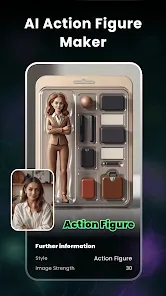
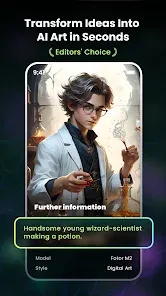
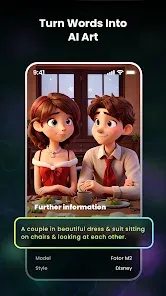
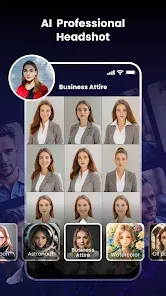
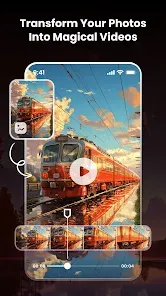
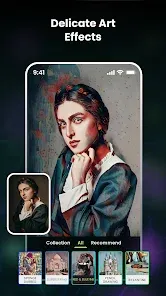
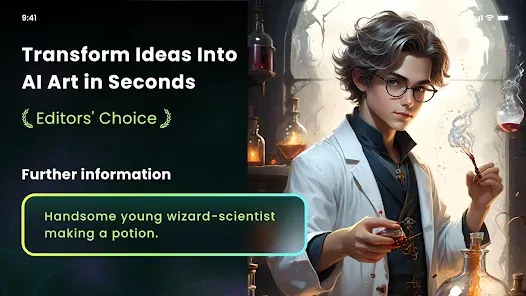
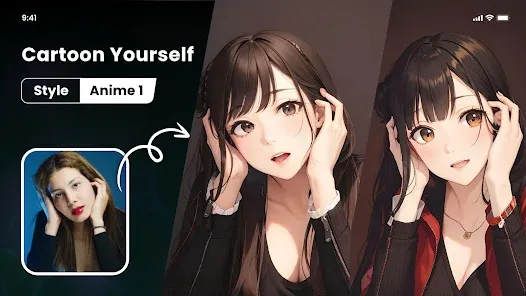
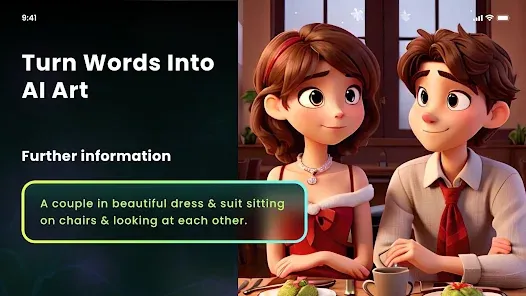
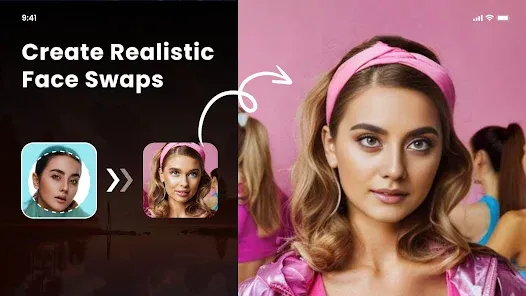
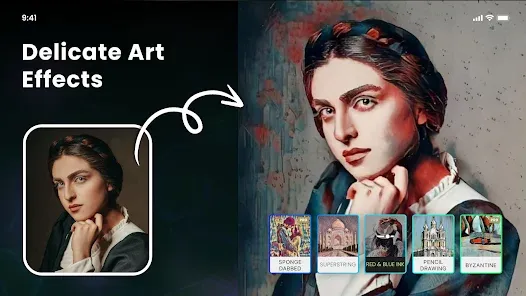
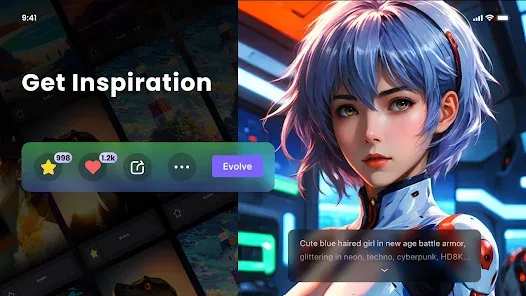
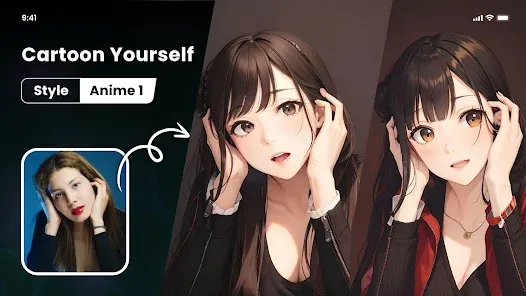
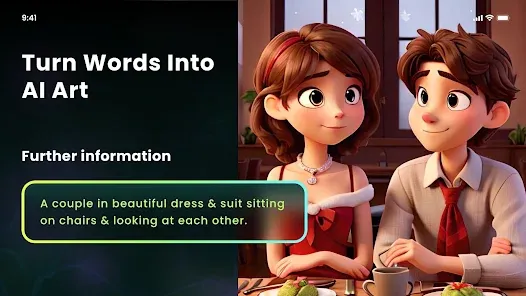
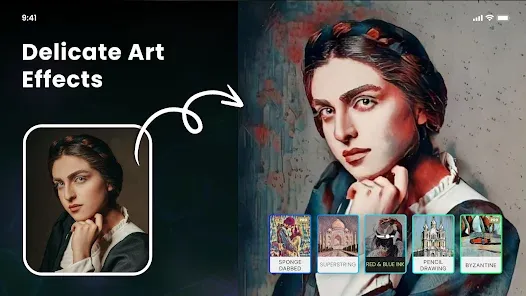
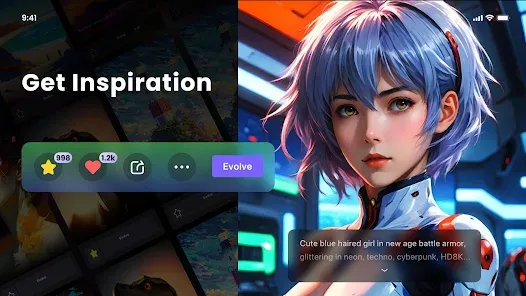
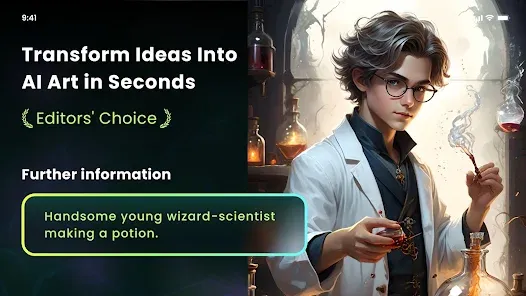
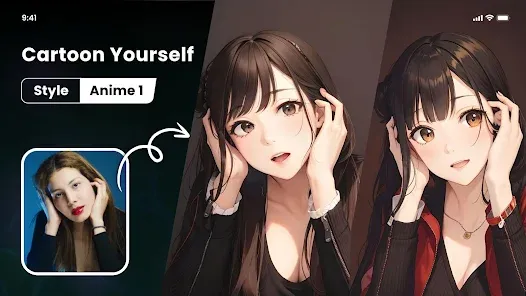
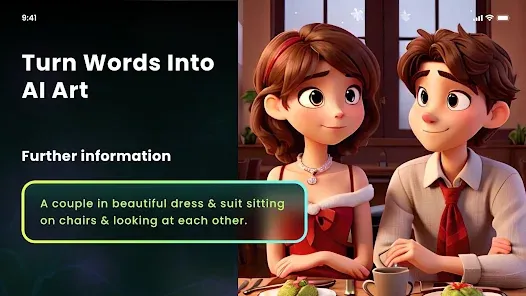
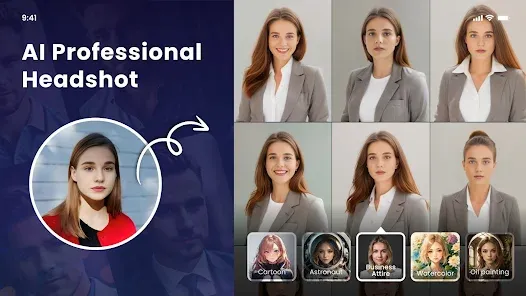
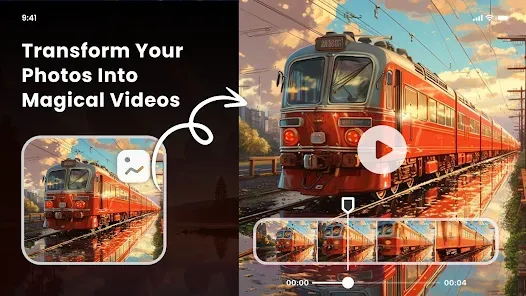
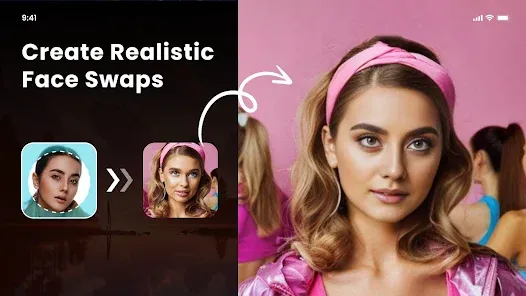
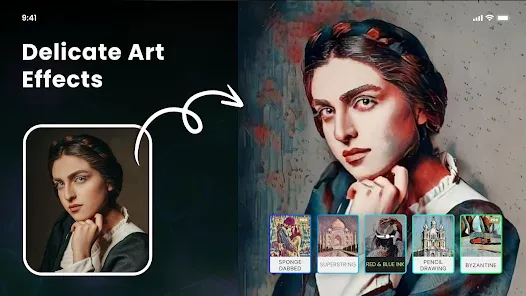
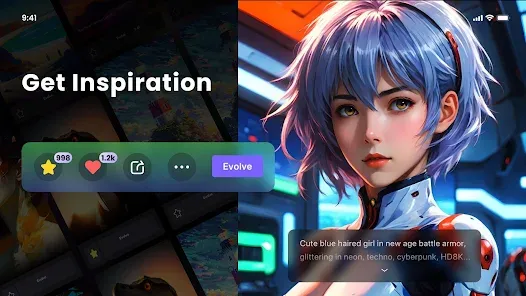
Introducing the Nano Banana AI Image - GoArt app, where creativity meets cutting-edge technology! Transform your photos into stunning works of art with the power of artificial intelligence. Choose from a variety of artistic styles and filters to elevate your images, making them unique and visually captivating. Whether you're a professional artist or a casual user, GoArt empowers you to unleash your imagination and share your creations with the world. Experience art like never before!
Features of "Nano Banana AI Image - GoArt"
"Nano Banana AI Image - GoArt" is an innovative application that leverages artificial intelligence to transform ordinary images into stunning works of art. One of its standout features is the variety of artistic styles available, allowing users to apply different filters inspired by famous artists and art movements. This feature enables users to experiment with their creativity and produce unique visual interpretations of their photos.
Another notable feature is the user-friendly interface, which makes it accessible for both beginners and experienced users. The app provides intuitive controls that allow for easy adjustments to the intensity of the applied effects. Additionally, "Nano Banana AI Image - GoArt" supports high-resolution outputs, ensuring that the final images maintain quality suitable for printing or sharing on social media platforms. The app also includes a community feature where users can share their creations and gain inspiration from others, fostering a collaborative environment for art enthusiasts.
How to Use "Nano Banana AI Image - GoArt"
Using "Nano Banana AI Image - GoArt" is a straightforward process that anyone can master quickly. First, download and install the app from your device's app store. Once installed, open the app and create an account or log in if you already have one. The main interface will prompt you to upload an image from your gallery or take a new photo using your camera.
After selecting an image, you can browse through the various artistic styles available within the app. Simply tap on a style to preview how it will look on your image. You can adjust the intensity of the effect using a slider to achieve your desired result. Once satisfied with the transformation, you can save the image to your device or share it directly on social media platforms. The app also allows you to revisit and edit your saved images, providing flexibility for further enhancements.
Pros & Cons of the App
"Nano Banana AI Image - GoArt" comes with several advantages that make it appealing to users. One of the primary pros is its extensive library of artistic styles, which allows for a wide range of creative expression. The app's user-friendly interface is another significant benefit, making it easy for users of all skill levels to navigate and utilize its features effectively. Additionally, the high-resolution output ensures that users can create professional-quality images suitable for various uses.
However, there are some drawbacks to consider. One potential con is that the app may require a stable internet connection for certain features, which could be inconvenient for users in areas with limited connectivity. Furthermore, while the free version offers many features, some advanced styles and functionalities may be locked behind a paywall, limiting access for users who do not wish to subscribe. Overall, while "Nano Banana AI Image - GoArt" is a powerful tool for artistic expression, users should weigh these pros and cons before fully committing to the app.
Get Installation Details  Google Play
  App Store
Google Play App Store FAQ
Can I create playlists on Spotify?
Yes, users can create, share, and collaborate on playlists with friends.
Can I download music on Spotify?
Yes, premium users can download songs and playlists for offline listening.
Can I listen to Spotify offline?
Yes, premium users can listen to downloaded music offline without an internet connection.
Can I use Spotify on multiple devices?
Yes, you can use Spotify on multiple devices, but only one device can stream at a time.
Does Spotify have podcasts?
Yes, Spotify hosts a wide range of podcasts across various genres.
Similar Apps











You May Like

FlipaClip: Create 2D Animation
Art & Design
4.3

Adobe Express: AI Photo, Video
Art & Design
4.6

Canva: AI Photo & Video Editor
Art & Design
4.8
AR Art Projector: Da Vinci Eye
Art & Design
4.1
GIMP
Art & Design
2.8
Rainbow Brainskull Oracle Deck
Art & Design
4.8

Sketchbook
Art & Design
4.0
Wonder - AI Art Generator
Art & Design
3.3
ibis Paint
Art & Design
4.5

ibis Paint X
Art & Design
4.4
Adobe Capture: Illustrator,Ps
Art & Design
4.6

Clip Studio Paint
Art & Design
4.5