



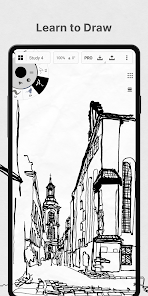
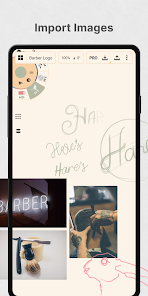
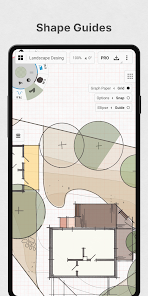
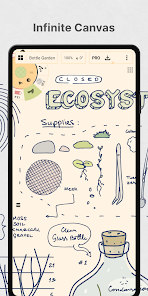
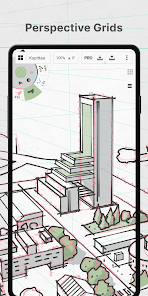
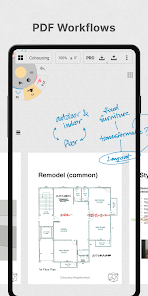
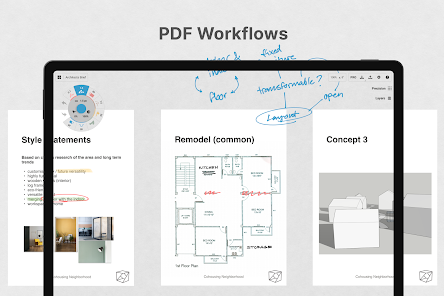
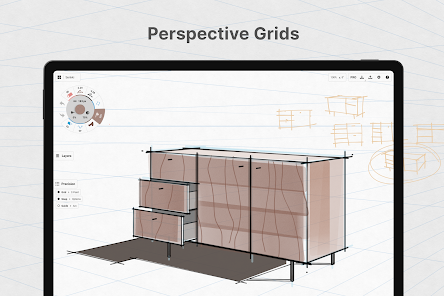
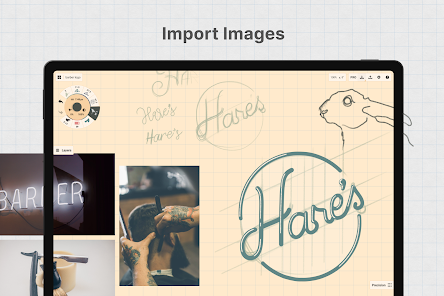
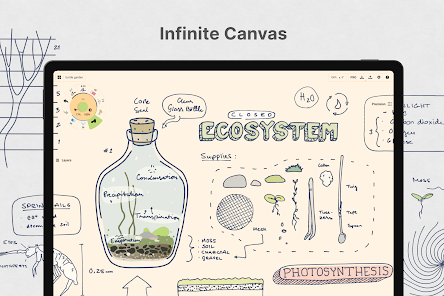
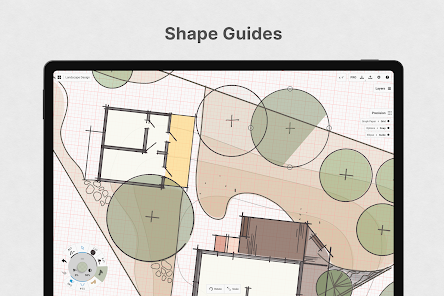
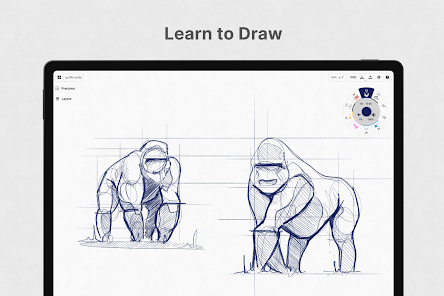
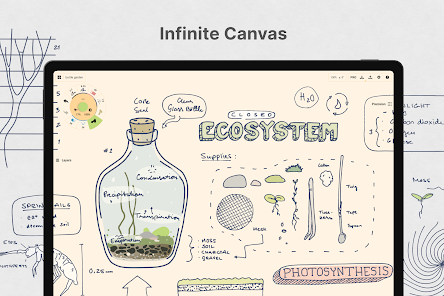
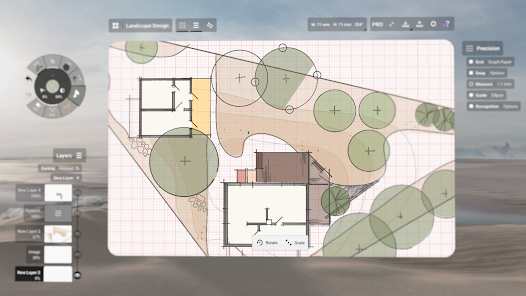
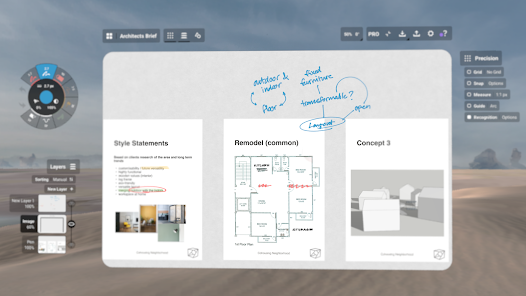
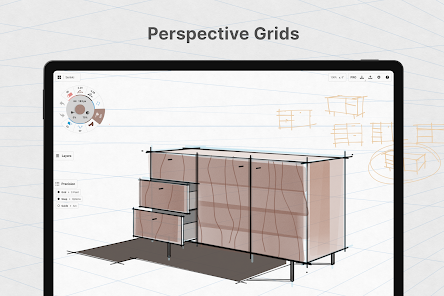
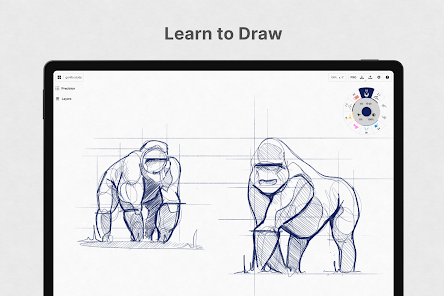
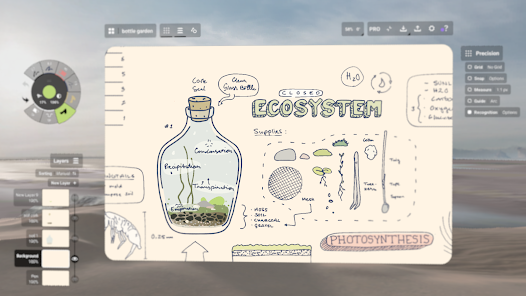
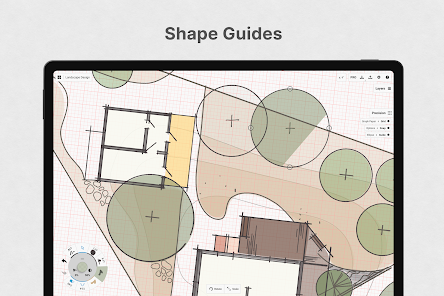
"Concepts: Sketch, Note, Draw" is a versatile digital drawing application designed for artists, designers, and anyone who enjoys sketching. One of its standout features is the infinite canvas, allowing users to create without the constraints of traditional paper size. This feature is particularly useful for brainstorming and mind mapping, as it provides ample space to explore ideas freely.
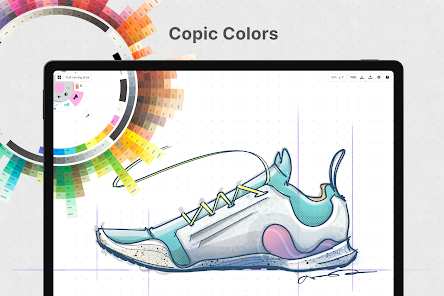
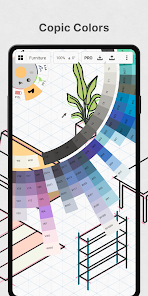
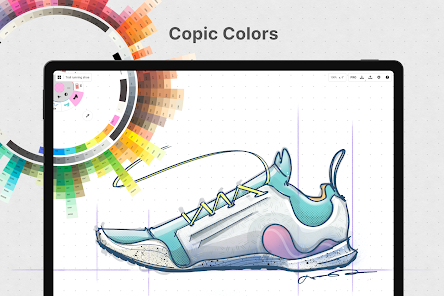
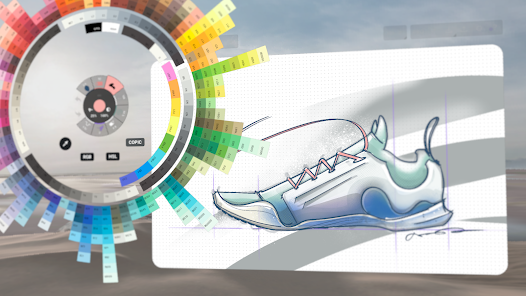
Another notable aspect is the customizable brush engine, which offers a wide range of brushes and tools that can be tailored to individual preferences. Users can adjust parameters such as size, opacity, and texture, enabling them to achieve the desired artistic effect. Additionally, the app supports vector-based drawing, allowing for smooth scaling and editing of artwork without loss of quality.
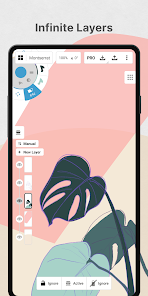
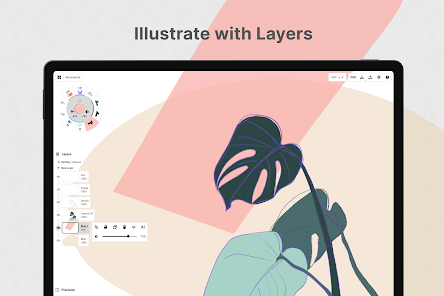
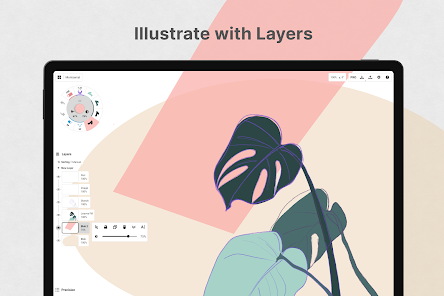
Concepts also includes layers, which facilitate complex compositions by allowing users to separate different elements of their work. The app supports various file formats for export, making it easy to share creations across different platforms. Furthermore, the user-friendly interface and intuitive gestures enhance the overall drawing experience, making it accessible for both beginners and experienced artists.
Using "Concepts: Sketch, Note, Draw" is straightforward, making it accessible for users of all skill levels. To get started, download the app from your device's app store and create an account if necessary. Once you open the app, you will be greeted with an infinite canvas where you can begin sketching immediately. Use your finger or a stylus to draw, and explore the various tools available in the toolbar.
To create a new project, simply tap on the "+" icon, which allows you to choose from different canvas sizes and orientations. You can select brushes from the brush library, adjusting their settings to suit your style. Layers can be added by tapping the layers icon, enabling you to work on different elements separately. As you create, remember to save your work frequently to avoid losing any progress.
When you're ready to share your artwork, use the export feature to save your creation in your desired format. You can share directly to social media or export to other applications for further editing. Experiment with the app's features to discover the full range of possibilities it offers, and don't hesitate to explore tutorials and community resources for additional tips and inspiration.
"Concepts: Sketch, Note, Draw" comes with several advantages that make it a popular choice among digital artists. One of the primary pros is its infinite canvas, which allows for unrestricted creativity and exploration. The customizable brush engine is another significant benefit, as it enables users to create unique styles tailored to their preferences. Additionally, the app's vector-based drawing capabilities ensure that artwork remains crisp and clear, even when resized.
However, there are some drawbacks to consider. One con is that the app may have a learning curve for new users, particularly those unfamiliar with digital drawing tools. While the interface is user-friendly, mastering all the features can take time. Furthermore, some users may find that certain advanced features are locked behind a paywall, which could be a limitation for those on a budget. Lastly, while the app is designed for touch devices, some users may prefer the precision of a stylus, which may not be included with all devices.

 Enhances creativity through structured brainstorming techniques Simplifies complex ideas for better understanding and communication Promotes collaboration by allowing multiple perspectives in development Facilitates quick iteration for rapid concept refinement Encourages innovative problem-solving with diverse thought approaches
 Concepts can oversimplify complex issues, leading to misunderstandings. They may limit creative thinking by confining ideas within rigid frameworks. Often, they rely on subjective interpretations, causing inconsistent applications across different contexts.
  Google Play
  App Store
 Yes, Concepts encourages users to submit feedback and suggestions through their support channels or within the app itself.
Concepts respects user privacy and collects minimal personal data, primarily for account management and app functionality.
Yes, Concepts allows users to work offline, so you can create and edit your sketches without an internet connection.
You can cancel your subscription through the app store settings on your device, following the prompts to manage your subscriptions.
The subscription cost varies depending on the plan chosen, with options for monthly or yearly billing that unlock premium features.
Yes, you can log in to Sketch using your social media accounts if linked during registration. For issues, reach out to customer service.
You can find your customer number in the account settings section of the Draw app. If you have trouble, contact customer service.
You cannot update your customer number directly. For changes, please contact customer service for assistance.
To activate your Draw account, click the link sent to your email after signup. If you didn’t receive it, check your spam folder or contact customer service.
You can log in to your Sketch account using your email and password on the login page. If you have issues, contact customer service for assistance.



























