



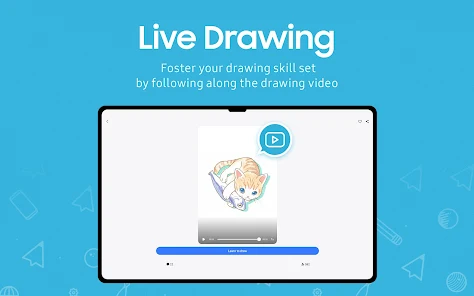
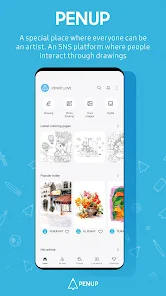
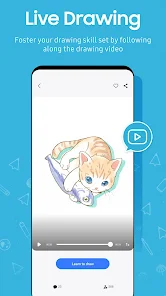
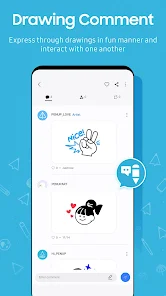

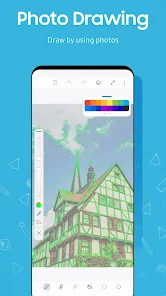
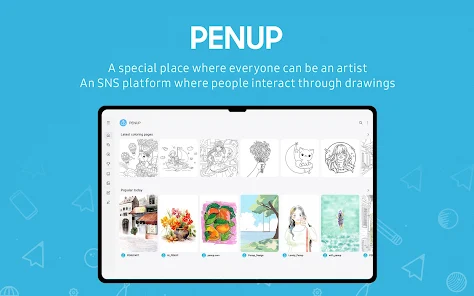
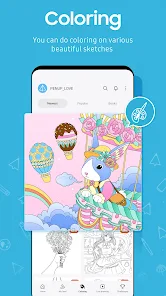
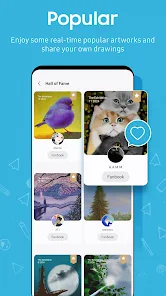
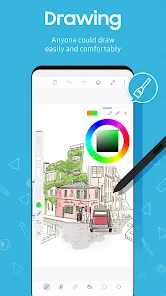
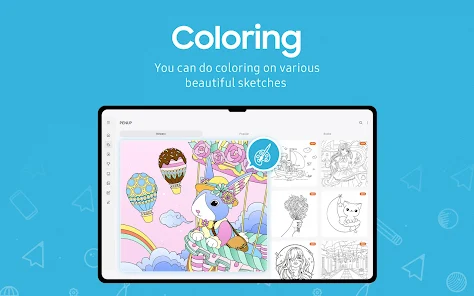
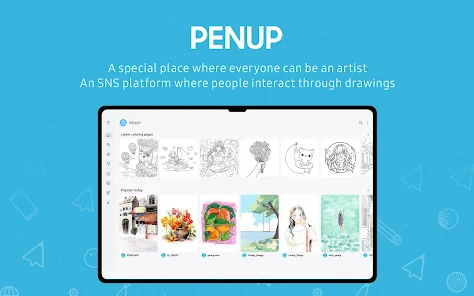
PENUP is a creative platform designed for artists and enthusiasts to share their artwork and connect with a community of like-minded individuals. One of its standout features is the ability to create and share digital drawings, sketches, and paintings using a variety of tools and brushes. Users can also explore a vast gallery of artwork from other creators, providing inspiration and opportunities for collaboration.
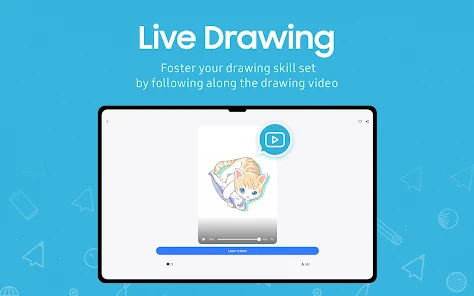
Another notable feature is the "Challenge" section, where users can participate in themed art challenges, allowing them to showcase their skills and gain recognition. PENUP also supports social interaction, enabling users to follow each other, comment on artwork, and send messages, fostering a sense of community. Additionally, the app offers tutorials and tips for improving artistic skills, making it accessible for beginners and experienced artists alike. Overall, PENUP combines creativity, community, and learning in a user-friendly interface.
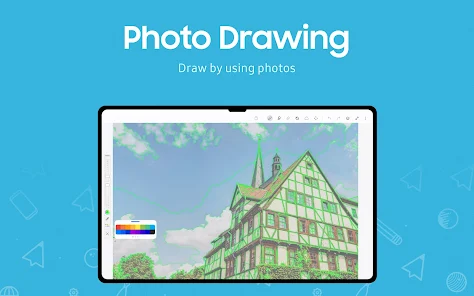
Using PENUP is straightforward and user-friendly, making it accessible for artists of all skill levels. To get started, download the app from your device's app store and create an account. Once registered, you can explore the home feed, which showcases artwork from users around the world. To create your own art, tap on the "Create" button, where you can choose from various brushes, colors, and tools to bring your ideas to life.
After completing your artwork, you can save it to your gallery or share it directly on PENUP. Be sure to add relevant tags and descriptions to help others discover your work. To engage with the community, follow other artists, comment on their pieces, and participate in challenges to enhance your visibility. Regularly checking the app for new challenges and tutorials can also help you improve your skills and stay inspired.
PENUP offers several advantages that make it appealing to artists and art lovers. One of the primary benefits is its vibrant community, where users can share their work and receive feedback, fostering a supportive environment for creativity. The app's user-friendly interface and diverse range of tools cater to both beginners and experienced artists, allowing for a seamless creative process. Additionally, the regular art challenges encourage users to push their boundaries and explore new styles.
However, there are some drawbacks to consider. The app may have limitations in terms of advanced features compared to professional drawing software, which could deter serious artists seeking more sophisticated tools. Additionally, the community aspect can sometimes lead to negative feedback or competition, which may discourage some users. Lastly, the app's reliance on internet connectivity for sharing and exploring artwork can be a limitation for those in areas with poor connectivity. Balancing these pros and cons is essential for users to make the most of their PENUP experience.

 Showcase your creativity to a global community of art enthusiasts. Receive constructive feedback to improve your drawing skills. Discover inspiration from diverse artists and their unique styles. Participate in exciting challenges to enhance your artistic journey. Easily share your artwork across multiple social media platforms.
 Limited audience engagement may reduce visibility for your artwork. User interface can be confusing for newcomers. Lack of advanced editing tools restricts creative flexibility.
  Google Play
  App Store
 Yes, users are encouraged to submit suggestions and feedback through the app's support or feedback feature to help improve future updates.
PENUP may collect personal data, such as account information and usage statistics, but it adheres to privacy policies to protect user information.
Yes, PENUP allows users to create and save drawings offline, but certain community features may require an internet connection.
Users can cancel their subscription through their app store settings or account management section within the app.
PENUP offers subscription options that vary in price, generally providing users with enhanced features or ad-free experiences.
Unfortunately, customer numbers cannot be changed. If you have issues, please contact customer service for help.
Absolutely! Customer service is available to assist you with any account-related issues you may encounter.
To activate your account, click the activation link sent to your email after registration and follow the instructions provided.
You can reach our customer service through the support section in the app or by emailing support
To log in from a new device, simply download the app, enter your credentials, and tap log in.



























