


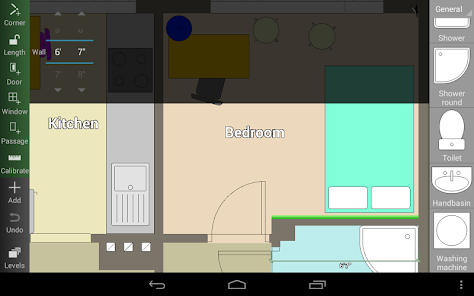
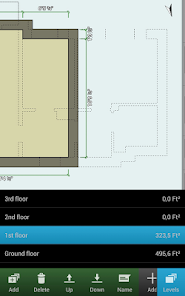
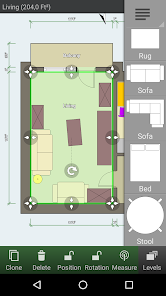
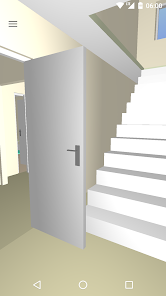
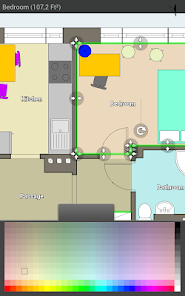
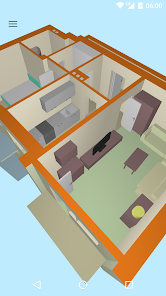
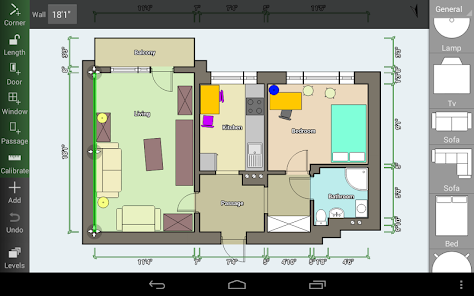
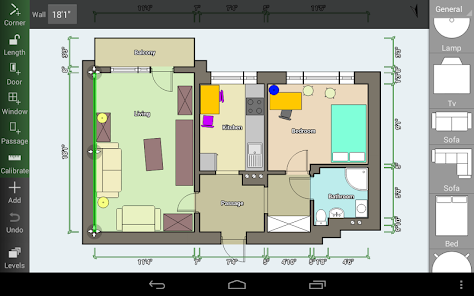
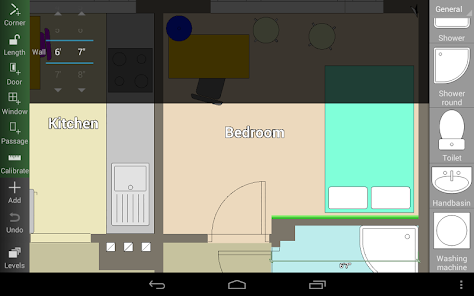
"Floor Plan Creator" is a versatile application designed for creating detailed floor plans with ease. One of its standout features is the intuitive drag-and-drop interface, which allows users to effortlessly place walls, doors, and windows. The app supports both 2D and 3D views, enabling users to visualize their designs from different perspectives. Additionally, it offers a wide range of customizable templates and objects, including furniture and appliances, which can be resized and rotated to fit specific needs.
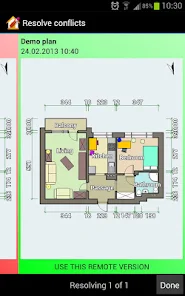
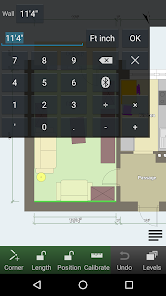
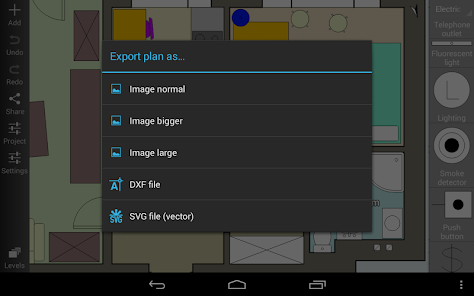
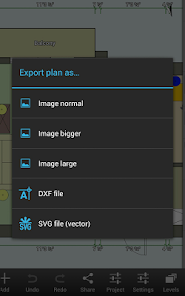
Another notable feature is the ability to import and export plans in various formats, such as PDF and SVG, making it easy to share designs with others. The app also includes measurement tools that help ensure accuracy in dimensions, which is crucial for effective space planning. Furthermore, users can collaborate in real-time, allowing multiple people to work on a project simultaneously. Overall, "Floor Plan Creator" combines functionality with user-friendly design, making it an excellent choice for both professionals and DIY enthusiasts.
Using "Floor Plan Creator" is straightforward, even for those new to design software. To get started, download and install the app on your device. Once opened, you can choose to create a new project or select from existing templates. The interface is user-friendly, featuring a toolbar with various design elements such as walls, doors, and furniture. Simply drag and drop these elements onto the canvas to begin constructing your floor plan.
After placing the basic structure, you can customize dimensions by clicking on the elements and adjusting their properties. The app allows you to switch between 2D and 3D views, providing a comprehensive perspective of your design. To enhance your project, you can add textures and colors to walls and floors. Once satisfied with your design, you can save your work and export it in multiple formats for sharing or printing. Overall, the app's intuitive design makes it accessible for users of all skill levels.
"Floor Plan Creator" comes with several advantages that make it a popular choice among users. One of the primary pros is its user-friendly interface, which simplifies the design process for both beginners and experienced users. The app's extensive library of objects and templates allows for creative flexibility, enabling users to create unique and personalized floor plans. Additionally, the ability to view designs in both 2D and 3D enhances the overall experience, providing a realistic representation of the space.
However, there are some drawbacks to consider. Some users may find that the app's advanced features require a learning curve, particularly for those unfamiliar with design software. Additionally, while the free version offers many functionalities, certain premium features may require a subscription, which could be a deterrent for budget-conscious users. Lastly, occasional bugs and performance issues have been reported, which can disrupt the design process. Overall, while "Floor Plan Creator" has its limitations, its strengths often outweigh the cons for many users.

 Create detailed and accurate floor plans effortlessly. Customize designs to fit your unique needs. Access a vast library of furniture and fixtures. Easily share designs with clients and collaborators. Compatible with various devices for versatile use.
 Limited export options restrict sharing capabilities with other design tools. Performance issues may arise with complex projects, causing lag. The learning curve can be steep for new users unfamiliar with design software.
  Google Play
  App Store
 Yes, users can submit suggestions and feedback directly through the app or via the official website, where the development team values user input for improvements.
Floor Plan Creator has a privacy policy that outlines what data is collected and how it is used, but generally, it focuses on providing a secure experience for users.
Yes, Floor Plan Creator allows users to work offline, enabling them to create and edit floor plans without an internet connection.
You can cancel your subscription through the app's settings or your app store account settings, depending on your device.
Subscription pricing may vary, but it typically offers monthly and yearly plans, with discounts for long-term commitments.
Yes, you can activate your account using your customer number during the sign-up process. Make sure to enter it correctly.
Absolutely! Customer service is available to assist you with any account activation issues you may encounter. Just reach out!
You can reach customer service via the contact form on our website or by emailing support
To activate your account, follow the link sent to your email after registration. If you didn't receive it, check your spam folder or contact support.
To log in, visit our website, click on the login button, and enter your credentials. If you have trouble, use the password reset option.



























