


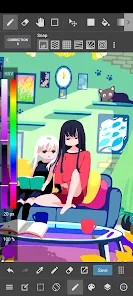
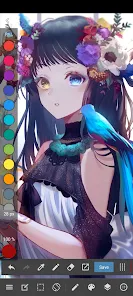
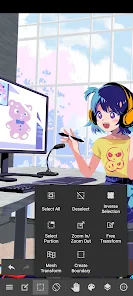
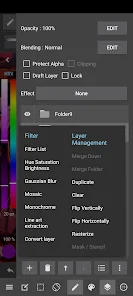
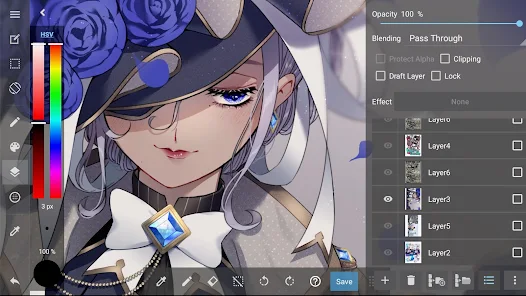
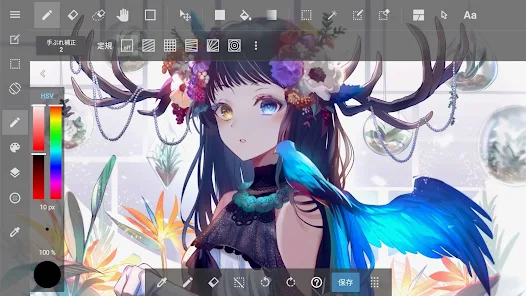
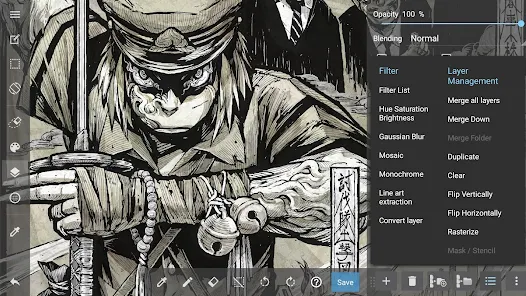
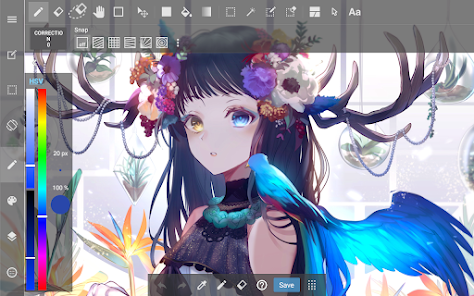
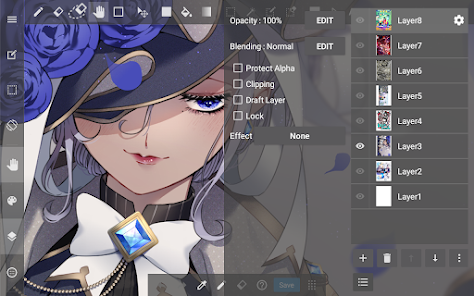
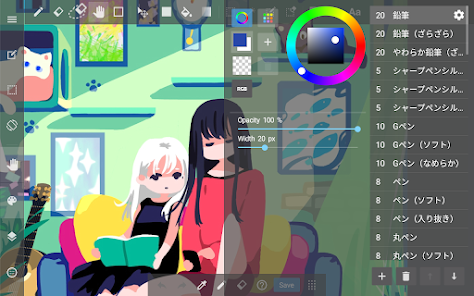
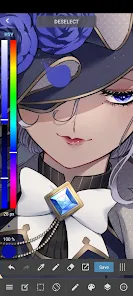
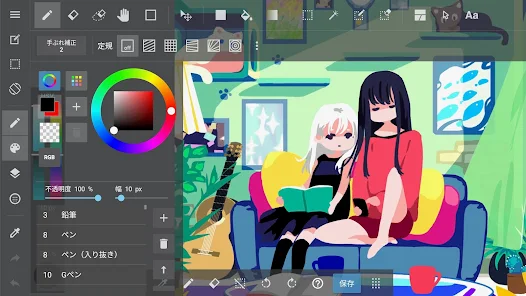
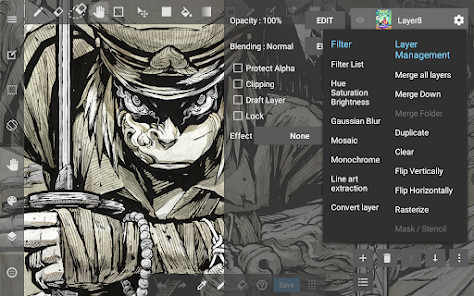
MediBang Paint is a versatile digital painting application designed for artists, illustrators, and comic creators. One of its standout features is the extensive brush library, which includes a variety of customizable brushes that cater to different artistic styles. Users can create their own brushes or modify existing ones to achieve the desired effect. Additionally, the app supports layers, allowing artists to work on different elements of their artwork independently, enhancing flexibility and control over the final piece.
The app also offers a range of tools specifically for comic creation, including panel layouts, speech bubbles, and text tools, making it an excellent choice for comic artists. Furthermore, MediBang Paint provides cloud storage, enabling users to save their work online and access it from multiple devices. This feature is particularly useful for artists who work on the go. The user interface is intuitive, making it accessible for beginners while still offering advanced features for seasoned professionals.
Lastly, MediBang Paint is free to use, with optional in-app purchases for additional features, making it an attractive option for artists looking for a cost-effective solution for digital art creation.
Using MediBang Paint is straightforward, even for those new to digital art. After downloading and installing the app, users can create a new project by selecting the canvas size and resolution that best suits their needs. The user-friendly interface allows for easy navigation through various tools and features. To start drawing, simply select a brush from the library and adjust its settings, such as size and opacity, to fit your artistic style.
Artists can utilize layers to separate different elements of their artwork, which is particularly useful for complex compositions. To add text or speech bubbles for comics, users can access the dedicated tools designed for this purpose. Once the artwork is complete, saving and exporting options are available, allowing users to share their creations on social media or save them to their devices. Additionally, the cloud storage feature enables seamless access to projects across different devices, ensuring that artists can work wherever they are.
For those looking to enhance their skills, MediBang Paint also offers tutorials and a community platform where users can share their work and receive feedback, fostering a collaborative environment for artists.
MediBang Paint comes with several advantages that make it a popular choice among digital artists. One of the primary benefits is its cost-effectiveness, as the app is free to use with optional in-app purchases. This accessibility allows artists of all skill levels to explore digital painting without a financial commitment. The extensive brush library and customizable tools cater to a wide range of artistic styles, while the layer functionality provides flexibility in creating complex artworks.
However, there are some drawbacks to consider. Some users have reported that the app can be resource-intensive, leading to performance issues on older devices. Additionally, while the interface is generally user-friendly, beginners may still find the learning curve steep when navigating advanced features. Furthermore, the cloud storage option, while convenient, may raise concerns about data privacy for some users. Overall, while MediBang Paint offers a robust set of features for artists, potential users should weigh these pros and cons based on their individual needs and device capabilities.

 MediBang Paint offers a user-friendly interface for easy navigation. It provides a wide range of brushes and tools for creative expression. The cloud storage feature allows seamless access across devices. Collaboration tools enable easy sharing and teamwork on projects. Regular updates ensure new features and enhancements for users.
 Limited brush customization options may hinder artistic expression. Frequent updates can disrupt workflow and introduce bugs. The learning curve can be steep for new users unfamiliar with digital art tools.
  Google Play
  App Store
 Yes, users can submit suggestions or feedback through the app's support or contact features, allowing for communication with the developers.
MediBang Paint: Draw Art, Comic may collect user data to improve the app and provide services, but it typically adheres to privacy policies regarding data usage and protection.
Yes, MediBang Paint: Draw Art, Comic allows users to work offline, although some features may require an internet connection for full functionality.
Users can cancel their subscription through the app store settings on their device or by following the subscription management options provided within the app.
MediBang Paint: Draw Art, Comic offers a subscription model with various pricing tiers, typically providing additional features and resources, but specific costs may vary.
Unfortunately, customer numbers cannot be changed once assigned. Please contact customer service for further assistance.
You can reach customer service via the in-app support feature or through our website's contact form.
You can contact customer service through the app’s support section or visit our official website for assistance.
To activate your account, check your email for the activation link and follow the provided instructions.
You can retrieve your customer number by checking your account settings or your registration email for the details.



























