



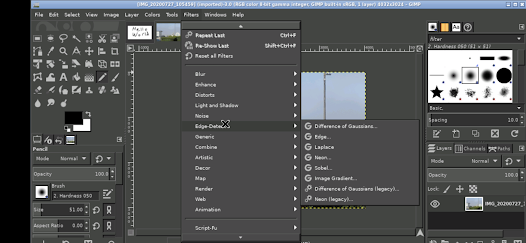
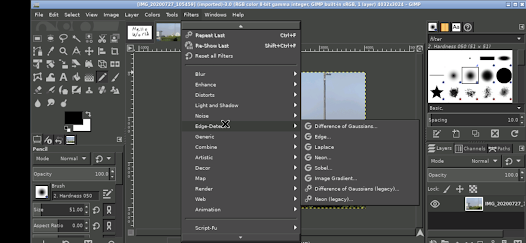
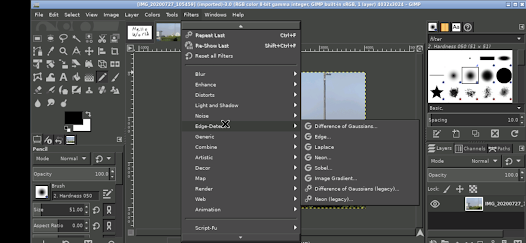
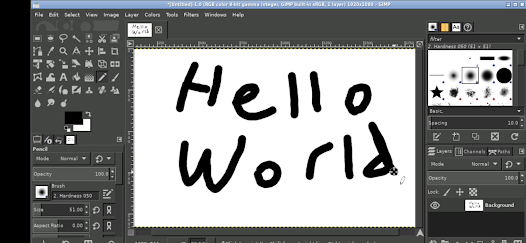
GIMP, or GNU Image Manipulation Program, is a powerful open-source image editing software that offers a wide array of features suitable for both beginners and advanced users. One of its standout features is its extensive support for various file formats, allowing users to work with JPEG, PNG, GIF, TIFF, and many others. GIMP also provides advanced photo retouching capabilities, enabling users to enhance images through tools like healing brushes, clone tools, and color correction options.
Another notable feature is the customizable interface, which allows users to arrange their workspace according to their preferences. GIMP supports layers, masks, and channels, making it easier to create complex compositions. Additionally, it includes a variety of filters and effects that can be applied to images, enhancing creativity. The software also supports plugins, enabling users to extend its functionality further. Overall, GIMP is a versatile tool that caters to a wide range of image editing needs.
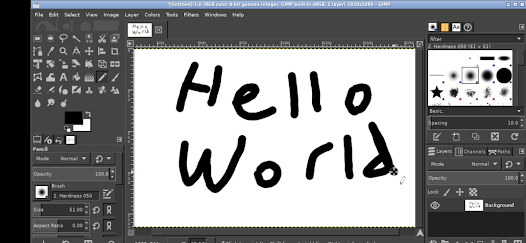
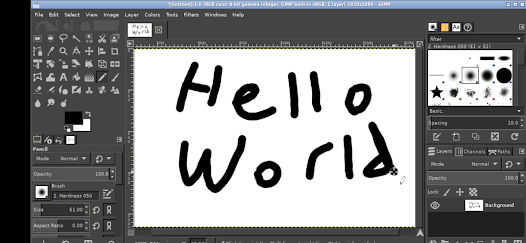
Using GIMP effectively involves familiarizing yourself with its interface and tools. Upon launching the program, you will encounter a toolbox on the left side, which contains essential tools such as selection, paint, and transform tools. To start editing an image, open a file by navigating to the 'File' menu and selecting 'Open.' Once your image is loaded, you can utilize various tools to make adjustments, such as cropping, resizing, or applying filters.
For more advanced editing, explore the layers panel, which allows you to work non-destructively by stacking different elements. You can add new layers, adjust their opacity, and apply layer masks for precise editing. GIMP also offers a range of tutorials and documentation online, which can help you learn specific techniques and features. Experimenting with different tools and settings will enhance your skills and enable you to create stunning images.
GIMP has several advantages that make it a popular choice among users. Firstly, being open-source, it is completely free to use, which is a significant benefit for those on a budget. It also offers a robust set of features comparable to premium software like Adobe Photoshop, including advanced editing tools, customizable brushes, and extensive file format support. Additionally, GIMP has a strong community that contributes to its development and provides a wealth of tutorials and plugins.
However, GIMP is not without its drawbacks. Some users find the interface less intuitive compared to other image editing software, which can lead to a steeper learning curve for beginners. Certain advanced features may require additional plugins or scripts, which can be cumbersome to install. Furthermore, while GIMP is powerful, it may not always perform as efficiently as paid alternatives, especially when handling large files. Overall, GIMP is an excellent tool, but users should weigh its pros and cons based on their specific needs.
```
 GIMP is free and open-source, making it accessible to everyone. It offers a wide range of advanced editing tools for professional quality. GIMP supports various file formats, ensuring versatility in projects. Its customizable interface allows users to tailor the workspace to their needs. A vibrant community provides extensive tutorials and support for users.
 GIMP's interface can be overwhelming for new users, causing a steep learning curve. Advanced features may require plugins, complicating the user experience. Performance can lag with large files, slowing down workflow efficiency.
  Google Play
  App Store
 GIMP does not collect personal data from its users. Being open-source, it respects user privacy and has no built-in telemetry features.
GIMP is completely free to use and does not offer a trial version, as it is open-source software available for anyone to download and use without restrictions.
No, GIMP does not require an internet connection for its core functionalities, as it is a desktop application. However, an internet connection may be needed for downloading plugins or accessing online resources.
You can contact GIMP support or send feedback through their official website, where you can find resources like documentation, forums, and contact forms to reach the development team.
Since GIMP does not have a subscription model, there is no need to manage or cancel a subscription. Users simply download the software and can uninstall it at any time if they choose to stop using it.
Customer numbers are unique identifiers and usually cannot be changed. For any concerns, please reach out to customer service.
GIMP does not have a direct deactivation option, but you can stop using the account. For specific requests, please contact customer service.
After signing up, check your email for an activation link from GIMP. Click the link to activate your account.
Visit the GIMP website and navigate to the support section. You can submit a ticket or find contact details for direct assistance.
To log in, visit the GIMP website and enter your email and password in the login section. Click "Log In" to access your account.



























