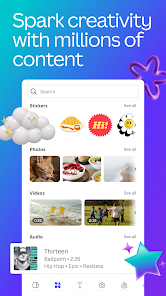
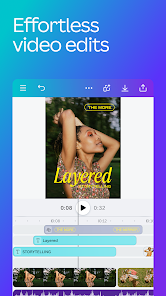
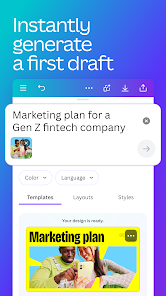
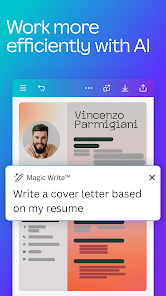

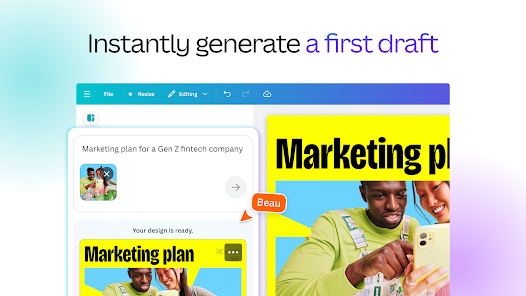
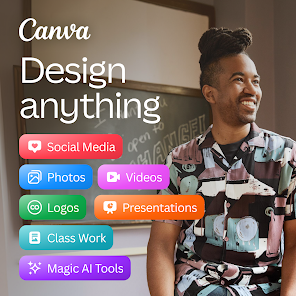
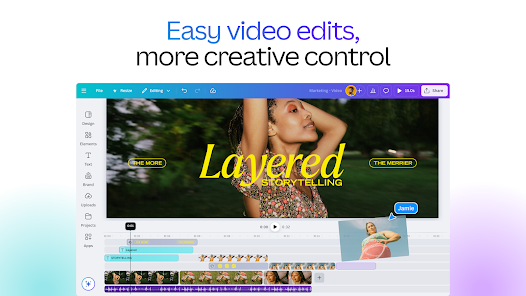
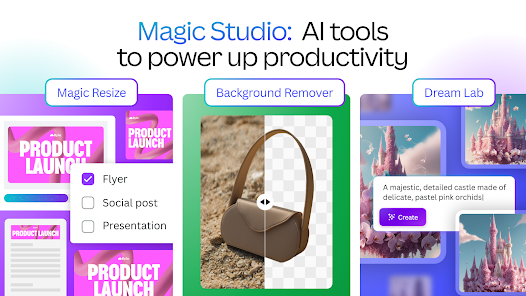
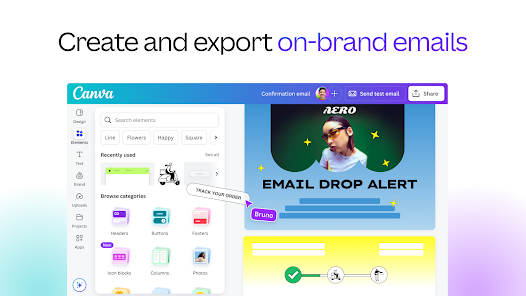
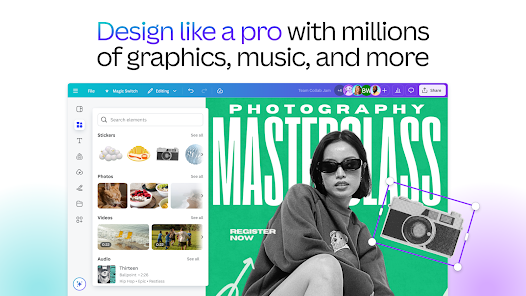
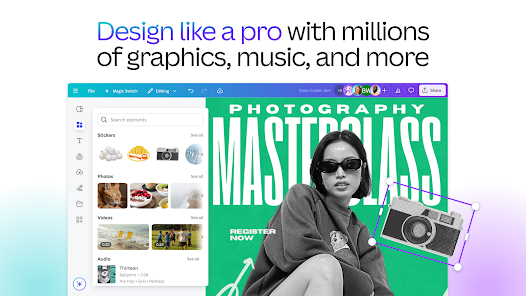
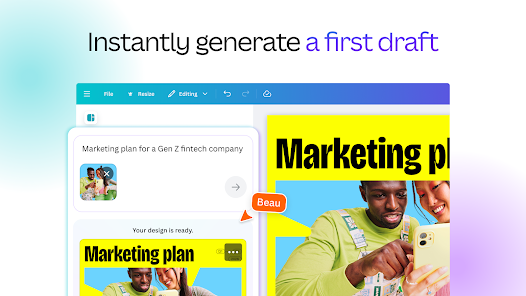
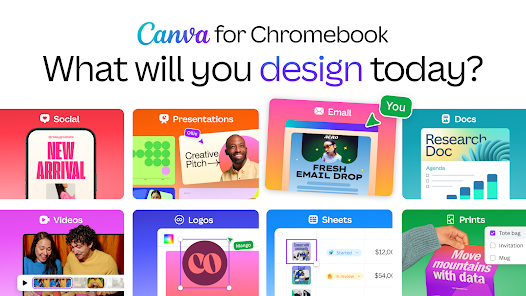
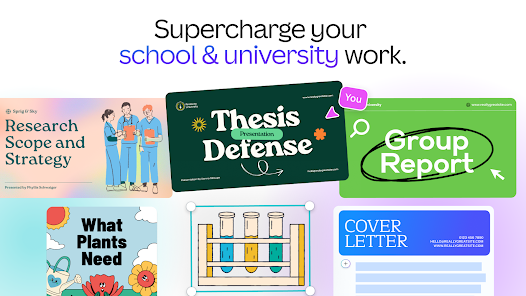
Canva: AI Photo & Video Editor is a versatile tool designed for both novice and experienced users, offering a plethora of features that enhance the creative process. One of its standout features is the AI-powered design suggestions, which help users create visually appealing graphics by recommending layouts, color schemes, and fonts based on the content provided. This feature streamlines the design process, making it accessible to everyone.
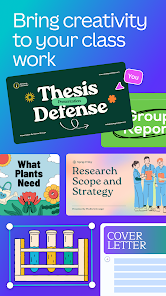
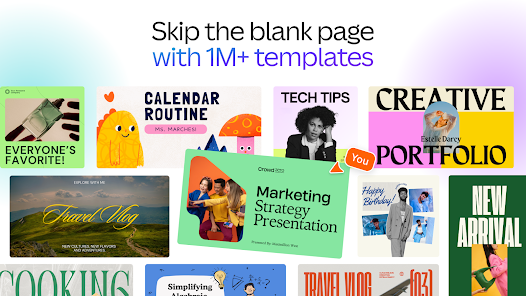
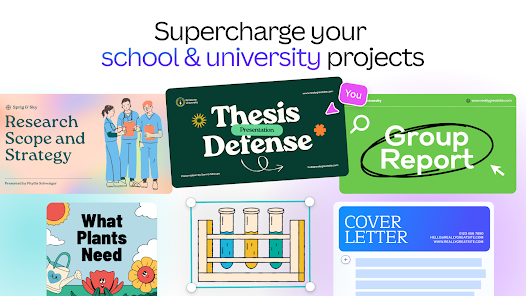
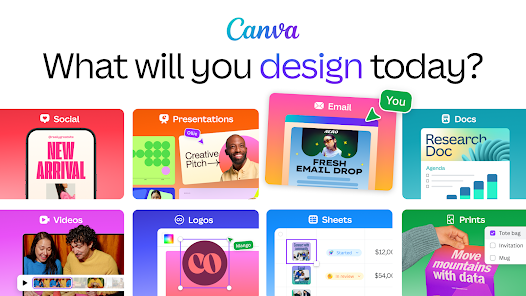
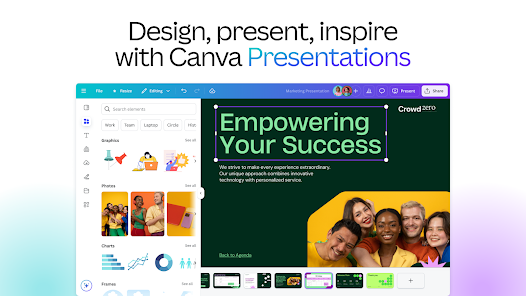
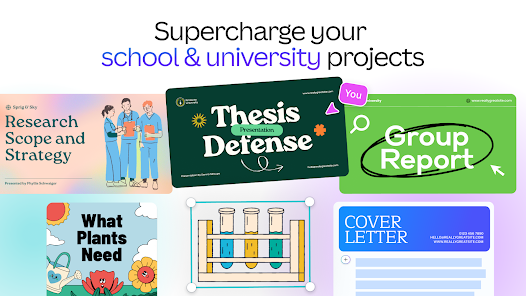
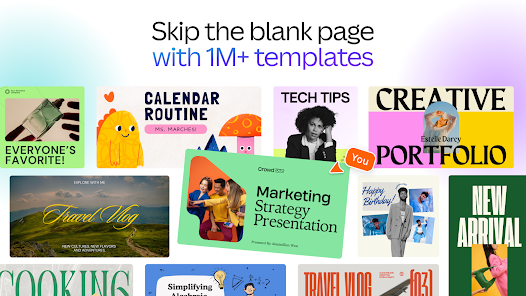
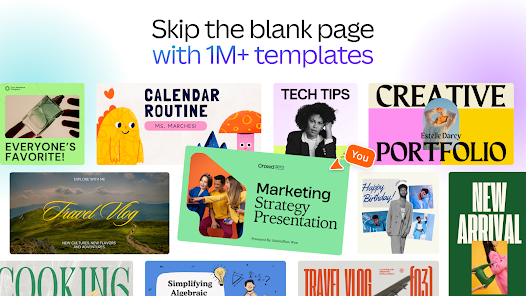
Additionally, the app includes a vast library of templates, images, and videos, allowing users to start their projects with a solid foundation. Users can easily customize these templates to fit their unique style and branding. The intuitive drag-and-drop interface simplifies the editing process, enabling users to manipulate elements effortlessly. Furthermore, Canva supports collaboration, allowing multiple users to work on a project simultaneously, which is ideal for teams and businesses.
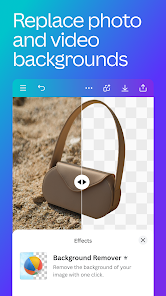
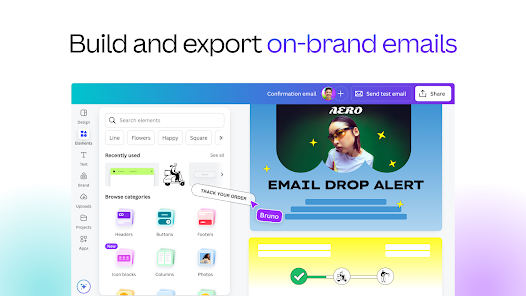
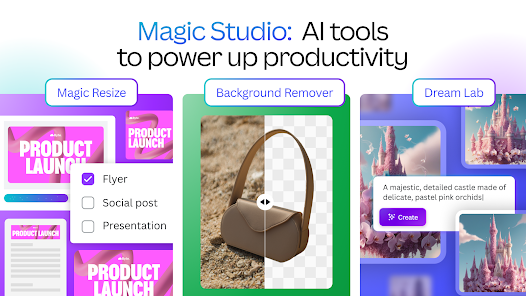
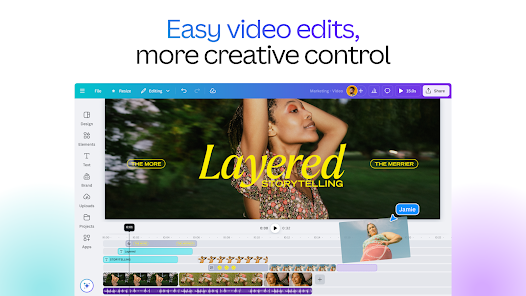
Moreover, the app offers advanced editing tools, such as background removal, image filters, and text animations, which enhance the overall quality of the designs. With the ability to export projects in various formats, including PNG, JPG, and MP4, Canva ensures that users can share their creations across different platforms seamlessly.
Using Canva: AI Photo & Video Editor is a straightforward process that caters to users of all skill levels. To get started, download the app from your device's app store and create an account or log in if you already have one. Once inside, you can choose to start a new project by selecting a template or creating a design from scratch. The app's user-friendly interface guides you through the process, making it easy to navigate.
After selecting a template, you can customize it by adding your own images, text, and elements. The AI features will suggest design enhancements based on your content, helping you achieve a polished look. You can also utilize the extensive library of stock photos, videos, and graphics available within the app. Once you are satisfied with your design, you can export it in various formats, ensuring compatibility with your intended use, whether for social media, presentations, or print.
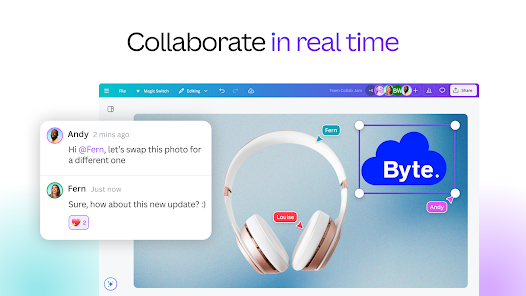
For collaborative projects, simply invite team members to join your design, allowing for real-time editing and feedback. This feature is particularly useful for businesses and creative teams looking to streamline their workflow. Overall, Canva makes the design process accessible and enjoyable, empowering users to unleash their creativity.
Canva: AI Photo & Video Editor comes with a range of advantages that make it a popular choice among users. One of the primary pros is its user-friendly interface, which allows even beginners to create stunning designs without a steep learning curve. The extensive library of templates, images, and videos provides a solid foundation for various projects, saving time and effort. Additionally, the AI-powered features enhance creativity by offering design suggestions tailored to the user's content.
However, there are some drawbacks to consider. While the free version offers a wealth of resources, certain advanced features and premium templates are locked behind a subscription paywall, which may deter some users. Additionally, the app's performance can be affected by the device's processing power, leading to occasional lag during intensive editing tasks. Lastly, while Canva is excellent for quick designs, professional designers may find it limiting compared to more advanced software options.
In summary, Canva: AI Photo & Video Editor is a powerful tool for creating visually appealing content, but users should weigh the pros and cons based on their specific needs and design requirements.

 Canva offers a user-friendly interface for easy design creation. Access thousands of templates to kickstart your projects. Collaborative features allow teams to work seamlessly on designs. AI tools enhance creativity with smart suggestions and automation. Versatile formats suit various needs, from social media to presentations.
 Limited customization options can restrict unique design creativity. Collaboration features can be cumbersome for larger teams. Subscription costs can add up for premium features.
  Google Play
  App Store
 Yes, users can submit suggestions or feedback through the app's support section or website, where they can share their ideas to help improve the app's functionality.
Yes, Canva: AI Photo & Video Editor may collect personal data such as user account information and usage data to enhance user experience and improve the app, in accordance with their privacy policy.
Yes, Canva: AI Photo & Video Editor allows users to access certain features offline, but internet connectivity is required for full functionality and access to online resources.
To cancel your subscription, you can go to your account settings within the app or website, navigate to the billing section, and follow the prompts to cancel your subscription.
The subscription cost for Canva: AI Photo & Video Editor varies depending on the plan chosen, with options for monthly or annual billing, typically starting at a competitive price for individuals and teams.
Yes, you can log in to your Canva account on multiple devices using the same email and password. Just ensure you're logged out from any devices you no longer use.
To activate your Canva account, click the confirmation link in the email you received after signing up. If you didn’t receive the email, check your spam folder or contact customer service.
You can reach customer service through the Help Center on our website or by emailing support
After purchasing a subscription, you should automatically receive an activation email. Click the link provided to activate. If you need help, contact customer service.
You can find your customer number in the account settings under "Profile." If you need further assistance, contact customer service.