
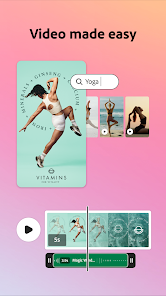
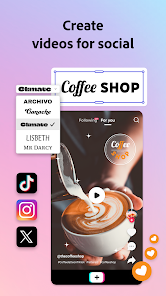
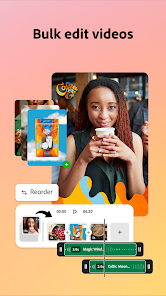
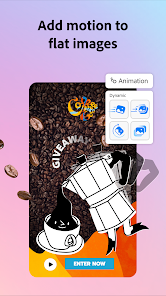

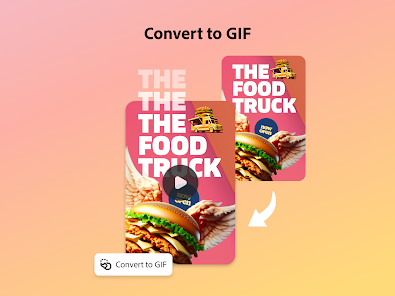
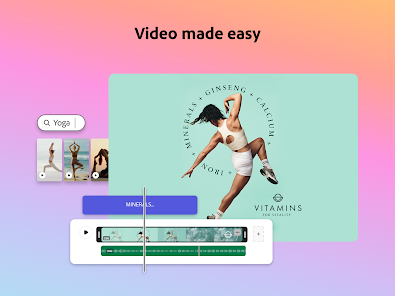
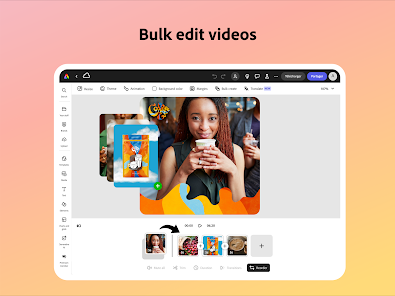
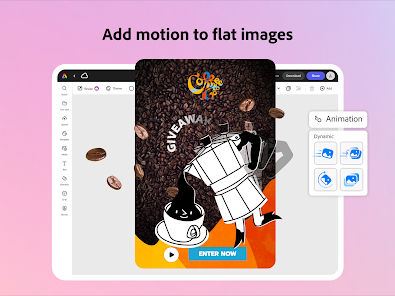
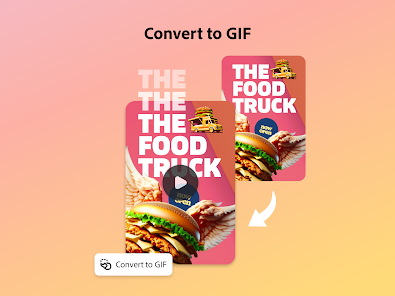
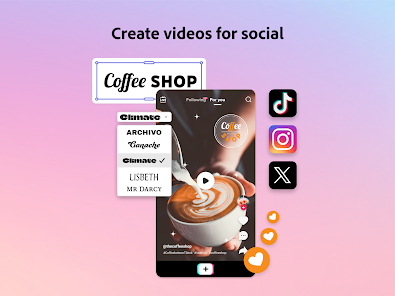
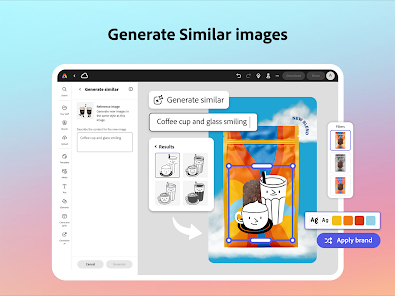
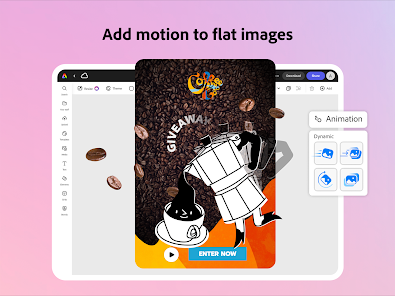
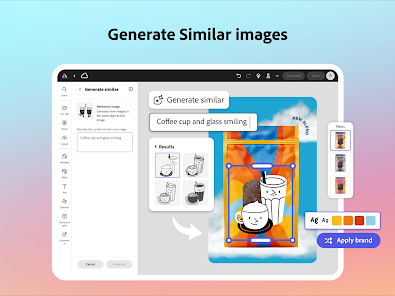
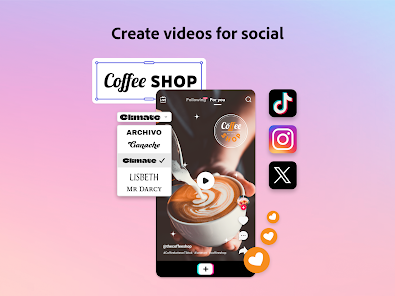
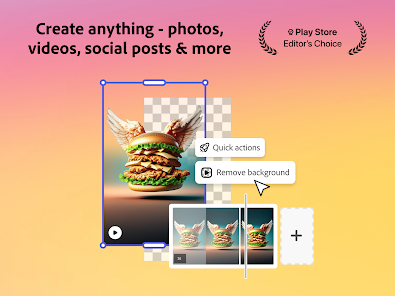
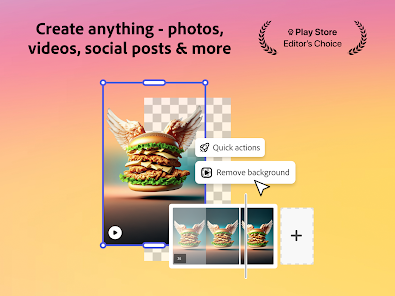
Adobe Express: AI Photo, Video is a versatile tool designed for both novice and experienced creators. One of its standout features is the AI-driven editing capabilities, which allow users to enhance images and videos effortlessly. The app offers a range of filters and effects that can be applied with a single click, making it easy to achieve professional-looking results without extensive editing knowledge.
Another notable feature is the extensive library of templates and design assets. Users can choose from thousands of customizable templates for social media posts, flyers, and more, ensuring that their content stands out. Additionally, the app supports seamless integration with Adobe's Creative Cloud, allowing users to access and share their projects across different Adobe applications.
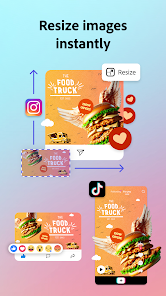
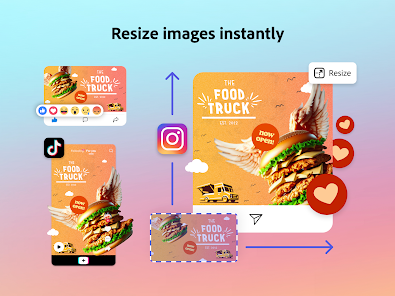
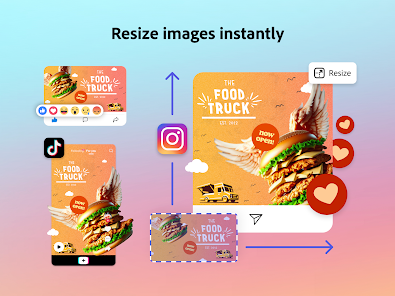
Collaboration is made simple with Adobe Express, as users can invite others to edit and comment on projects in real-time. The app also includes tools for resizing images and videos for various platforms, ensuring that content is optimized for different audiences. Overall, Adobe Express combines powerful AI features with user-friendly design tools, making it an excellent choice for anyone looking to create stunning visual content.
Using Adobe Express: AI Photo, Video is straightforward and user-friendly. To get started, users need to download the app from their respective app store or access it via the web. Once installed, users can create an account or log in with their Adobe ID. The intuitive interface guides users through the process of selecting a project type, whether it be a photo edit, video creation, or graphic design.
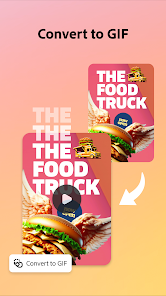
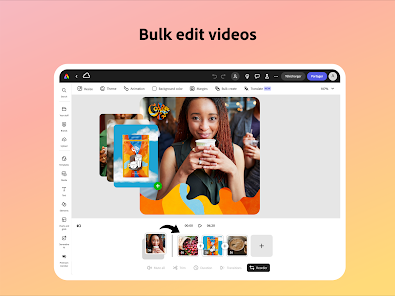
After selecting a project, users can choose from a variety of templates or start from scratch. The drag-and-drop functionality allows for easy placement of images, text, and other design elements. Users can utilize the AI features to enhance their photos or videos, applying filters and effects with just a click. Once satisfied with their creation, users can save their work, share it directly to social media, or export it in various formats.
For those looking to collaborate, Adobe Express allows users to invite others to view or edit their projects. This feature is particularly useful for teams working on marketing campaigns or social media content. Overall, the app is designed to make the creative process accessible and enjoyable for everyone.
Adobe Express: AI Photo, Video comes with several advantages that make it appealing to users. One of the primary pros is its user-friendly interface, which allows even beginners to navigate the app with ease. The AI-driven features significantly reduce the time required for editing, enabling users to achieve high-quality results quickly. Additionally, the extensive library of templates and design assets provides a solid foundation for creating visually appealing content.
However, there are some drawbacks to consider. While the app offers a range of features, it may not be as comprehensive as Adobe's more advanced software like Photoshop or Premiere Pro. Some users might find the limited customization options frustrating, especially if they are looking for more intricate editing capabilities. Furthermore, the reliance on an internet connection for certain features may be a limitation for users in areas with poor connectivity.
In summary, Adobe Express: AI Photo, Video is a powerful tool for quick and effective content creation, but it may not fully satisfy those seeking advanced editing functionalities. Balancing its pros and cons can help users determine if it meets their specific needs.

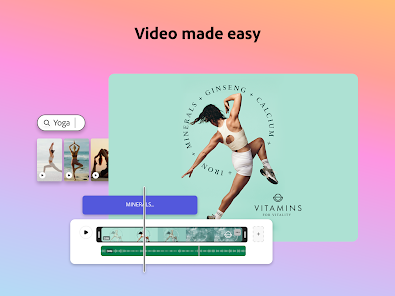
 Create stunning videos effortlessly with intuitive drag-and-drop tools. Access a vast library of templates for quick designs. Customize your videos with AI-powered editing features for professional results. Share your creations directly on social media platforms with ease. Collaborate seamlessly with teams for efficient project management.
 Limited customization options can hinder unique video creations. Performance issues may arise with larger projects. Subscription costs may not justify the features for casual users.
  Google Play
  App Store
 Yes, users can submit suggestions or feedback through the app's support channels or community forums, allowing the team to consider user input for future updates.
Yes, Adobe Express: AI Video Design may collect personal data as outlined in its privacy policy, which typically includes information necessary for account creation and usage analytics.
Adobe Express: AI Video Design primarily requires an internet connection for full functionality, but certain features may be available for offline use depending on the device and platform.
To cancel your Adobe Express: AI Video Design subscription, you can do so through your Adobe account settings or by contacting Adobe customer support for assistance.
The subscription cost for Adobe Express: AI Video Design varies based on the plan selected, with options for monthly or annual billing. Specific pricing details can be found on the official Adobe website.
Yes, you can change your login information by going to your account settings. Look for the option to update your email or password.
Yes, you can log in to your Adobe Express account from any device as long as you enter the correct login credentials.
To activate your account, click the link in your registration email. Follow the instructions to complete the activation process.
After purchasing your subscription, check your email for an activation link or instructions. Follow those to activate your account.
You can reach customer service through the help section on the Adobe Express website or by calling the support number listed there.