



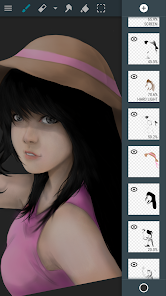
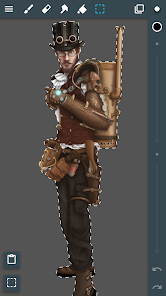
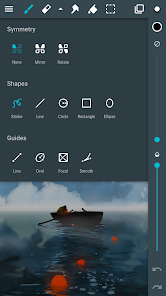
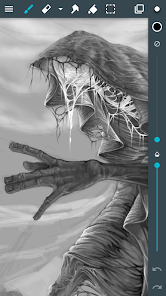
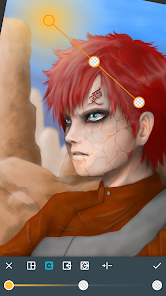
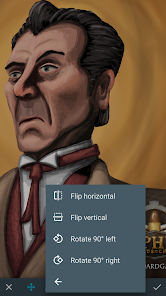
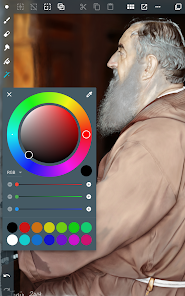
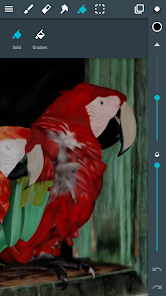
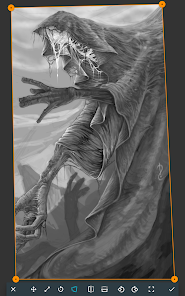
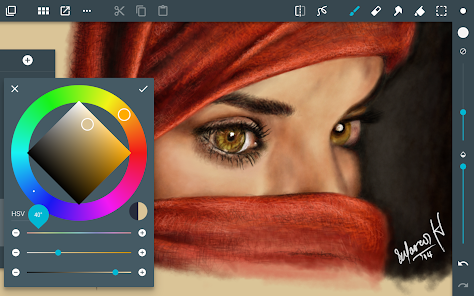
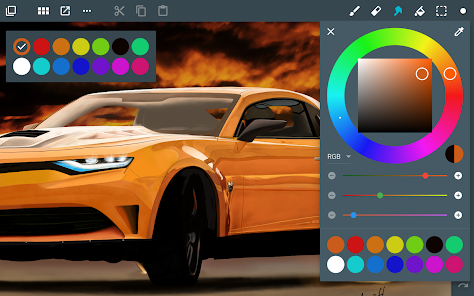
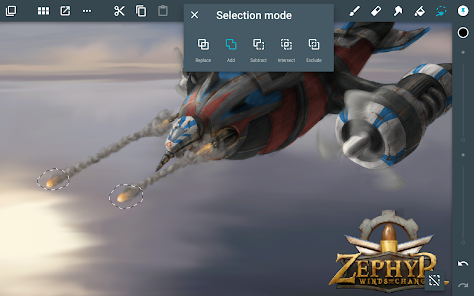
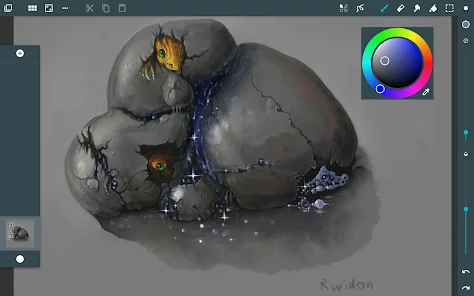
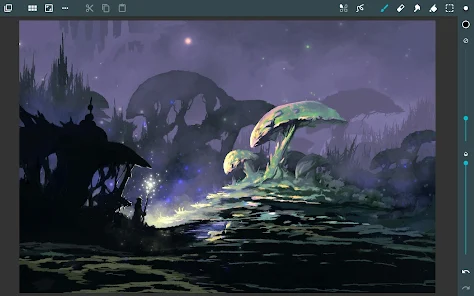
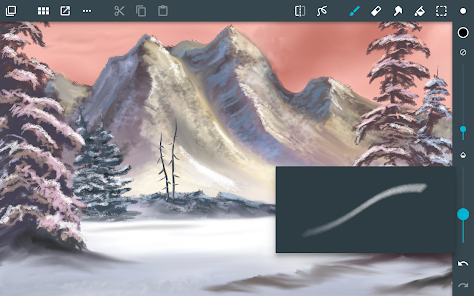
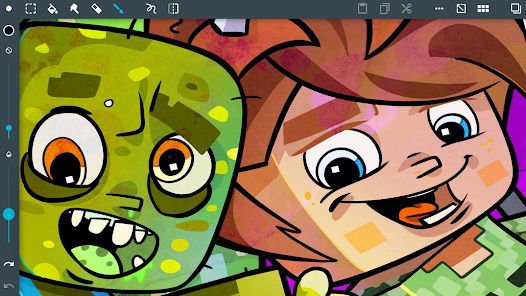
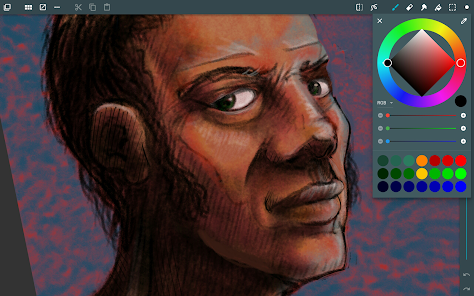
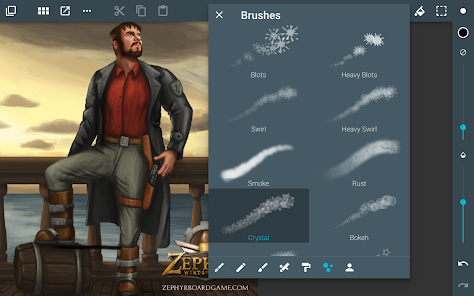
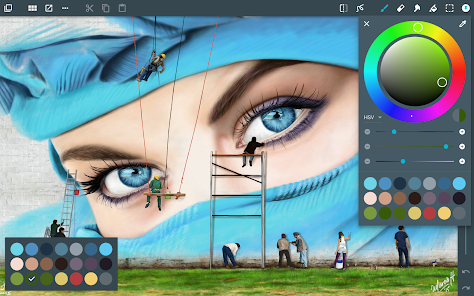
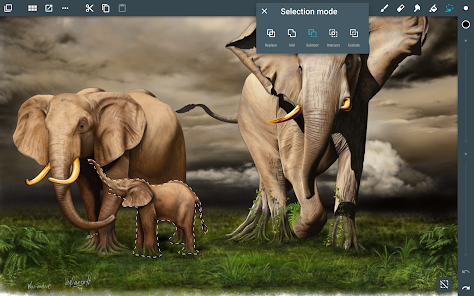
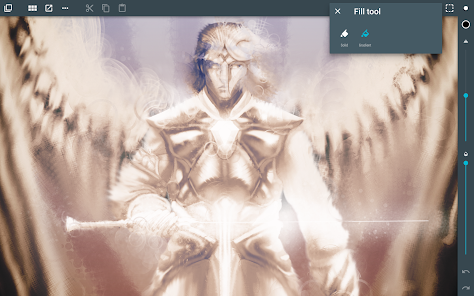
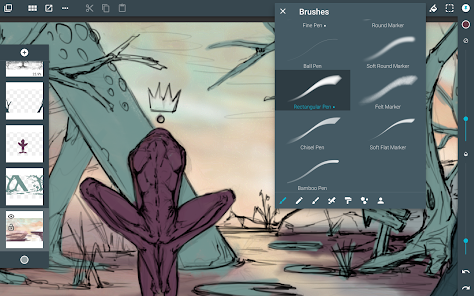
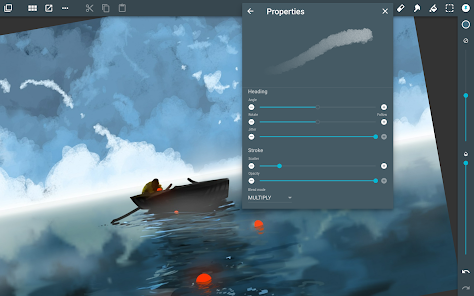
"ArtFlow: Paint Draw Sketchbook" is a versatile digital art application designed for artists of all skill levels. One of its standout features is the intuitive user interface, which allows for easy navigation and a seamless drawing experience. The app supports a wide range of brushes and tools, enabling users to create intricate designs and detailed artwork. Additionally, it offers customizable brush settings, allowing artists to adjust size, opacity, and texture to suit their creative needs.
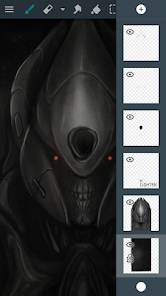
Another notable feature is the high-resolution canvas support, which ensures that artwork can be created in stunning detail. The app also includes layers, enabling users to work on different elements of their artwork independently, making it easier to edit and refine. Furthermore, ArtFlow supports pressure sensitivity for stylus users, providing a more natural drawing experience. The app also allows for easy export of finished pieces in various formats, making it convenient for sharing on social media or printing.
Using "ArtFlow: Paint Draw Sketchbook" is straightforward, making it accessible for both beginners and experienced artists. To get started, download the app from your device's app store and open it. Upon launching, you will be greeted with a clean interface where you can create a new canvas by selecting the desired size and resolution. Once your canvas is set up, you can choose from a variety of brushes and tools available in the toolbar.
To begin drawing, simply select a brush and adjust its settings to your preference. You can use layers to separate different elements of your artwork, which allows for easier editing. As you work, take advantage of the undo and redo functions to refine your piece. When you’re satisfied with your creation, you can save or export it in multiple formats. Additionally, the app offers tutorials and tips for users looking to enhance their skills, making it a great resource for learning and experimentation.
Like any application, "ArtFlow: Paint Draw Sketchbook" has its advantages and disadvantages. One of the primary pros is its user-friendly interface, which makes it easy for artists to navigate and utilize the various features. The extensive range of brushes and customizable settings allows for a high degree of creativity and personalization in artwork. Additionally, the app's support for high-resolution canvases and layers enhances the overall drawing experience, making it suitable for both casual doodlers and serious artists.
On the downside, some users may find that the app lacks certain advanced features found in more professional-grade software, such as extensive vector support or advanced editing tools. Additionally, while the app is free to download, some features may require in-app purchases, which could be a drawback for users looking for a completely free experience. Lastly, the app's performance may vary depending on the device used, with some users reporting lag on older models. Overall, while "ArtFlow" is a powerful tool for digital artists, it may not meet the needs of everyone.

 ArtFlow enhances creativity with intuitive tools for seamless digital art creation It offers a wide range of brushes and textures for diverse artistic styles The user-friendly interface simplifies navigation for artists of all skill levels ArtFlow supports high-resolution canvases for professional-quality artwork Real-time collaboration features allow easy sharing and feedback with others
 Limited customization options restrict unique artistic expression. Performance issues may hinder large projects' efficiency. Subscription costs can add up for casual users.
  Google Play
  App Store
 Yes, ArtFlow encourages users to submit suggestions and feedback through their official website or support channels, helping to improve the app.
ArtFlow has a privacy policy that outlines data collection practices, but generally, it aims to minimize the collection of personal data and focuses on user experience.
Yes, ArtFlow can be used offline, allowing users to create and edit artwork without an internet connection.
You can cancel your ArtFlow subscription through the Google Play Store settings or the account settings within the app, depending on how you subscribed.
The subscription cost for ArtFlow varies based on the plan selected, but it typically offers monthly and yearly options for users.
Yes, you can change your login email in the account settings. If you need help, contact customer service for guidance.
Customer numbers are unique and cannot be changed. If you have concerns, please contact customer service for further assistance.
You can reach our customer service by emailing support
To activate your account, click the activation link sent to your email after registration. Check your spam folder if you don’t see it.
You can check the status of your inquiry by replying to the confirmation email you received or contacting customer service directly.



























