

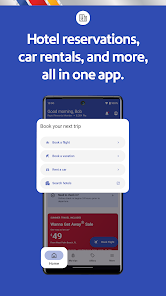
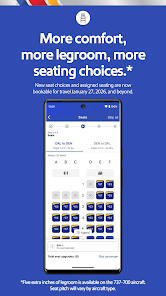
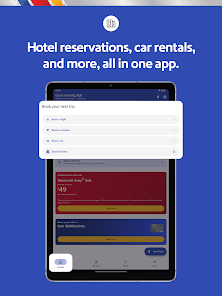
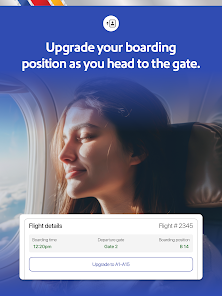
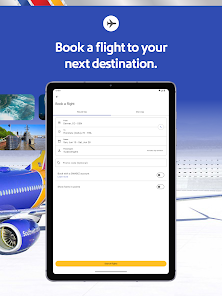
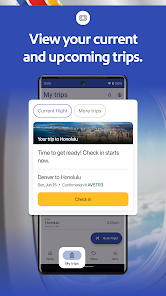
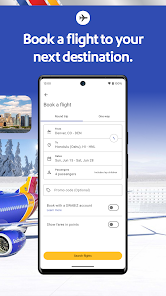


The "Southwest Airlines: Travel App" is designed to enhance the travel experience for its users. One of its standout features is the ability to book flights quickly and easily, allowing travelers to search for available flights, compare prices, and secure their tickets in just a few taps. The app also provides real-time flight status updates, ensuring that users are informed about any changes to their itinerary, including delays or gate changes.
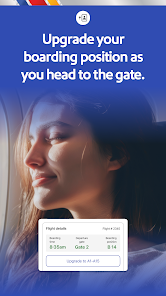
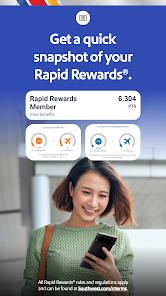
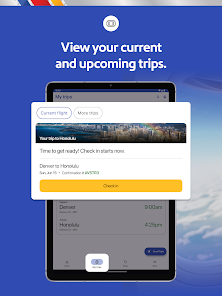
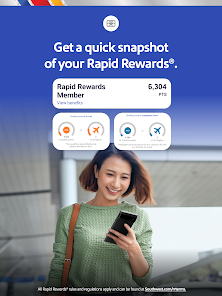
Another notable feature is the mobile boarding pass option, which allows passengers to check in and access their boarding passes directly from their smartphones. This eliminates the need for printed passes and streamlines the boarding process. Additionally, the app offers a user-friendly interface for managing travel itineraries, including the ability to add rental cars and hotel bookings. Users can also access their Rapid Rewards account to track points and redeem rewards seamlessly. Overall, the app is a comprehensive tool for anyone traveling with Southwest Airlines.
Using the "Southwest Airlines: Travel App" is straightforward and user-friendly. To get started, download the app from the App Store or Google Play Store and create an account or log in if you already have one. Once logged in, you can easily navigate through the app's features. To book a flight, select your departure and arrival cities, choose your travel dates, and browse through the available options. The app allows you to filter results based on price, duration, and other preferences.
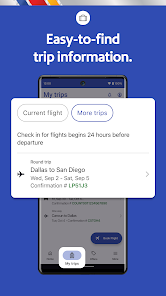
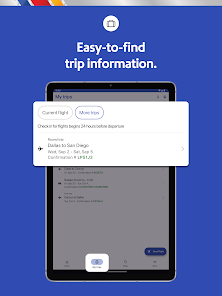
After selecting your flight, you can proceed to enter passenger details and payment information. Once your booking is confirmed, you can check in through the app, which will generate a mobile boarding pass for you. Additionally, you can manage your itinerary by adding hotel reservations or rental cars. For those who are members of the Rapid Rewards program, you can track your points and redeem them for future travel. Overall, the app is designed to make the travel process as seamless as possible.
The "Southwest Airlines: Travel App" comes with several advantages that enhance the user experience. One of the primary pros is its intuitive design, which makes it easy for users to navigate through various features. The ability to book flights, check in, and access boarding passes all in one place is a significant convenience. Additionally, the app provides real-time updates on flight status, which helps travelers stay informed about any changes. The integration of Rapid Rewards tracking is another plus, allowing users to manage their loyalty points effortlessly.
However, there are some drawbacks to consider. Some users have reported occasional glitches or slow loading times, which can be frustrating, especially when trying to check in or book a flight. Additionally, while the app covers most essential features, it may lack some advanced functionalities found in other airline apps, such as in-flight entertainment options or detailed travel guides. Overall, while the app is a valuable tool for Southwest Airlines travelers, there is room for improvement in terms of performance and additional features.

 Easy flight booking with just a few taps on your mobile device Real-time flight status updates keep you informed and prepared Access to exclusive deals and promotions available only through the app Seamless check-in process saves you time at the airport User-friendly interface makes navigation simple for all travelers
 The app's user interface can be confusing for first-time users. Limited functionality for managing bookings compared to competitors. Frequent technical glitches can disrupt the travel planning experience.
  Google Play
  App Store
 Yes, users can submit suggestions or feedback through the app's support section or by contacting Southwest Airlines customer service directly.
Yes, the app may collect personal data to enhance user experience and provide personalized services, as outlined in the privacy policy.
Yes, certain features of the app, such as previously downloaded boarding passes and itineraries, can be accessed offline.
Since the app is free, there is no subscription to cancel; users can simply uninstall the app if they no longer wish to use it.
There is no subscription cost for the app, as it is free to use; however, fees may apply for certain services such as checked baggage.
Currently, you cannot update your customer number through the app. Please contact customer service for help with any changes.
To log in, open the app, enter your email and password, and tap "Log In." If you have trouble, use the "Forgot Password?" option.
To activate your account, follow the link in the activation email sent to you after registration, and complete the required steps in the app.
You can change your contact preferences in the app under "Account Settings." Just select "Notifications" to adjust your preferences.
You can reach customer service by tapping the "Help" section in the app, where you can find FAQs and direct contact options.