


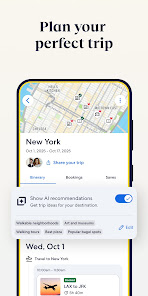
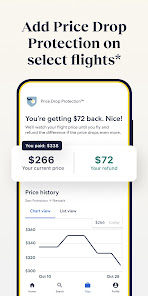
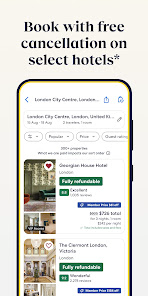

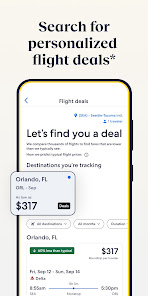
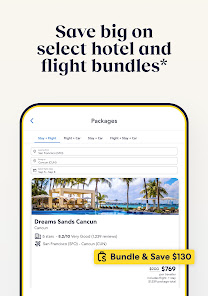
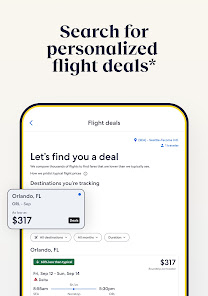


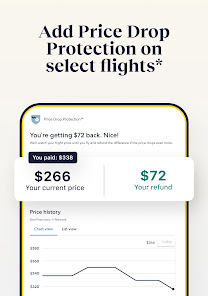
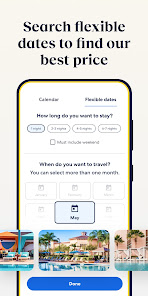
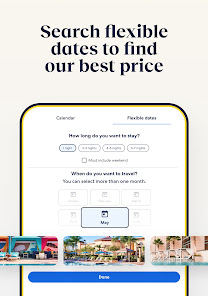
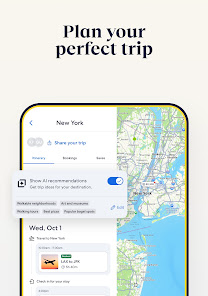
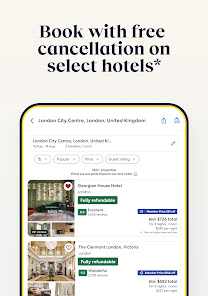


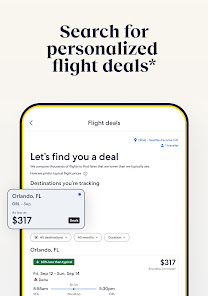
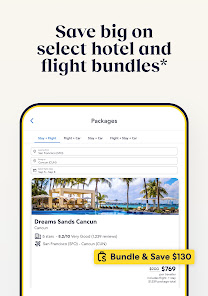
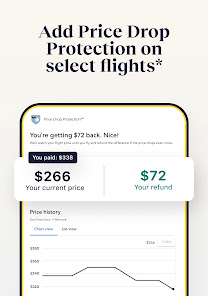


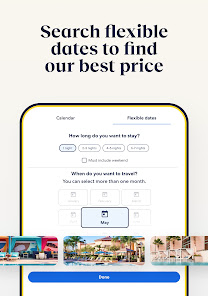
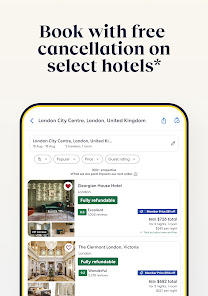
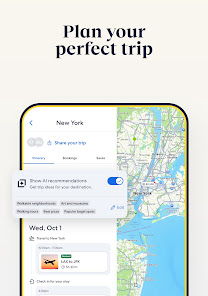
"Expedia: Hotels, Flights, Cars" is a comprehensive travel app designed to simplify the booking process for travelers. One of its standout features is the ability to search and compare a wide range of accommodations, including hotels, vacation rentals, and unique stays, all in one place. Users can filter results based on price, location, amenities, and guest ratings, ensuring they find the perfect fit for their needs.
In addition to hotel bookings, the app allows users to search for flights from various airlines, providing options for one-way, round-trip, and multi-city itineraries. The app also offers car rental services, enabling travelers to secure transportation at their destination. Another notable feature is the "Expedia Rewards" program, which allows users to earn points on bookings that can be redeemed for discounts on future travel. Furthermore, the app provides travel guides and tips, helping users make informed decisions about their trips.
Using "Expedia: Hotels, Flights, Cars" is straightforward and user-friendly. To begin, download the app from your device's app store and create an account or log in if you already have one. Once you're in, you can start planning your trip by selecting the type of travel service you need—whether it's hotels, flights, or car rentals. Enter your destination, travel dates, and any other preferences to initiate a search.
The app will present you with a list of options tailored to your criteria. You can further refine your search using filters for price range, star ratings, and amenities. After selecting your preferred options, you can proceed to book by following the prompts to enter your payment information. Additionally, the app allows you to manage your bookings, view itineraries, and access customer support, making it a convenient tool for all your travel needs.
The "Expedia: Hotels, Flights, Cars" app comes with several advantages that enhance the travel planning experience. One of the primary benefits is its all-in-one platform, which allows users to book hotels, flights, and car rentals seamlessly. The app's user-friendly interface makes it easy to navigate, and the extensive filtering options help users find the best deals tailored to their preferences. Additionally, the Expedia Rewards program incentivizes users to book through the app, offering points that can lead to significant savings on future trips.
However, there are some drawbacks to consider. Some users have reported issues with customer service, particularly when it comes to resolving booking discrepancies or cancellations. Additionally, while the app often features competitive pricing, there may be instances where direct bookings with airlines or hotels yield better rates. Lastly, the app's reliance on internet connectivity can be a limitation for travelers in areas with poor service. Overall, while the app is a valuable tool for many, it's essential to weigh these pros and cons before relying solely on it for travel arrangements.

 Find exclusive deals on hotels to save money on your stay. Effortlessly book flights from a wide range of airlines. Rent cars conveniently for a seamless travel experience. Enjoy user-friendly interface for quick and easy reservations. Access 24/7 customer support for peace of mind during your travels.
 Limited customer service options can lead to delayed responses. Prices may fluctuate unexpectedly, complicating budget planning. Booking changes can incur high fees, reducing flexibility for travelers.
  Google Play
  App Store
 Yes, users can submit feedback and suggestions through the app’s support or feedback section, or by contacting customer service directly.
Yes, the app collects personal data to facilitate bookings and customize user experiences, but it adheres to privacy policies for data protection.
Yes, the app allows users to access their travel itineraries and booking details offline, provided the information has been previously downloaded.
Since there is no subscription cost, you do not need to cancel a subscription; however, you can cancel any bookings made through the app according to the provider's policies.
There is no subscription fee for using the Expedia app; users only pay for the services they book through it.
Yes, you can contact customer service with your customer number to modify your hotel reservation.
You can reach customer service by calling the customer number listed on your confirmation email or visiting our support page.
To activate your account, click the activation link sent to your email after registration.
Open the app and enter your email and password. If you have trouble, use the "Forgot Password" option.
Visit the login page and click on "Forgot Password" to receive a reset link via email.