

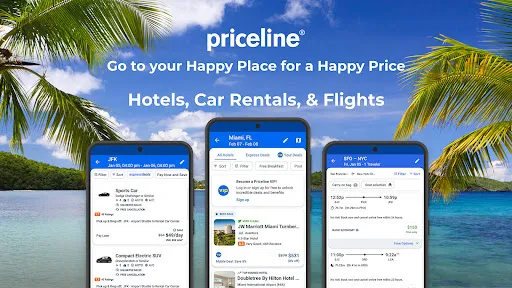
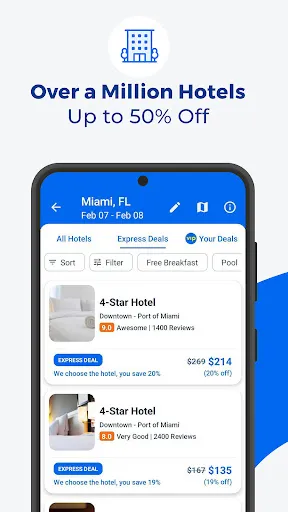
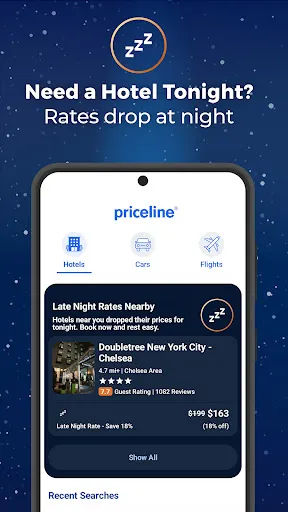
Priceline: Hotel, Flight & Car offers a comprehensive platform for travelers seeking to book accommodations, flights, and rental cars. One of its standout features is the "Express Deals" option, which allows users to access significant discounts on hotels and flights without knowing the exact details until after booking. This feature is ideal for flexible travelers looking for the best deals.
Another notable feature is the "Name Your Own Price" tool, which enables users to bid on hotel rooms and flights, potentially saving them a considerable amount. The app also provides a user-friendly interface that allows for easy navigation and quick searches. Users can filter results based on various criteria, such as price, location, and amenities, ensuring they find the perfect match for their needs.
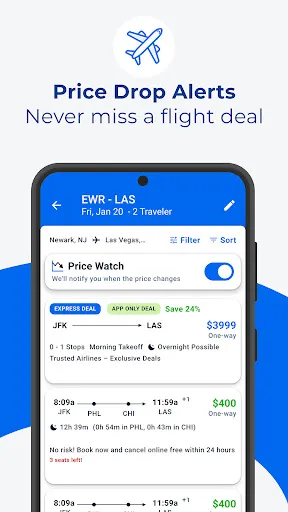
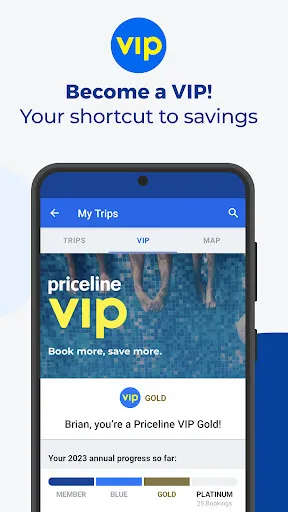
Additionally, Priceline offers a rewards program that allows users to earn points on bookings, which can be redeemed for discounts on future travel. The app also includes travel alerts and notifications, keeping users informed about price changes and special offers. Overall, Priceline combines convenience and savings, making it a popular choice for travelers.
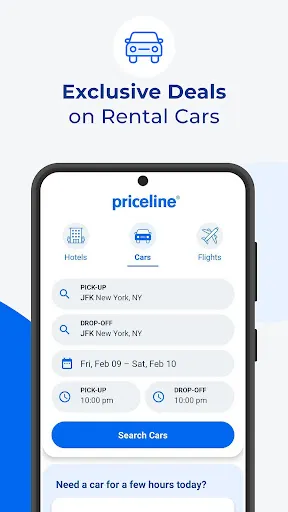
Using the Priceline app is straightforward and user-friendly. To get started, download the app from your device's app store and create an account. Once logged in, you can choose to search for hotels, flights, or rental cars by selecting the appropriate option on the home screen. Enter your travel details, including destination, dates, and the number of guests or travelers.
After entering your information, the app will display a list of available options tailored to your criteria. You can refine your search using filters such as price range, star rating, and amenities. Once you find a suitable option, click on it to view more details, including photos, reviews, and cancellation policies. If you’re satisfied, proceed to book by following the prompts to enter your payment information.
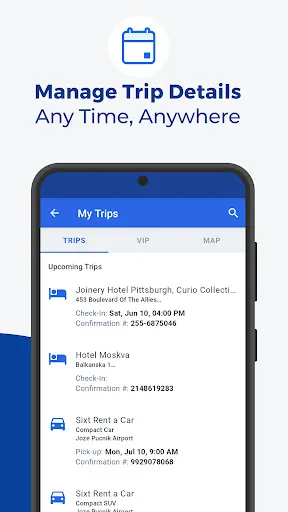
For those looking for deals, consider using the "Express Deals" or "Name Your Own Price" features. These options can lead to significant savings, but be aware that they come with certain conditions. After booking, you can manage your reservations directly through the app, making it easy to modify or cancel if necessary. Overall, the app is designed to streamline the travel booking process, making it accessible for everyone.
Like any travel booking app, Priceline: Hotel, Flight & Car has its advantages and disadvantages. One of the primary pros is the potential for significant savings through features like "Express Deals" and "Name Your Own Price." These options can provide travelers with lower rates compared to traditional booking methods. Additionally, the app's user-friendly interface makes it easy to navigate and find suitable options quickly.
Another advantage is the comprehensive range of services offered, including hotels, flights, and car rentals, all in one place. This convenience can save time and effort for users planning their trips. The rewards program is also a plus, allowing users to earn points for future discounts.
However, there are some cons to consider. The "Express Deals" and bidding options may not provide the flexibility some travelers desire, as users may not know the exact details of their bookings until after payment. Additionally, customer service can sometimes be challenging to navigate, especially in cases of cancellations or changes. Overall, while Priceline offers great deals and convenience, users should weigh these pros and cons based on their individual travel needs.

 Enjoy exclusive discounts on hotels for significant savings on your stay. Book flights easily with flexible options tailored to your needs. Rent cars effortlessly from trusted providers for convenient travel. Access user-friendly tools for quick comparisons and best deals. Benefit from customer support available 24/7 for peace of mind.
 Limited customer service options can lead to frustration during bookings. Some deals may have hidden fees, affecting overall savings. Flexible cancellation policies are often not available for discounted rates.
  Google Play
  App Store
 Yes, users can submit suggestions or feedback through the app's customer service options or by visiting the Priceline website.
Yes, Priceline: Hotel, Flight & Car collects personal data such as name, contact information, and payment details to facilitate bookings and improve user experience.
While some features may be accessible offline, such as previously viewed bookings, an internet connection is needed for most functionalities like searching and booking.
Since there is no subscription, users do not need to cancel anything; however, cancellations for bookings can be done through the app or website based on the individual booking policies.
Priceline: Hotel, Flight & Car does not require a subscription; users pay only for the services they book.
Yes, you can change your flight details by contacting Customer Service directly, and they will assist you with the process.
Yes, you can recover your account by using the activation link sent to your email; if you need help, contact Customer Service.
To activate your account, check your email for the activation link sent after registration and follow the instructions provided.
You can reach Customer Service by calling the number on your confirmation email or visiting the Priceline website for live chat options.
You cannot update your Customer Number yourself; please contact Customer Service for help with any changes.