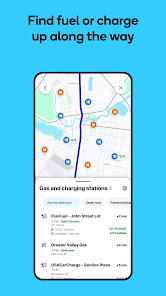
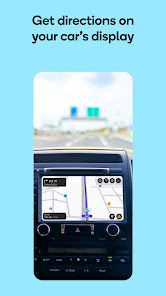
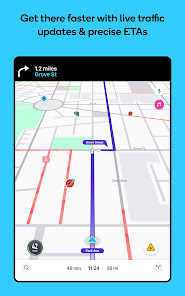
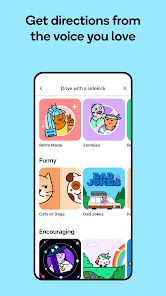
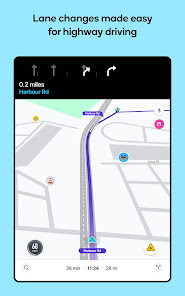
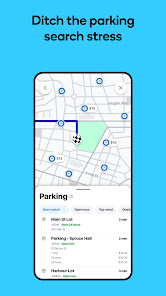
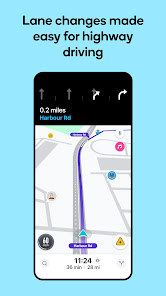
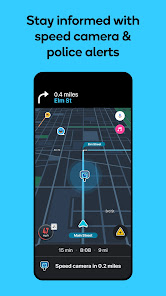
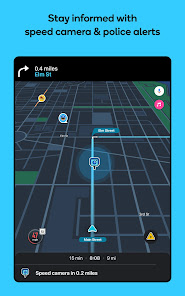
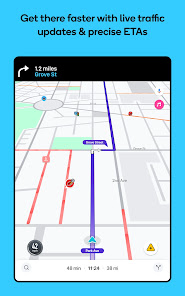
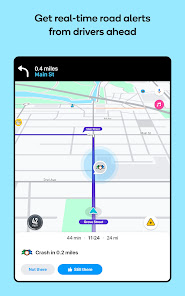
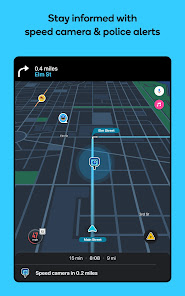
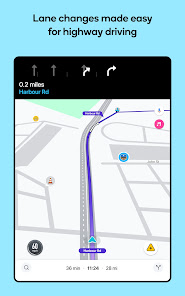
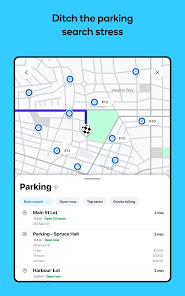
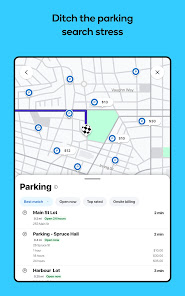
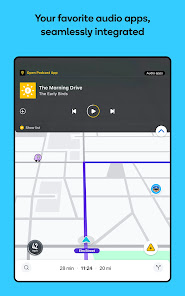
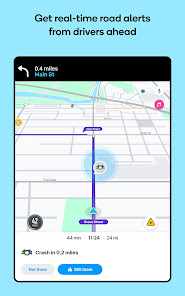
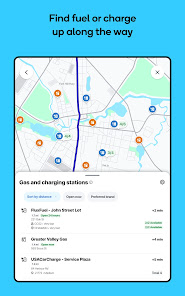
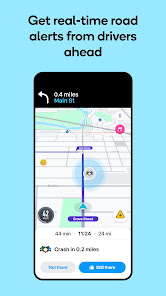
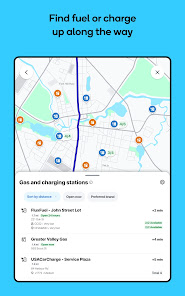
Waze Navigation & Live Traffic is not just your ordinary GPS app; it’s a community-driven platform that transforms the way we navigate. Here are some of its core features that truly stand out:
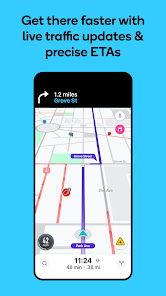
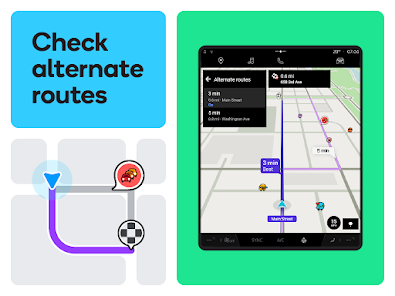
My journey with Waze began during my daily commute to work. Living in a bustling city, traffic can be unpredictable, and Waze quickly became my go-to app. On a typical Monday morning, I would enter my destination, and within seconds, Waze would analyze the traffic patterns to give me the optimal route. But it wasn't just my daily drives; I also discovered its usefulness on road trips. For instance, while heading to a weekend getaway, Waze guided me through an unexpected detour due to road construction, a scenario that could have turned my fun trip into a frustrating ordeal.
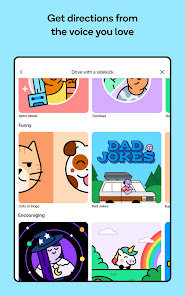
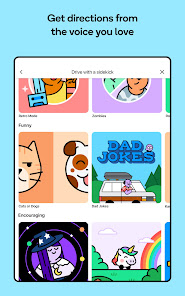
The user interface of Waze is intuitive, colorful, and engaging. Upon opening the app, I’m greeted with a vibrant map showcasing real-time traffic conditions. I found the workflow to be seamless; entering a destination is straightforward, and the app responds quickly. While navigating, the map updates fluidly, adapting to any changes in traffic conditions. I particularly appreciate the friendly voice guidance, which feels like having a co-pilot in the car. The interactive features, like the ability to report incidents, make me feel part of a larger community focused on safe driving. Overall, using Waze has made my driving experience more enjoyable, less stressful, and more connected.
Waze Navigation & Live Traffic is completely free to use, which is remarkable considering the robust features it offers. There are no hidden fees or premium subscriptions required to access its core functionalities, making it accessible for everyone. The app is supported by ads, but they are minimal and do not detract from the overall experience.
Waze receives regular updates that enhance its features and user experience. The development team is proactive in addressing bugs and improving functionality based on user feedback. I’ve found the support resources to be quite helpful; the app provides a comprehensive FAQ section, and users can easily connect with the support team through the app for any issues that may arise. This commitment to continuous improvement makes me feel valued as a user.
As an American user, security and privacy are key concerns when using navigation apps like Waze. The app is available on both the App Store and Google Play, ensuring that it meets standard security protocols. When registering, Waze does request some personal data, such as your email address and location, but this information is primarily used to enhance user experience and provide personalized traffic reports.
While Waze does display ads, it’s worth noting that they are typically relevant and not overly intrusive. The app does collect data on driving habits and locations, which raises privacy considerations. However, Waze emphasizes user control over data, allowing users to manage their privacy settings, including the option to delete their driving history. Overall, I feel secure using Waze, knowing that the app is committed to providing a safe and user-friendly environment while being transparent about its data practices.

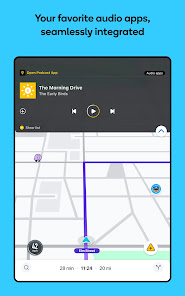
 Real-time traffic updates for optimal routing Community-driven alerts for accidents and hazards Voice-guided navigation for hands-free driving Customizable routes based on personal preferences Integration with music apps for seamless enjoyment
 Inaccurate traffic data can lead to wrong routes Frequent ads can be distracting during navigation Battery drain occurs with extended use Limited offline functionality for remote areas
 Yes, Waze collects some personal data to enhance user experience and improve traffic predictions, but it anonymizes and aggregates the data to protect individual privacy.
Waze Navigation & Live Traffic is completely free to use, with no trial period or paid subscription required for its basic features.
Yes, Waze Navigation & Live Traffic requires an active internet connection to function, as it relies on real-time data from users to provide accurate traffic information and routing.
You can contact Waze support or send feedback through the app by accessing the help section, or by visiting the Waze website where there are options for user support and feedback submission.
Since Waze does not offer a subscription service, there is no need to manage or cancel any plans; users can simply download and use the app for free.
Yes, you can use Waze without an account, but creating one allows for personalized features and saved settings.
Go to the app menu, select "Settings," then "Account," where you can update your profile information.
Waze does not require activation; simply download the app from your app store and start using it.
Access the app menu, go to "Settings," and you can modify various account preferences from there.
You can contact Waze customer service through the app's settings or by visiting the Waze help center online.












 Google Play
  App Store