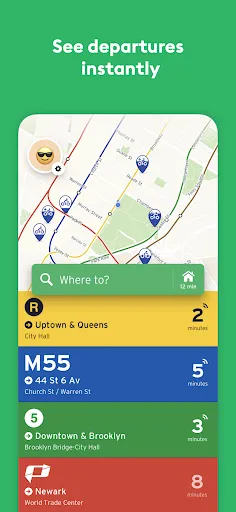
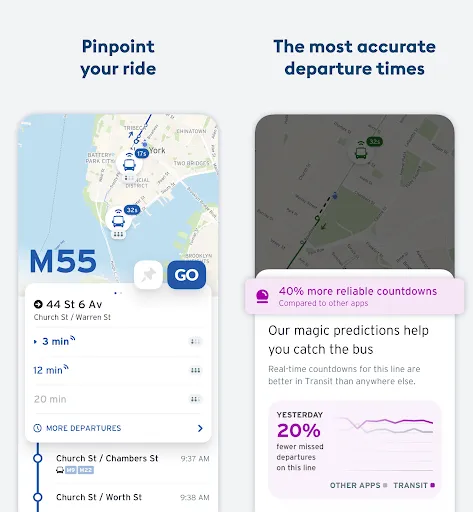
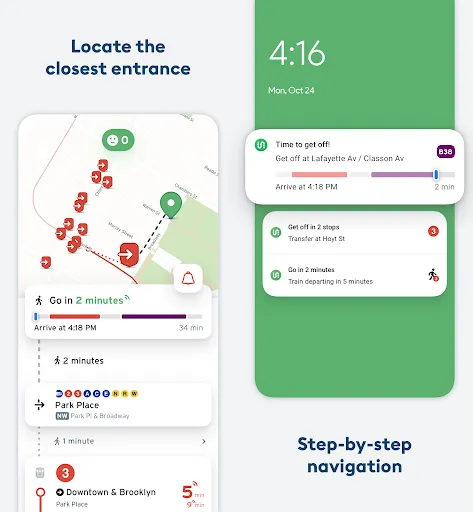

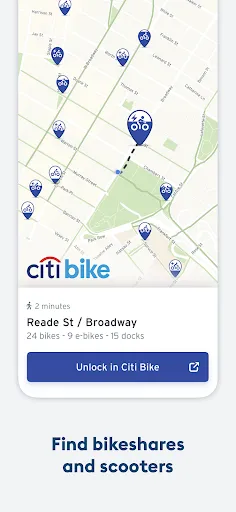
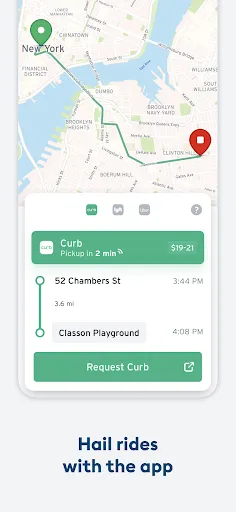
"Transit • Subway & Bus Times" is a comprehensive app designed to enhance the public transportation experience. One of its standout features is real-time tracking, which allows users to see the exact arrival times of buses and trains, minimizing wait times. The app covers a wide range of transit systems, making it suitable for users in various cities around the world.
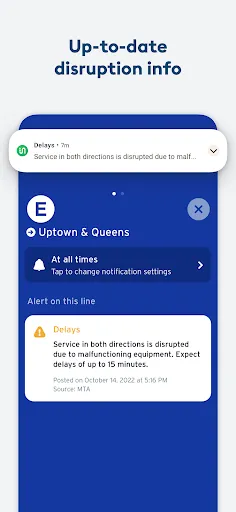
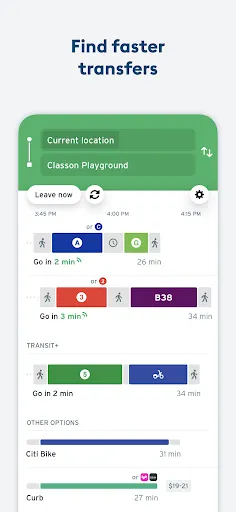
Another notable feature is the trip planner, which provides users with step-by-step directions for their journeys. This includes information on transfers, walking distances, and estimated travel times. The app also offers notifications for service disruptions, ensuring that users are informed of any delays or changes in their routes.
Additionally, "Transit" includes a user-friendly interface that makes navigation simple, even for those unfamiliar with public transport systems. Users can also access nearby transit options and view maps to better understand their surroundings. Overall, the app is designed to make commuting more efficient and less stressful.
Using "Transit • Subway & Bus Times" is straightforward and user-friendly. After downloading the app, users can select their city to access localized transit information. The home screen displays nearby transit options, including buses and trains, along with their estimated arrival times. Users can tap on any transit line to view detailed information, such as stops and schedules.
To plan a trip, users simply enter their starting point and destination in the trip planner feature. The app will generate the best routes, including any necessary transfers and walking directions. Users can also save favorite routes for quick access in the future. Notifications can be enabled to alert users of any service changes or delays, ensuring they stay informed throughout their journey.
Overall, the app is designed to be intuitive, making it accessible for both seasoned commuters and those new to public transportation. With its array of features, "Transit" aims to simplify the commuting experience and help users navigate their cities with ease.
Like any app, "Transit • Subway & Bus Times" has its advantages and disadvantages. One of the primary pros is its real-time tracking feature, which provides users with accurate arrival times, helping them plan their journeys more effectively. The trip planner is another strong point, offering detailed directions and options for various routes, which can be particularly useful for those unfamiliar with a city's transit system.
However, there are some cons to consider. The app's performance can vary depending on the city and the availability of data from local transit agencies. In some areas, users may experience delays in updates or incomplete information. Additionally, while the app is generally user-friendly, some users may find the interface overwhelming due to the abundance of features.
Overall, "Transit" is a valuable tool for public transportation users, but its effectiveness can depend on the specific transit system in use. Weighing the pros and cons can help users determine if the app meets their commuting needs.

 Real-time updates ensure you never miss your next bus or train. User-friendly interface simplifies navigation for all ages. Comprehensive coverage includes all major transit systems in your area. Personalized alerts keep you informed about service changes and delays. Offline access allows you to plan journeys even without internet connectivity.
 Limited service hours reduce accessibility for late-night travelers Frequent delays can disrupt schedules and plans Overcrowding during peak hours makes commuting uncomfortable
  Google Play
  App Store
 Yes, users can submit suggestions or feedback directly through the app or by contacting the support team via the official website.
The app may collect certain user data, including location information, to provide personalized transit recommendations and improve service, but users can review the privacy policy for specific details.
Yes, Transit • Subway & Bus Times allows users to access some features offline, including previously viewed schedules and maps, although real-time updates require an internet connection.
Users can cancel their subscription through their app store settings or within the app, depending on the platform used for the subscription.
The subscription cost for Transit • Subway & Bus Times can vary depending on the plan chosen, but details can typically be found within the app or on the official website.
Yes, you can update your customer number in your account settings under the profile section.
You can reach customer service through the app's help section or visit our website for support options.
After signing up, check your email for an activation link and follow the instructions to activate your account.
Simply open the app, tap on the login button, and enter your email and password to access your account.
You can contact customer service through the app or our website for help with account activation.