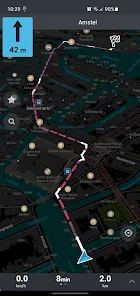
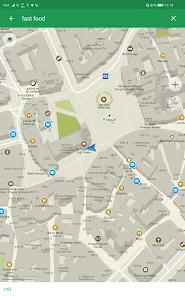
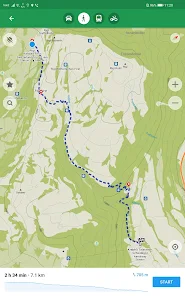
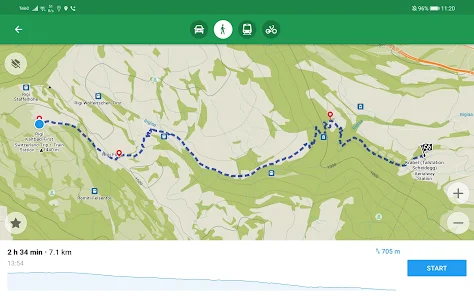
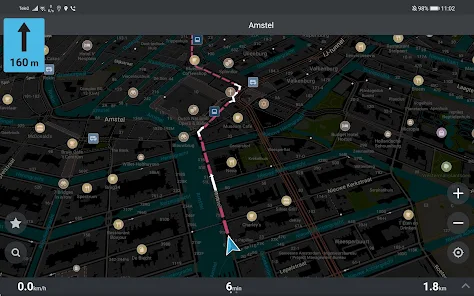

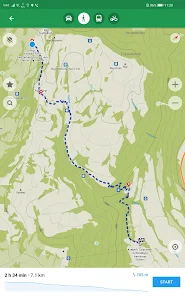
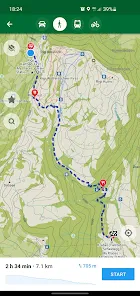
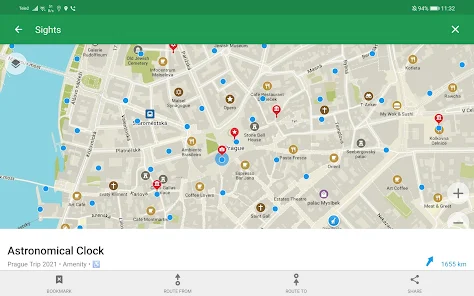
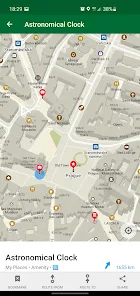
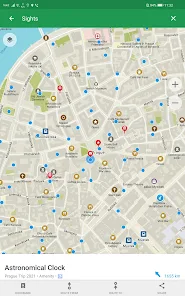
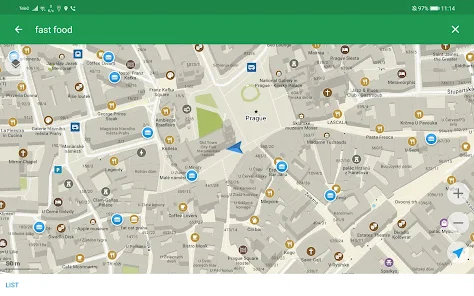
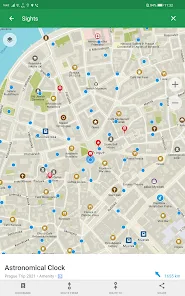

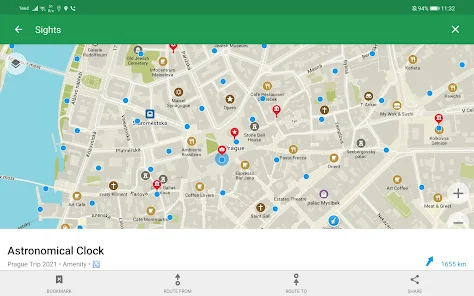
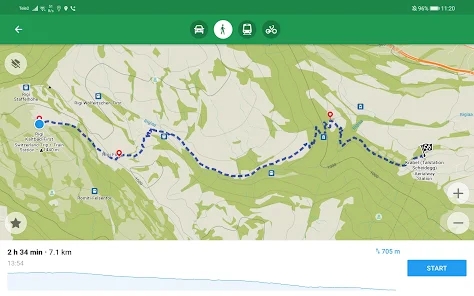
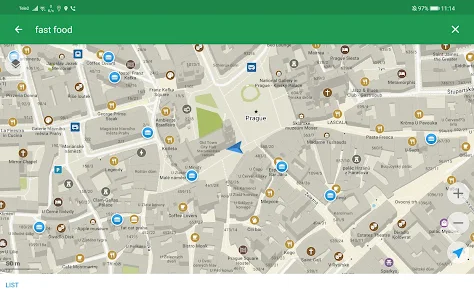
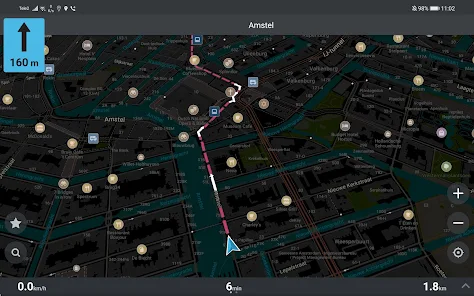
Organic Maps is a versatile navigation app designed for outdoor enthusiasts and travelers. One of its standout features is the ability to access detailed offline maps, which means users can navigate without an internet connection. This is particularly useful for hiking, biking, or exploring remote areas where cellular service may be limited. The app utilizes OpenStreetMap data, ensuring that users have access to up-to-date and comprehensive mapping information.
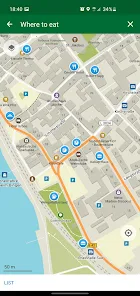
Another notable feature is the user-friendly interface, which allows for easy searching and browsing of points of interest (POIs). Users can find restaurants, parks, and other attractions with just a few taps. Additionally, Organic Maps supports route planning, enabling users to create custom routes based on their preferences. The app also includes features like GPS tracking, which helps users monitor their location in real-time, and the ability to save favorite locations for quick access later. Overall, Organic Maps combines functionality with ease of use, making it an excellent choice for anyone looking to explore the great outdoors.
Using Organic Maps is straightforward and user-friendly. First, download the app from your device's app store and install it. Once installed, you can download specific map areas for offline use. This is done by selecting the desired region and tapping the download button, ensuring you have access to maps even without an internet connection.
After downloading the maps, you can start exploring. Use the search function to find points of interest or specific locations. You can also browse the map manually to discover nearby attractions. To plan a route, simply select your starting point and destination, and the app will generate a path for you. During your journey, the GPS tracking feature will keep you informed of your current location, making it easy to navigate unfamiliar terrain. Remember to save any favorite spots for future reference, enhancing your overall experience with the app.
Organic Maps offers several advantages that make it appealing to users. One of the primary benefits is its offline functionality, allowing users to navigate without relying on mobile data. This is especially advantageous for outdoor activities in remote areas. The app's reliance on OpenStreetMap data ensures that users have access to detailed and frequently updated maps. Additionally, the user-friendly interface makes it easy for individuals of all skill levels to utilize the app effectively.
However, there are some drawbacks to consider. While the app provides a wealth of information, it may not have as extensive a database of points of interest as some other navigation apps. Users may occasionally find that certain locations or businesses are missing. Furthermore, the app's reliance on community-generated data means that the accuracy of information can vary. Lastly, while the app is free, some users may prefer additional features that are available in paid alternatives. Balancing these pros and cons can help users determine if Organic Maps is the right choice for their navigation needs.

 Access detailed trail maps without internet connectivity Discover hidden paths and scenic routes with ease Save battery life while exploring the outdoors Enjoy real-time navigation in remote areas Experience user-generated content for reliable trail information
 Limited route updates can lead to outdated trail information. Offline access may lack real-time navigation features. Difficulty in sharing routes with other users or devices.
  Google Play
  App Store
 Yes, users can submit suggestions or feedback through the app’s support section or via the official website, where the development team welcomes user input to improve the app.
Offline Organic Maps Hike Bike is designed with user privacy in mind and does not collect personal data unless explicitly provided by the user for specific features.
Yes, Offline Organic Maps Hike Bike allows users to download maps and access them offline, making it ideal for use in remote areas without cellular service.
To cancel your subscription, you can go to your account settings within the app or through your device's app store settings, following the prompts for managing subscriptions.
The subscription cost for Offline Organic Maps Hike Bike varies depending on the plan chosen, with options for monthly or annual subscriptions, usually detailed on the app's official website or within the app itself.
Unfortunately, Customer Numbers cannot be changed. If you have issues, please reach out to Customer Service for further assistance.
Yes, logging in allows you to access all features and save your preferences.
You can reach Customer Service through the app's help section or visit our website for support options.
After logging in, go to the account settings to update your information. If you need assistance, contact Customer Service.
To activate your account, follow the link in the confirmation email you received after signing up.