


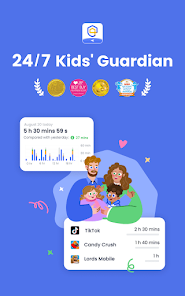

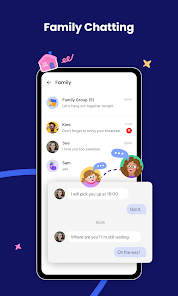
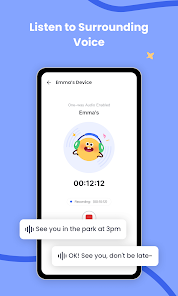
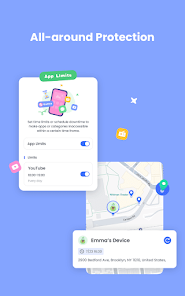
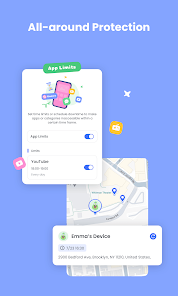
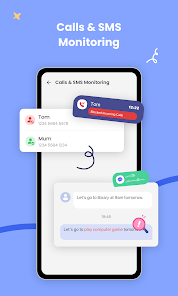
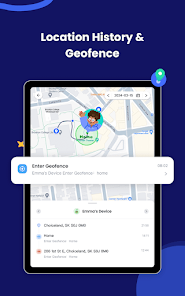
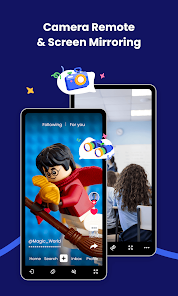
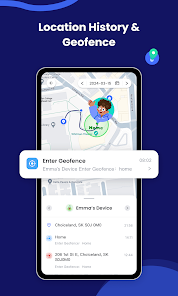
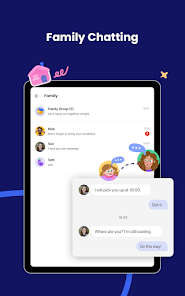
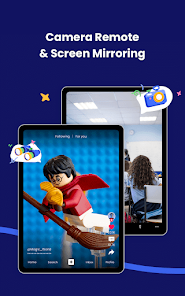

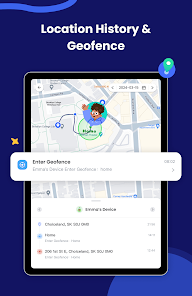
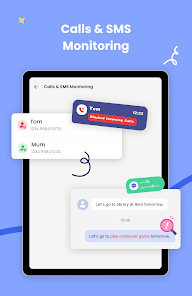
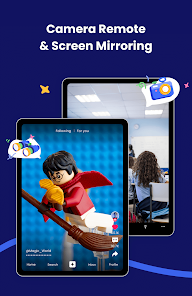
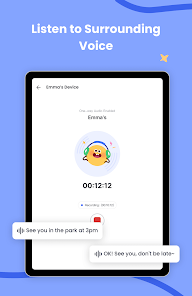
AirDroid Parental Control offers a comprehensive suite of features designed to help parents monitor and manage their children's device usage effectively. One of the standout features is real-time location tracking, which allows parents to see where their child is at any given moment. This feature is particularly useful for ensuring safety and providing peace of mind.
Another key feature is the ability to set screen time limits. Parents can establish daily or weekly usage limits, helping to promote a healthy balance between screen time and other activities. Additionally, the app provides app management capabilities, enabling parents to block or restrict access to specific applications that may not be suitable for their children.
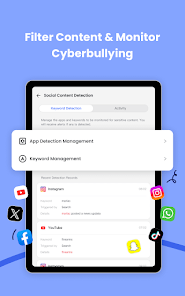
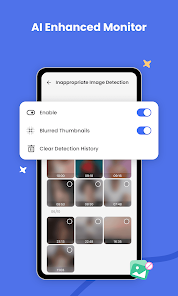
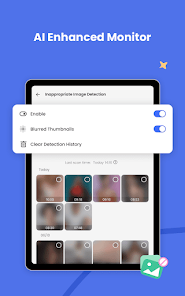
AirDroid also includes web filtering, which helps to protect children from inappropriate content by blocking access to certain websites. Furthermore, the app offers activity reports, giving parents insights into their child's online behavior and app usage. With these features combined, AirDroid Parental Control serves as a robust tool for fostering responsible digital habits in children.
Using AirDroid Parental Control is a straightforward process that begins with downloading the app on both the parent’s and child’s devices. After installation, parents need to create an account and link their child’s device to their own. This is typically done by entering a unique code or scanning a QR code provided by the app.
Once the devices are connected, parents can access a user-friendly dashboard that displays various monitoring options. From here, they can set screen time limits, track location, and manage app permissions. It’s essential to customize the settings according to the child’s age and maturity level to ensure appropriate usage.
Additionally, parents can review activity reports to understand their child’s online behavior better. Regularly discussing these findings with the child can foster open communication about digital safety and responsible usage. Overall, AirDroid Parental Control is designed to empower parents while promoting a safe digital environment for their children.
AirDroid Parental Control comes with several advantages that make it a popular choice among parents. One of the primary pros is its comprehensive feature set, which includes real-time location tracking, app management, and web filtering. These tools provide parents with the necessary resources to monitor their children's online activities effectively. Additionally, the user interface is intuitive, making it easy for parents to navigate and utilize the app's features.
However, there are some drawbacks to consider. One potential con is that the app may require a subscription for full access to all features, which could be a deterrent for some users. Furthermore, while the app is designed to be user-friendly, some parents may still find the initial setup process a bit complex, especially if they are not tech-savvy.
Another concern is that, despite its robust features, no app can guarantee complete safety online. Parents should remain actively involved in their children's digital lives and use the app as a tool for guidance rather than a sole solution. Balancing monitoring with trust and communication is essential for fostering a healthy relationship with technology.

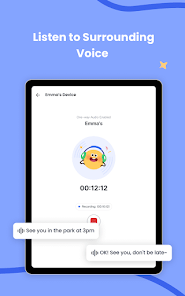
 Easily monitor your child's device activity in real-time. Set screen time limits to promote healthy device usage. Track your child's location for added safety and peace of mind. Block inappropriate apps and websites to ensure a safe online experience. Receive instant alerts for suspicious activities or unauthorized app installations.
 Limited features in the free version may restrict effective monitoring capabilities. User interface can be confusing for less tech-savvy parents. Occasional connectivity issues may hinder real-time tracking and updates.
 Yes, users can submit suggestions or feedback through the app's support section or official website to help improve the app.
AirDroid Parental Control has a privacy policy in place and may collect data to provide its services, but it emphasizes the protection of user privacy.
Yes, certain features of AirDroid Parental Control can be accessed offline, but full functionality typically requires an internet connection.
To cancel your subscription, you can go to your account settings within the app or through the app store where you purchased the subscription.
The subscription cost for AirDroid Parental Control varies based on the plan chosen, with options for monthly, yearly, or lifetime subscriptions.
Customer numbers are unique and cannot be changed. For any concerns, please contact customer service.
Yes, you can retrieve your account by contacting customer service with your registered email for assistance.
To log in, open the app, enter your email and password, then click "Log In."
To activate your account, follow the activation link sent to your email after registration.
You can reach customer service through the support section on our website or by emailing support











 Google Play
  App Store