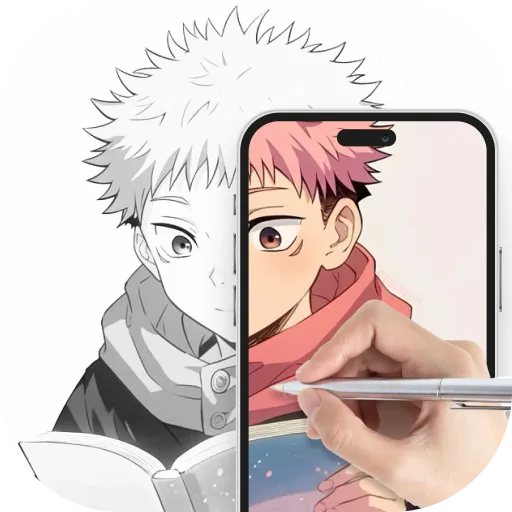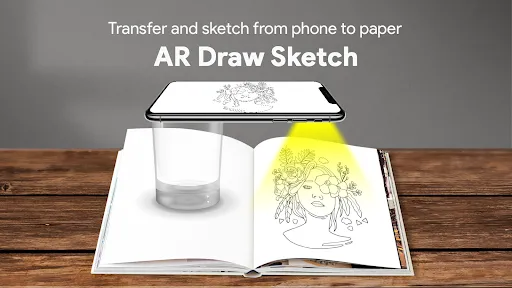
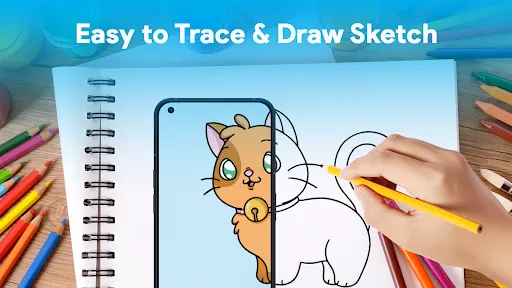
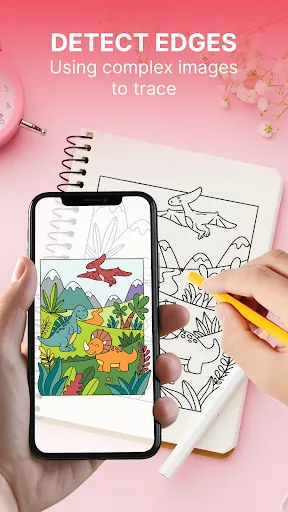
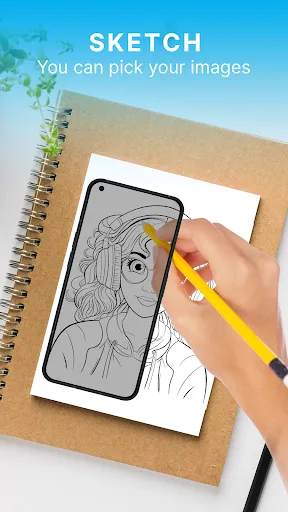
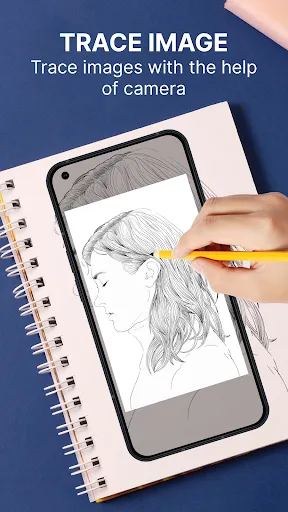
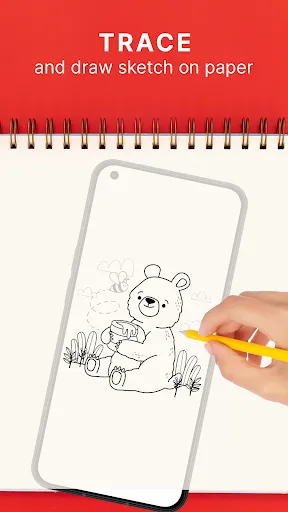
"AR Draw Sketch: Trace & Paint" is an innovative application that combines augmented reality with artistic expression. One of its standout features is the ability to overlay digital sketches onto real-world environments, allowing users to visualize their creations in a tangible context. The app offers a variety of drawing tools, including brushes, colors, and textures, enabling users to customize their artwork extensively. Additionally, it supports multiple layers, which allows for more complex designs and easier editing.
Another notable feature is the tracing functionality, which helps users replicate images or designs accurately. This is particularly beneficial for beginners who may struggle with freehand drawing. The app also includes a gallery feature where users can save and share their artwork with others, fostering a community of artists. Furthermore, the user-friendly interface ensures that both novice and experienced artists can navigate the app with ease, making it accessible to a wide audience.
Using "AR Draw Sketch: Trace & Paint" is a straightforward process that encourages creativity. First, download and install the app on your device. Once opened, you can choose to start a new project or select an existing one from your gallery. To begin drawing, simply point your device's camera at a flat surface where you want to create your artwork. The app will project a virtual canvas onto that surface, allowing you to draw in augmented reality.
Utilize the various tools available, such as brushes and colors, to bring your vision to life. If you wish to trace an image, you can import it into the app and adjust its opacity for easier tracing. As you work, you can switch between layers to refine your design without losing previous work. Once satisfied with your creation, save it to your gallery or share it directly with friends and fellow artists through social media platforms. The intuitive design of the app makes it easy for anyone to start creating right away.
"AR Draw Sketch: Trace & Paint" offers several advantages that make it appealing to users. One of the primary pros is its unique integration of augmented reality, which enhances the drawing experience by allowing users to visualize their art in real-world settings. The variety of tools and features, such as tracing and layering, cater to both beginners and experienced artists, making it versatile for different skill levels. Additionally, the community aspect of sharing artwork fosters creativity and collaboration among users.
However, the app is not without its drawbacks. Some users may find that the augmented reality feature can be challenging to use in poorly lit environments, which may hinder the drawing experience. Additionally, while the app is user-friendly, it may require a learning curve for those unfamiliar with digital drawing tools. Lastly, some features may be limited in the free version, prompting users to consider in-app purchases for a more comprehensive experience. Balancing these pros and cons is essential for potential users to determine if the app meets their artistic needs.

 Enhance creativity with intuitive drawing tools and features. Easily trace images for accurate and detailed artwork. Enjoy immersive experiences through augmented reality capabilities. Share your creations seamlessly with friends and social platforms. Access a diverse library of templates and design resources.
 Limited features may hinder creative expression and detailed artwork. User interface can be confusing for beginners, leading to frustration. Inconsistent performance across devices can disrupt the drawing experience.
  Google Play
  App Store
 Yes, users can submit suggestions or feedback directly through the app or via the app's official website, where the development team welcomes user input for improvements.
The app may collect certain personal data to enhance user experience, but it is committed to protecting user privacy and complies with data protection regulations.
Yes, AR Draw Sketch: Trace & Paint supports offline use, allowing users to create and edit their artwork without needing an internet connection.
To cancel your subscription, you can go to your device's settings, find the subscriptions section, and follow the prompts to cancel your subscription for AR Draw Sketch: Trace & Paint.
The subscription cost for AR Draw Sketch: Trace & Paint varies based on the chosen plan, with options for monthly or yearly subscriptions available.
Customer numbers are unique and cannot be changed. If you have concerns, please contact customer service for guidance.
You can reach our customer service team through the app’s support section or email us at support
Log in to your account, go to the settings section, and update your information. If you need further help, reach out to customer service.
You will receive an activation email shortly after signing up. Click the link in the email to activate your account.
Open the app and enter your registered email and password. If you’ve forgotten your password, use the "Forgot Password" option.