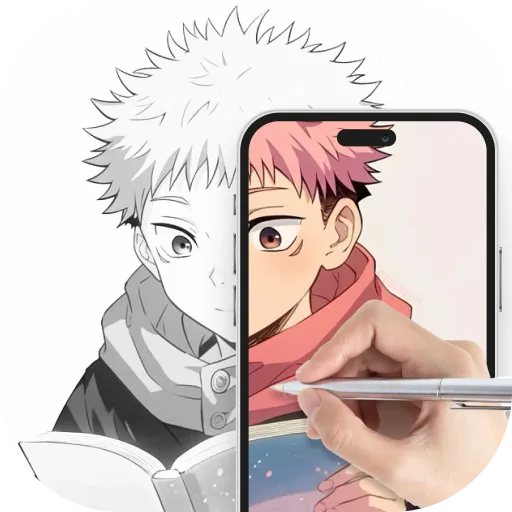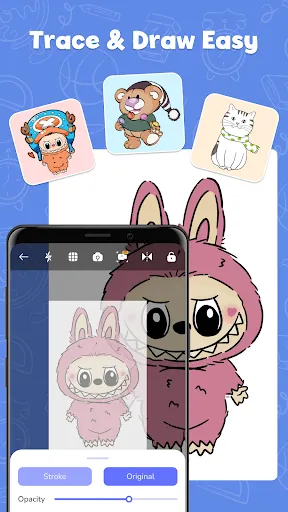
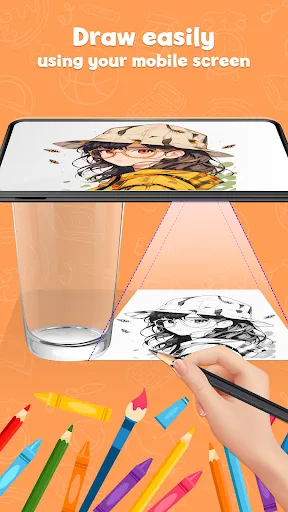
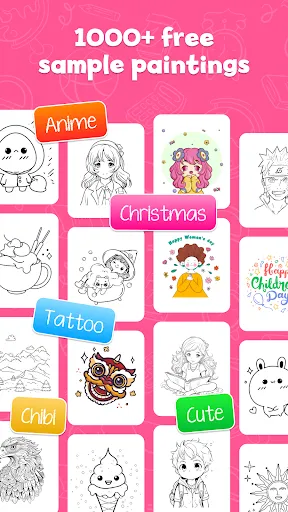
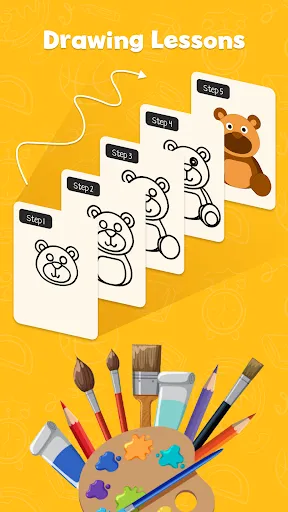
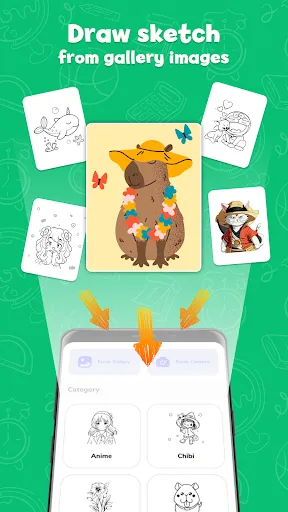
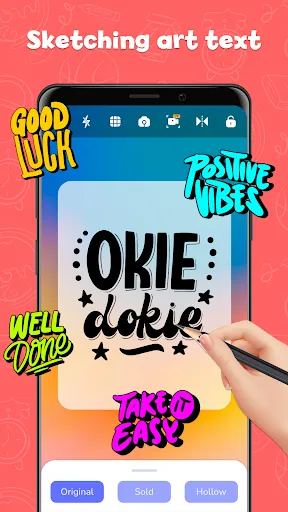
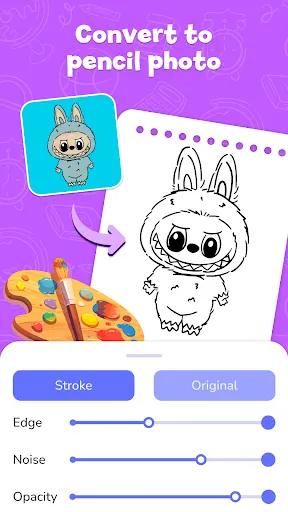
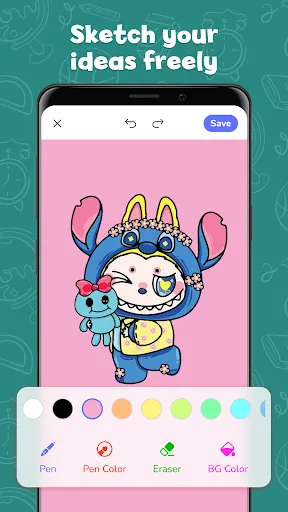
"AR Draw Sketch & Paint" is an innovative application that combines augmented reality with traditional drawing and painting techniques. One of its standout features is the ability to create 3D sketches that can be viewed from different angles, providing a unique perspective on your artwork. The app offers a variety of brushes and tools, allowing users to experiment with different styles and techniques, from fine lines to broad strokes. Additionally, it includes a color palette that can be customized, enabling artists to select and mix colors to achieve their desired effects.
Another notable feature is the interactive AR mode, which allows users to project their drawings into the real world, making it easier to visualize how their art fits into different environments. The app also supports layers, giving artists the flexibility to work on different elements of their artwork separately. Furthermore, users can save and share their creations directly from the app, making it easy to showcase their work on social media or with friends. Overall, "AR Draw Sketch & Paint" provides a comprehensive set of tools for both amateur and professional artists looking to explore their creativity in a new dimension.
Using "AR Draw Sketch & Paint" is a straightforward process that allows users to dive into their creative endeavors quickly. First, download and install the app from your device's app store. Once installed, open the app and familiarize yourself with the user interface, which is designed to be intuitive and user-friendly. Begin by selecting the canvas size and orientation that suits your project. You can choose between a blank canvas or a template to get started.
Next, explore the various tools available, such as brushes, colors, and layers. To create your artwork, simply select a brush and start drawing on the canvas. If you want to utilize the AR feature, activate it by following the on-screen instructions, which will guide you in projecting your artwork into the real world. You can adjust the size and position of your drawing as needed. Once you are satisfied with your creation, save it to your device or share it directly through social media platforms. With practice, you will discover the full potential of the app and enhance your artistic skills.
"AR Draw Sketch & Paint" comes with several advantages that make it appealing to users. One of the primary pros is its innovative use of augmented reality, which allows artists to visualize their work in real-world settings. This feature can inspire creativity and provide a fresh perspective on art creation. Additionally, the app offers a wide range of tools and customization options, catering to both beginners and experienced artists. The user-friendly interface makes it accessible for anyone looking to explore their artistic side.
However, there are some drawbacks to consider. One potential con is that the app may require a device with advanced hardware to fully utilize its AR capabilities, which could limit accessibility for some users. Additionally, while the app provides a variety of tools, some users may find that it lacks certain advanced features found in more professional drawing software. Lastly, as with any app, there may be occasional bugs or performance issues that can disrupt the user experience. Overall, while "AR Draw Sketch & Paint" has its limitations, its unique features and ease of use make it a valuable tool for creative expression.

 Enhances creativity by allowing users to visualize their ideas in real space. User-friendly interface makes it accessible for artists of all skill levels. Offers a variety of tools for detailed and dynamic artwork creation. Real-time collaboration with friends fosters a shared artistic experience. Augmented reality features bring drawings to life in an engaging way.
 Limited features compared to professional drawing applications can hinder creativity. The app may experience performance issues on older devices, affecting usability. In-app purchases can be costly, limiting access to premium tools and features.
  Google Play
  App Store
 Yes, users can submit suggestions or feedback through the app’s support section or official website to help improve future updates.
The app has a privacy policy that outlines any data collection practices, and it only collects necessary data to enhance user experience.
Yes, AR Draw Sketch & Paint can be used offline, allowing users to create without needing an internet connection.
You can cancel your subscription through your device's app store settings, following the instructions provided for managing subscriptions.
Subscription costs for AR Draw Sketch & Paint may vary, typically offering monthly and annual plans that provide access to premium features.
Customer numbers are unique and cannot be changed. If you have concerns, please contact customer service for further assistance.
Yes, you can log in using your social media accounts if you linked them during registration. If you encounter issues, please contact customer service.
If you need a new activation link, please contact customer service, and they will assist you in generating a new one.
To activate your account, click the activation link sent to your email after registration. If you didn’t receive it, please check your spam folder.
You can reach customer service through the support section in the app or visit our website for assistance.