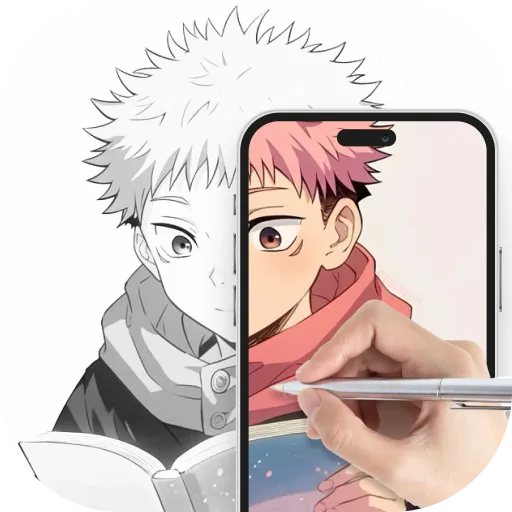
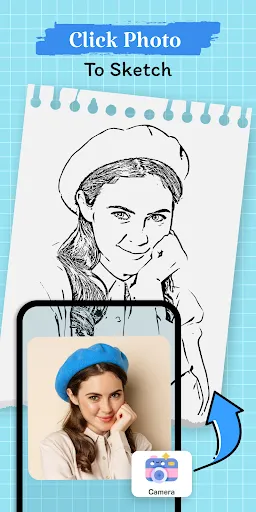
"AR Drawing: Sketch, Art, Trace" is an innovative application that combines augmented reality with artistic expression. One of its standout features is the ability to overlay digital sketches onto real-world environments, allowing users to visualize their art in a three-dimensional space. This feature enhances creativity by enabling artists to interact with their surroundings while they create.
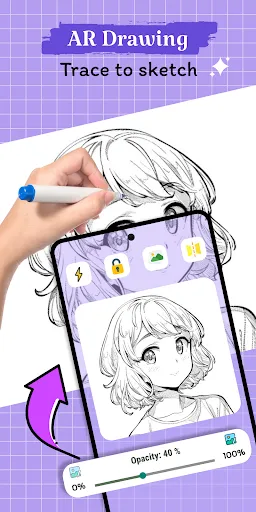
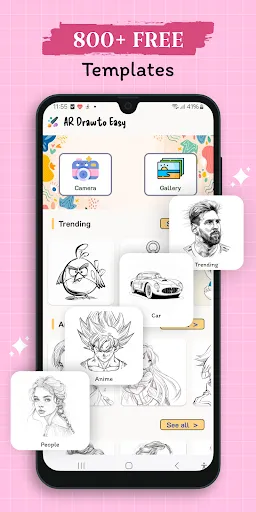
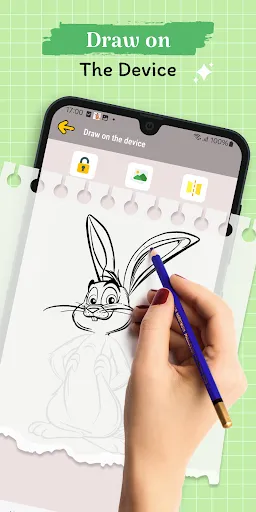
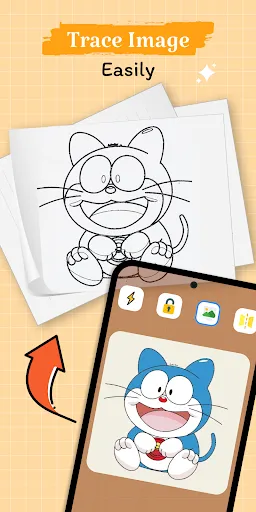
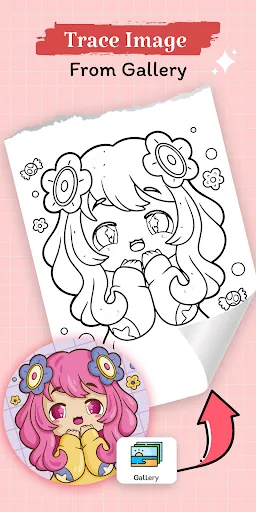
Another notable feature is the tracing tool, which allows users to trace over existing images or designs. This is particularly useful for beginners who want to practice their skills or for artists looking to replicate intricate details. The app also offers a variety of brushes and colors, giving users the flexibility to experiment with different styles and techniques. Additionally, the user-friendly interface makes it easy for anyone, regardless of skill level, to navigate and utilize the app's features effectively.
Lastly, the app supports sharing options, enabling users to showcase their creations on social media platforms or save them for personal use. Overall, "AR Drawing: Sketch, Art, Trace" provides a comprehensive toolkit for artists and hobbyists alike, merging technology with traditional art forms.
Using "AR Drawing: Sketch, Art, Trace" is a straightforward process that encourages creativity. First, download and install the app on your device. Once opened, you will be greeted with an intuitive interface that guides you through the initial setup. To start drawing, select the AR mode, which will activate your device's camera, allowing you to see your surroundings.
Next, choose your preferred brush and color from the available options. You can then begin sketching directly onto the real-world surfaces displayed on your screen. The tracing feature can be accessed by uploading an image you wish to replicate, making it easier to create detailed artwork. As you draw, you can adjust the size and opacity of your strokes for more control.
Once you are satisfied with your creation, you can save it to your device or share it on social media platforms. The app also allows you to revisit and edit your previous works, providing a continuous space for artistic growth. Overall, the app is designed to be user-friendly, making it accessible for artists of all levels.
"AR Drawing: Sketch, Art, Trace" comes with several advantages that enhance the user experience. One of the primary pros is its innovative use of augmented reality, which allows artists to visualize their work in real-world settings. This feature can inspire creativity and provide a unique perspective on art creation. Additionally, the app's tracing tool is beneficial for beginners, making it easier to learn and practice drawing skills. The variety of brushes and colors also allows for a wide range of artistic expression.
However, there are some drawbacks to consider. One potential con is that the app may require a device with a high-quality camera for optimal performance, which could limit accessibility for some users. Additionally, while the user interface is generally intuitive, some users may find the learning curve steep when first using the AR features. Lastly, the app may experience occasional glitches or lag, particularly in complex environments, which can disrupt the creative process.
In summary, while "AR Drawing: Sketch, Art, Trace" offers exciting features and tools for artists, it is essential to weigh these pros and cons to determine if it meets your artistic needs.

 Enhances creativity by allowing users to visualize drawings in real-world environments. Supports precise tracing, making it easier to replicate complex designs. Offers interactive features that engage users and improve their drawing skills. Provides instant feedback, enabling quick adjustments and refinements to artwork. Facilitates collaboration, allowing multiple users to draw and share ideas seamlessly.
 Limited precision can lead to inaccurate representations of designs. Requires a compatible device, limiting accessibility for all users. May cause eye strain due to prolonged screen use during drawing sessions.
  Google Play
  App Store
 Yes, users are encouraged to submit suggestions or feedback through the app's support feature or by contacting the developers via their official website or social media channels.
AR Drawing: Sketch, Art, Trace may collect personal data in accordance with its privacy policy, but users can review and manage their data preferences within the app settings.
Yes, AR Drawing: Sketch, Art, Trace supports offline use, allowing users to create and edit their artwork without an internet connection.
Users can cancel their subscription to AR Drawing: Sketch, Art, Trace through their account settings in the app store where the app was purchased, following the standard cancellation process for that platform.
The subscription cost for AR Drawing: Sketch, Art, Trace varies depending on the plan selected, with options for monthly or yearly subscriptions available.
Yes, you can log in using your social media accounts if you linked them during registration. If you face issues, contact Customer Service for help.
You can reach our Customer Service via the support section in the app or email us at support
Use the "Forgot Password" link on the login page to reset your password. If you still need help, please reach out to Customer Service.
Customer Numbers cannot be updated. If you have further questions, please contact Customer Service for guidance.
To activate your account, click the activation link sent to your email after registration. If you didn't receive it, check your spam folder or contact Customer Service.