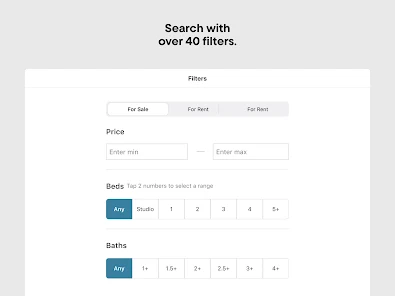
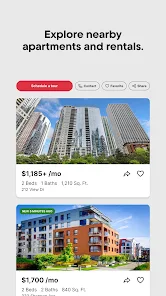

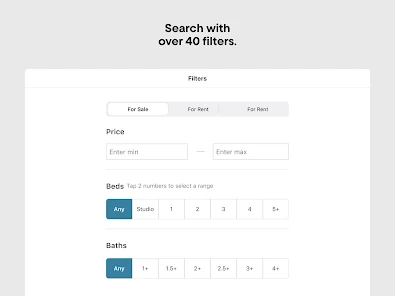
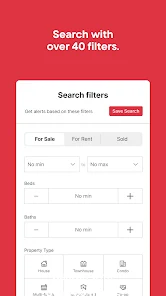

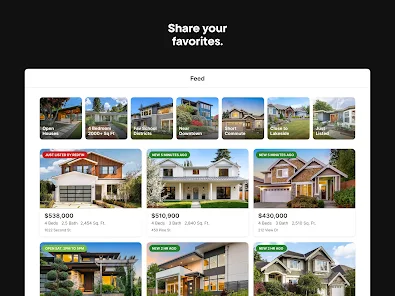

"Redfin: Buy, Sell & Rent Homes" is a comprehensive real estate app designed to streamline the home buying, selling, and renting process. One of its standout features is the ability to search for homes using various filters, including price, location, and property type, allowing users to find listings that meet their specific needs. The app also provides high-quality photos and detailed descriptions of properties, giving potential buyers a clear view of what to expect.
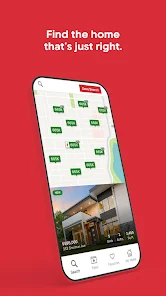
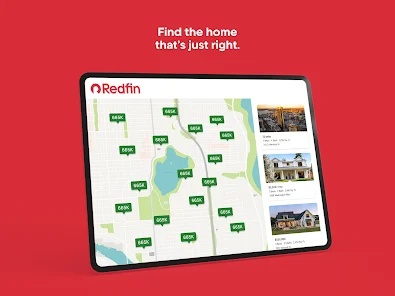
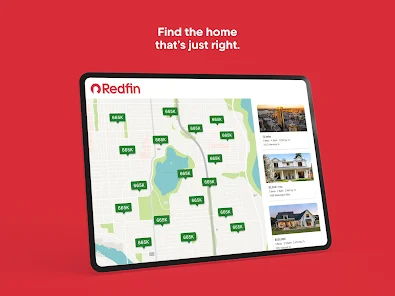
Another notable feature is the interactive map that displays homes for sale in real-time, making it easy to explore neighborhoods. Users can also access market insights and trends, helping them make informed decisions. For sellers, Redfin offers tools to estimate home value and track the selling process. Additionally, the app includes a user-friendly interface that simplifies navigation, making it accessible for users of all experience levels. Overall, Redfin combines technology with real estate expertise to enhance the home buying and selling experience.
Using the "Redfin: Buy, Sell & Rent Homes" app is straightforward and user-friendly. To get started, download the app from your device's app store and create an account. Once logged in, you can begin your search for homes by entering your desired location, price range, and other preferences. The app will generate a list of available properties that match your criteria, complete with photos, descriptions, and essential details.
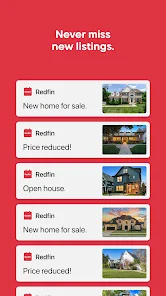
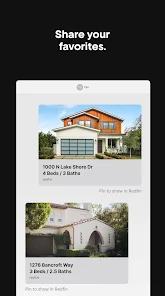
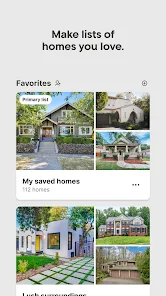
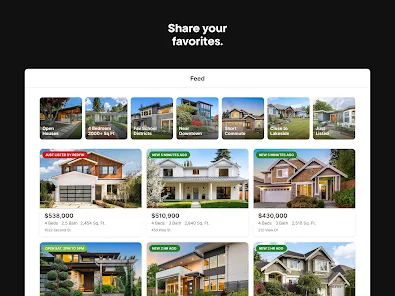
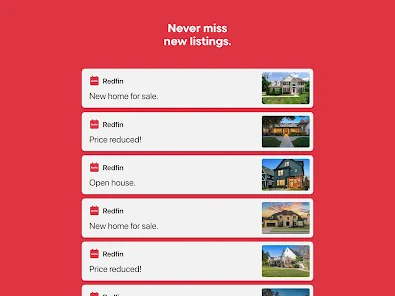
For those looking to sell, the app provides a simple process to list your home. You can input your property details, upload photos, and set your asking price. Redfin also offers tools to help you understand your home's market value. Additionally, users can save their favorite listings, receive notifications about price changes, and schedule tours directly through the app. By leveraging these features, users can efficiently navigate the real estate market, whether they are buying, selling, or renting.
The "Redfin: Buy, Sell & Rent Homes" app comes with several advantages that enhance the user experience. One of the primary benefits is its comprehensive database of listings, which is updated frequently, ensuring users have access to the latest properties on the market. The app's user-friendly interface makes it easy to navigate, and the detailed property information helps users make informed decisions. Additionally, Redfin's market insights and analytics provide valuable context for buyers and sellers alike.
However, there are some drawbacks to consider. While Redfin offers a wealth of information, it may not include every available listing, particularly those from smaller agencies or private sellers. Additionally, some users have reported that the app's search filters can be overly broad, leading to results that may not align with their specific needs. Lastly, while Redfin's services are generally efficient, the level of customer support may vary depending on the local market. Overall, weighing these pros and cons can help users determine if Redfin is the right choice for their real estate needs.

 Redfin offers comprehensive listings for buying and renting properties. Advanced search features help find your ideal home quickly. Access to detailed property insights and neighborhood statistics enhances decision-making. User-friendly interface simplifies the entire home search process. Expert agents provide personalized support throughout the buying or renting journey.
 Limited inventory may restrict options for buyers and renters Property information can be less accurate than traditional listings Customer service may be inconsistent, affecting the buying or renting experience
  Google Play
  App Store
 Yes, users can submit suggestions and feedback through the app's support or feedback section, helping improve the app's features and user experience.
Yes, the app may collect personal data such as location information, search history, and contact details to enhance user experience and provide personalized services.
Yes, Redfin Houses for Sale & Rent allows users to save their favorite listings and access them offline, enabling users to browse properties even without an internet connection.
Since the app is free and does not require a subscription, there is no cancellation process. Users can simply stop using the app at any time.
The app is free to use, and there is no subscription fee required for accessing its basic features. However, additional services may have associated costs.
Yes, you can log in to your Redfin account on multiple devices using the same credentials.
Absolutely! Redfin's customer service can assist you with selling your home. Just call the customer number for personalized support.
You can reach Redfin customer service by calling their customer number listed on the website or using the live chat feature for immediate assistance.
Your customer number can be found in your account settings or in the confirmation emails you received from Redfin.
To log in, enter your email and password on the Redfin homepage and click "Log In."