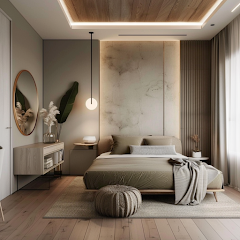


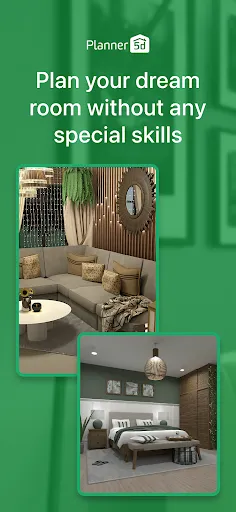
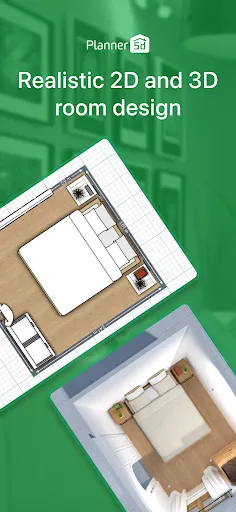
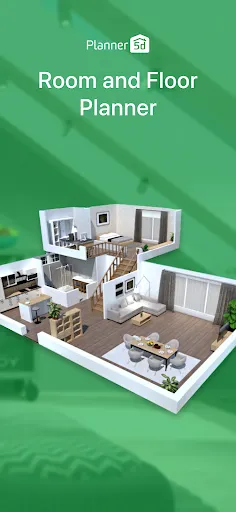
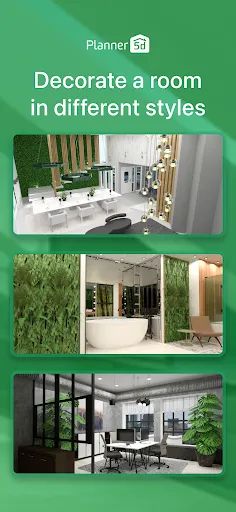
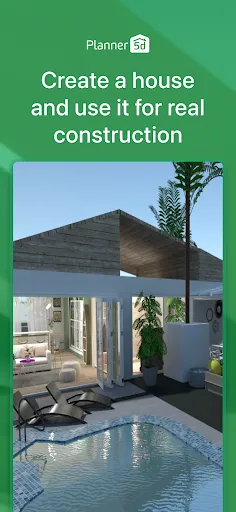
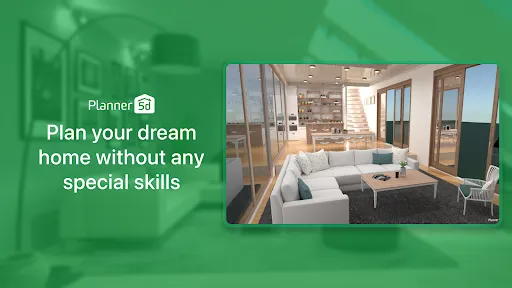
Planner 5D: Home Design, Decor is a versatile application that allows users to create detailed home designs and interior layouts. One of its standout features is the user-friendly drag-and-drop interface, which makes it accessible for both beginners and experienced designers. Users can create 2D and 3D floor plans, allowing for a comprehensive view of their design ideas. The app also offers a vast library of furniture, decor items, and materials, enabling users to customize their spaces to their liking.
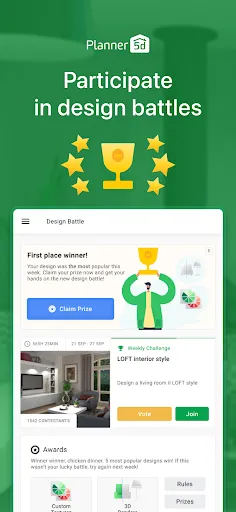
Another notable feature is the ability to visualize designs in augmented reality (AR), which helps users see how their ideas will look in real life. The app supports multi-platform access, meaning designs can be created and edited on various devices, including smartphones, tablets, and computers. Additionally, Planner 5D provides a community platform where users can share their designs and gain inspiration from others. Overall, the combination of intuitive design tools and extensive resources makes Planner 5D a powerful tool for home design enthusiasts.
Using Planner 5D is straightforward and intuitive, making it easy for anyone to start designing their dream space. First, download the app from your preferred app store and create an account. Once logged in, you can begin by selecting a template or starting from scratch. The interface allows you to draw your floor plan by specifying dimensions and layout, which can be adjusted easily with the drag-and-drop feature.
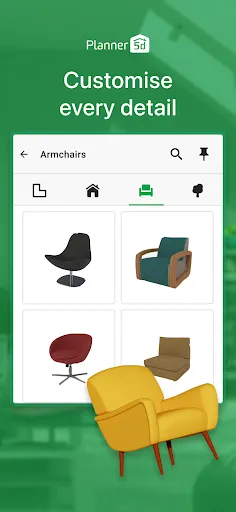
After establishing the basic layout, you can explore the extensive library of furniture and decor items. Simply drag items into your design and arrange them as desired. The app also allows you to customize colors, textures, and materials to match your vision. Once your design is complete, you can switch to 3D mode to visualize your space more realistically. Finally, take advantage of the AR feature to see how your design would look in your actual home. This step-by-step approach makes it easy to bring your ideas to life.
Like any application, Planner 5D has its advantages and disadvantages. One of the primary pros is its user-friendly interface, which caters to both novices and experienced designers. The extensive library of furniture and decor options allows for a high degree of customization, making it easier to create a personalized space. Additionally, the 3D visualization and AR features enhance the design experience, providing a realistic view of the finished product.
On the downside, some users may find that the app can be resource-intensive, leading to performance issues on older devices. While the free version offers many features, some advanced tools and items are locked behind a paywall, which may deter users looking for a completely free experience. Furthermore, the learning curve for some of the more advanced features can be steep for beginners. Overall, while Planner 5D is a powerful tool for home design, potential users should weigh these pros and cons before diving in.

 Create stunning 2D and 3D designs effortlessly with intuitive drag-and-drop tools. Access a vast library of furniture and decor items to personalize your space. Visualize your ideas in realistic renderings to enhance planning and decision-making. Collaborate easily with others, sharing designs for feedback and improvements. Use on multiple devices, allowing for design flexibility anytime, anywhere.
 Limited customization options may restrict creative design choices. Steeper learning curve for beginners can hinder quick project completion. Performance issues may arise with complex designs, causing frustration during use.
  Google Play
  App Store
 Yes, users can submit suggestions or feedback through the app's support or feedback section, allowing them to share their thoughts on features and improvements.
Planner 5D: Home Design, Decor may collect personal data as outlined in its privacy policy, primarily to enhance user experience and provide personalized services.
Yes, Planner 5D: Home Design, Decor allows users to work offline, enabling them to design their spaces without needing an internet connection.
Users can cancel their subscription through their account settings in the app or via the app store where they purchased the subscription, following the specific cancellation instructions provided.
The subscription cost for Planner 5D: Home Design, Decor varies based on the plan selected, with options for monthly or yearly subscriptions, providing access to additional tools and resources.
Unfortunately, Customer Numbers are unique and cannot be changed. For more assistance, please reach out to Customer Service.
You can reach Customer Service through the support section on our website or by emailing support
You can verify your account activation by attempting to log in. If you can access your account, it is active.
Check your email for the activation link we sent you. Click the link to activate your account and log in.
Ensure your internet connection is stable and try clearing your browser's cache. If issues persist, contact Customer Service for help.