

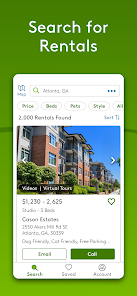
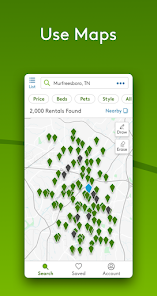


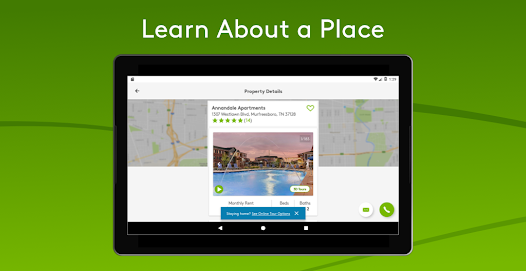
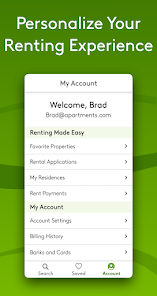
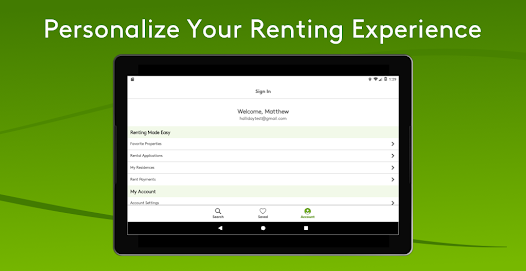
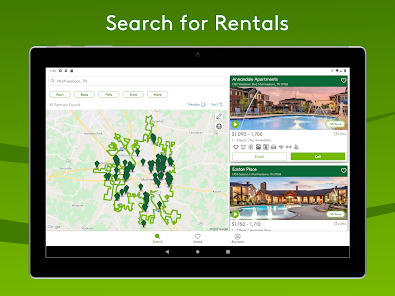
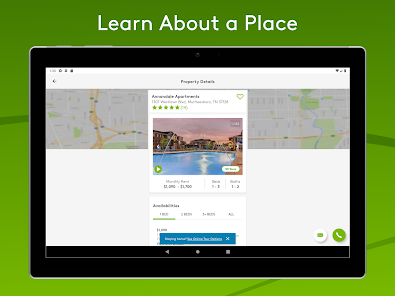
Apartments.com Rental Search offers a comprehensive platform for individuals seeking rental properties. One of its standout features is the extensive database of listings, which includes apartments, condos, and houses for rent across various locations. Users can filter their searches based on criteria such as price range, number of bedrooms, pet policies, and amenities, making it easier to find a property that meets their specific needs.
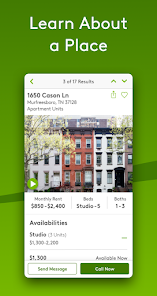
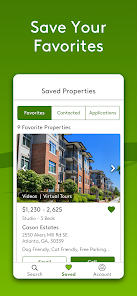
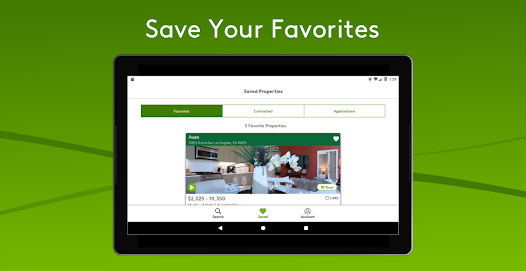
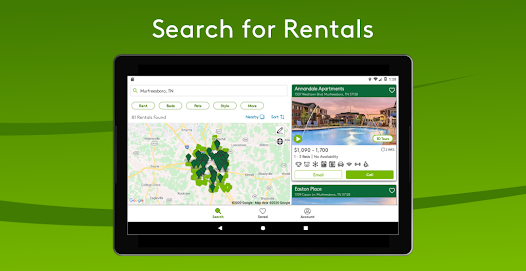
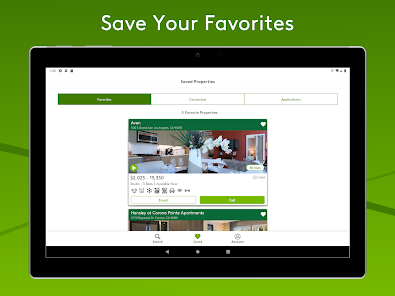
Another notable feature is the interactive map that allows users to visualize property locations and explore nearby amenities like schools, parks, and public transportation. The platform also provides high-quality photos and detailed descriptions of each listing, giving potential renters a clear idea of what to expect. Additionally, users can save their favorite listings and set up alerts for new properties that match their criteria, ensuring they stay updated on the rental market.
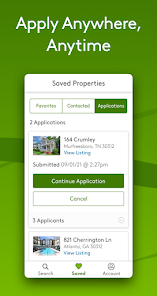
Moreover, Apartments.com offers a user-friendly mobile app, enabling users to search for rentals on the go. The app includes features like virtual tours and the ability to contact property managers directly, streamlining the rental process. Overall, Apartments.com Rental Search combines a wealth of information with user-friendly tools, making it a valuable resource for anyone looking to rent a home.
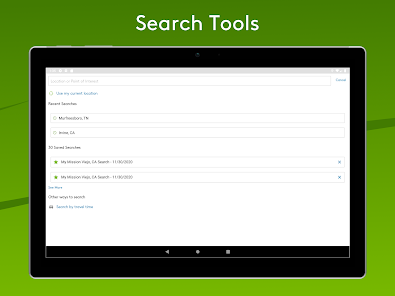
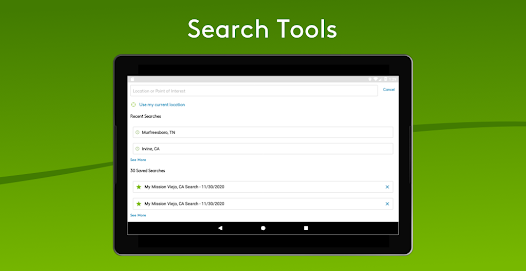
Using Apartments.com Rental Search is a straightforward process that can significantly simplify your home-hunting experience. To begin, visit the website or download the mobile app. Once you’re on the platform, enter your desired location in the search bar. You can specify the type of rental you’re looking for, such as apartments, condos, or houses, and set your budget to narrow down the options.
After entering your criteria, you can utilize various filters to refine your search further. These filters allow you to select the number of bedrooms and bathrooms, pet policies, and specific amenities like in-unit laundry or parking. Once you have your results, you can view detailed listings that include photos, descriptions, and rental prices. If you find a property that interests you, you can save it to your favorites for easy access later.
Additionally, the platform allows you to set up alerts for new listings that match your criteria, ensuring you don’t miss out on potential rentals. When you’re ready to take the next step, you can contact property managers directly through the app or website to schedule viewings or ask questions. By following these steps, you can efficiently navigate the rental market and find a home that suits your needs.
The Apartments.com Rental Search app comes with several advantages that enhance the user experience. One of the primary benefits is its extensive database of listings, which provides users with a wide range of options in various locations. The app's user-friendly interface makes it easy to navigate, allowing users to filter searches based on their preferences, such as price, size, and amenities. Additionally, the inclusion of high-quality images and detailed descriptions helps users make informed decisions about potential rentals.
However, there are some drawbacks to consider. One common issue is that not all listings are updated in real-time, which can lead to frustration if a property is no longer available when a user expresses interest. Furthermore, while the app offers a wealth of information, some users may find the sheer volume of listings overwhelming, making it challenging to narrow down their choices. Lastly, while the app facilitates direct communication with property managers, response times can vary, which may delay the rental process.
In summary, while the Apartments.com Rental Search app provides a robust platform for finding rental properties, users should be aware of its limitations. Balancing the pros and cons can help individuals make the most of their rental search experience.

 Extensive listings from various locations ensure diverse options for every renter. User-friendly interface simplifies the search process for quick results. Advanced filters help find apartments that fit your specific needs. Detailed property information aids in making informed rental decisions. Access to neighborhood insights enhances understanding of your potential new home.
 Limited filtering options can make finding ideal rentals time-consuming. Outdated listings may lead to frustration and wasted efforts. User interface can be overwhelming for first-time renters navigating the platform.
  Google Play
  App Store
 Yes, users are encouraged to submit feedback and suggestions through the app or the official website to help improve the service.
Yes, the app may collect personal data such as location, preferences, and contact information to enhance user experience and provide relevant listings.
Yes, the app allows users to save listings for offline viewing, making it convenient to browse properties without an internet connection.
Users can cancel any subscription through their account settings within the app or by contacting customer support for assistance.
The app does not require a subscription for its standard features; however, premium services may be available for a fee.
Customer numbers are unique and cannot be changed. If you need assistance, please reach out to customer service.
To activate your account, click the link in the confirmation email sent to you after registration. If you need help, contact customer service.
You can reach customer service by calling the number provided on our website or using the chat feature for assistance.
To log in, visit the website and enter your email and password. If you need help, check the login assistance section.
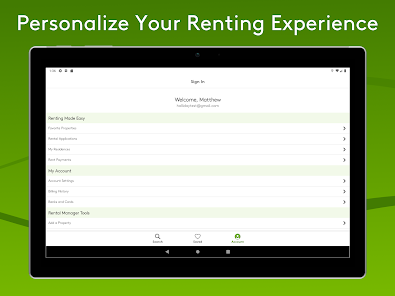
Once logged in, go to your account settings to update your information. For help, feel free to reach out to customer service.