







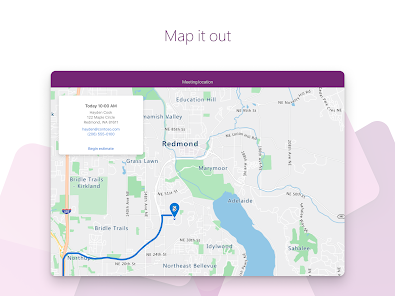
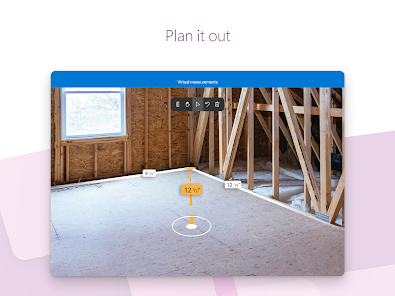
Power Apps is a versatile platform that enables users to create custom applications with ease. One of its standout features is the drag-and-drop interface, which allows users to design apps without extensive coding knowledge. This user-friendly approach empowers both technical and non-technical users to build applications tailored to their specific needs.
Another significant feature is the integration capabilities. Power Apps seamlessly connects with various Microsoft services, such as SharePoint, Dynamics 365, and Azure, as well as third-party applications through connectors. This integration facilitates data sharing and enhances the functionality of the apps created.
Additionally, Power Apps supports responsive design, ensuring that applications work well on different devices, including smartphones and tablets. The platform also offers pre-built templates, which can accelerate the app development process by providing a foundation that users can customize. Furthermore, Power Apps includes robust security features, allowing organizations to manage user permissions and data access effectively.
Using Power Apps begins with signing in to the Power Apps portal, where users can choose to create a new app or modify an existing one. The platform offers three primary types of apps: Canvas apps, Model-driven apps, and Portals. Users can select the type that best fits their requirements based on the complexity and data needs of their project.
Once the app type is chosen, users can utilize the intuitive interface to design their application. The drag-and-drop functionality allows for easy placement of elements such as buttons, text boxes, and images. Users can also connect to various data sources, enabling them to pull in relevant information for their app.
After designing the app, users can test it within the Power Apps environment to ensure functionality. Once satisfied, the app can be published and shared with others in the organization. Power Apps also provides analytics tools to monitor app usage and performance, allowing for continuous improvement and updates based on user feedback.
Power Apps offers numerous advantages, making it a popular choice for organizations looking to develop custom applications. One of the primary benefits is its accessibility; users with minimal coding experience can create functional apps quickly. The platform's integration with other Microsoft services enhances its utility, allowing for streamlined workflows and data management.
However, there are some drawbacks to consider. One notable con is the potential for high costs, especially for organizations that require extensive use of premium connectors or additional features. Additionally, while Power Apps is user-friendly, there may still be a learning curve for those unfamiliar with app development concepts.
Another limitation is the performance of apps, which can vary based on the complexity of the application and the data sources used. Users may encounter challenges with scalability as their needs grow. Overall, while Power Apps provides a powerful tool for app development, organizations should weigh these pros and cons to determine if it aligns with their specific requirements.
```
 Power Apps enables rapid app development with minimal coding required. It empowers users to create custom solutions tailored to specific business needs. Seamless integration with other Microsoft services enhances productivity and collaboration. The platform supports mobile accessibility, ensuring apps are usable anywhere, anytime. Power Apps offers scalability, accommodating growing user demands and evolving business processes.
 Limited customization options restrict complex app functionalities. Performance issues can arise with large datasets. High licensing costs may deter small businesses from adoption.
 Yes, users can submit suggestions or feedback through the Microsoft Power Apps community forums or the feedback option available within the Power Apps interface.
Power Apps may collect certain user data for functionality and improvement purposes, but it adheres to Microsoft’s privacy policies, ensuring that personal data is handled securely.
Yes, Power Apps supports offline use for certain apps, allowing users to continue working without an internet connection, and the data will sync once the device is back online.
To cancel your Power Apps subscription, you can go to the Microsoft 365 admin center, navigate to the billing section, and follow the prompts to cancel your subscription.
Subscription costs for Power Apps can vary based on the plan selected, with options for per-app and per-user pricing, starting at a monthly fee for each user or app.
Unfortunately, customer numbers are unique and cannot be changed. Please contact customer service for further options.
You can contact customer service through the support section in the app or via the official website's help center.
You can activate your account by clicking the link in the activation email you received after signing up.
If you have two-factor authentication enabled, log in with your email and password, then enter the verification code sent to your registered device.
To log in, visit the Power Apps website, enter your email and password, then click on 'Sign in.'












 Google Play
  App Store














