
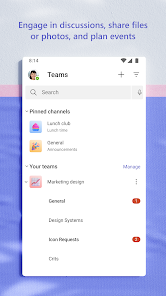
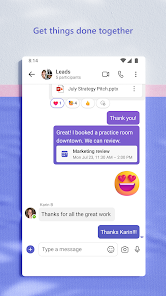
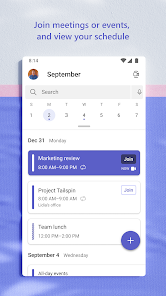




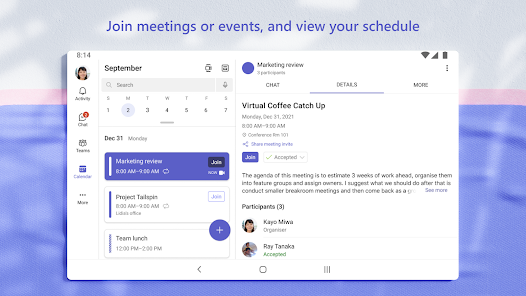
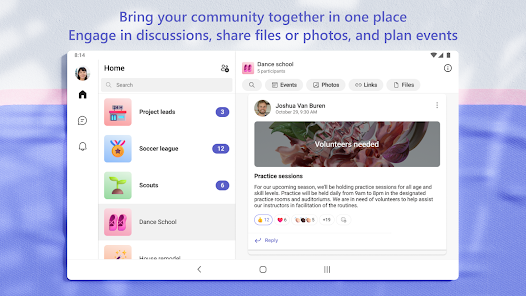
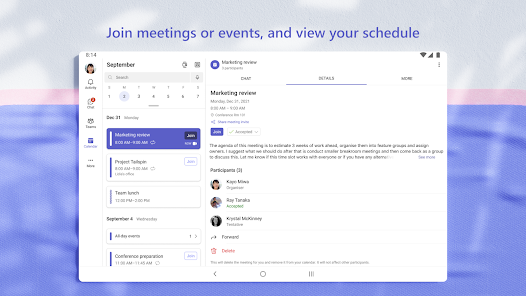
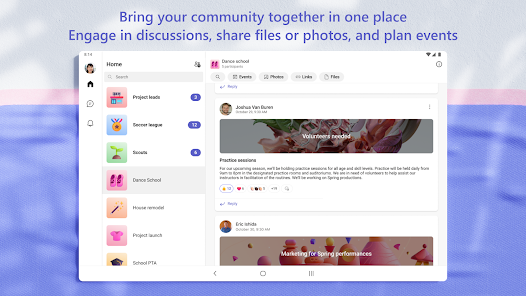



Microsoft Teams has rapidly become a staple in both corporate and educational environments, and for good reason. Its robust functionality caters to a wide array of collaboration needs, making it an ideal choice for teams looking to improve communication and productivity. Here are some standout features that truly elevate the user experience:
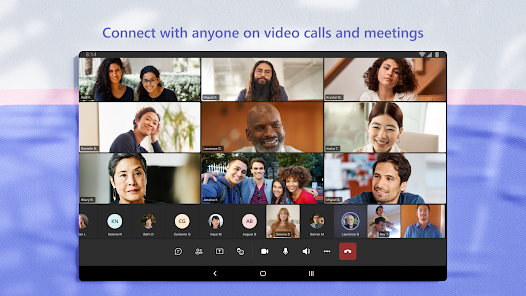
My journey with Microsoft Teams began when my company transitioned to remote work. Initially, I was skeptical about how effective digital communication could be. However, I quickly discovered various scenarios where Teams became indispensable. For weekly project updates, we rely on video calls to keep everyone aligned. Additionally, during brainstorming sessions, the whiteboard feature allows us to jot down ideas collaboratively. When working on a client proposal, I often share my screen, showcasing our progress in real-time and receiving immediate feedback. These scenarios not only enhance productivity but also build camaraderie among team members, despite the physical distance.
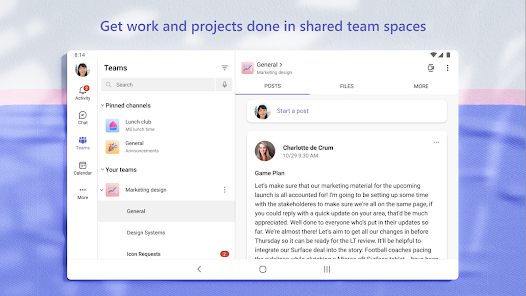
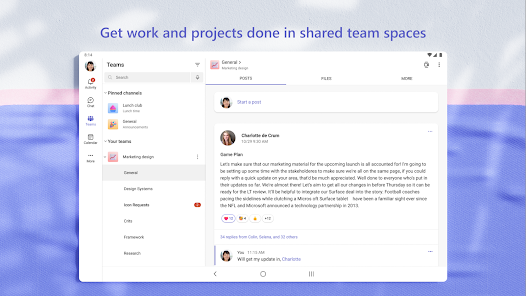
The user interface of Microsoft Teams is intuitive, making it easy for both tech-savvy and less experienced users to navigate. The layout is clean, with clear distinctions between chats, teams, and meetings. Features like threaded conversations help keep discussions organized, reducing the noise often found in group chats. I particularly appreciate the search functionality, which allows me to find past conversations or files quickly. Performance-wise, Teams runs smoothly on both desktop and mobile platforms, rarely experiencing lag or crashes. Overall, my experience has been overwhelmingly positive, as it seamlessly integrates into my daily workflow and enhances communication among my colleagues.
Microsoft Teams offers a free version with essential features, which is great for small teams or individuals. However, upgrading to the Microsoft 365 Business plans unlocks advanced features like larger storage capacity and enhanced security options. The pricing is competitive, especially considering the value it provides in terms of productivity and collaboration. Many companies find the investment in Teams pays off quickly through improved efficiency and team dynamics.
Microsoft is proactive about updating Teams, frequently rolling out new features and improvements based on user feedback. I have noticed enhancements in video quality and security settings, which reflect their commitment to user satisfaction. Support is readily available through various channels, including chat support and extensive online resources. I’ve had to reach out for assistance on a couple of occasions, and the responsiveness from their support team was commendable, adding to my overall positive experience with the app.
In today’s digital landscape, security and privacy are paramount, especially for American users. Microsoft Teams addresses these concerns comprehensively. The app is available through official sources like the App Store and Google Play, ensuring reliability and security. Registration requires a Microsoft account, which may involve providing personal data, but Microsoft is transparent about its data usage policies.
One aspect I appreciate is the lack of intrusive ads or tracking behavior that often plagues free applications. Microsoft Teams focuses on delivering a quality product without compromising user privacy. Furthermore, it complies with industry-standard security protocols, including data encryption and multi-factor authentication, giving me peace of mind when sharing sensitive information. Overall, Microsoft Teams stands out as a secure platform for collaboration, making it an excellent choice for those concerned about data privacy and security.

 Boosts collaboration with integrated chat and video calls Supports seamless file sharing for team projects Enhances productivity with customizable apps and tools Facilitates easy scheduling with calendar integration Ensures security with advanced data protection features
 Limited integration with non-Microsoft apps Complex user interface for newcomers Performance issues with large teams Notification overload can cause stress
  Google Play
  App Store
 Microsoft Teams may collect personal data to provide its services, including user information and activity data, but it complies with privacy regulations and offers settings to manage your data privacy.
Yes, Microsoft Teams offers a free version with limited features, as well as a trial for its premium plans, allowing users to explore the platform's capabilities before committing to a subscription.
Yes, Microsoft Teams requires an internet connection to function effectively, as it relies on cloud services for communication, file sharing, and collaboration features.
You can contact Microsoft Teams support through the help section in the app, or visit the Microsoft support website for additional resources, and you can send feedback directly from the app using the feedback feature.
You can manage or cancel your Microsoft Teams subscription through the Microsoft 365 admin center or the billing section of your account settings, depending on the type of subscription you have.
You can contact Microsoft Teams customer service through the official Microsoft support website or by calling their support number available in your region.
If you need to activate Microsoft Teams, sign in with your Microsoft account, and follow the prompts to complete the activation process.
Your customer number is typically found in your Microsoft account settings or on your billing statement.
To log in, visit the Microsoft Teams website or app, enter your email and password, and click "Sign In."