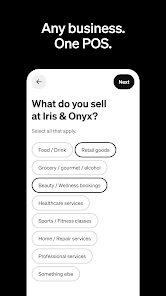
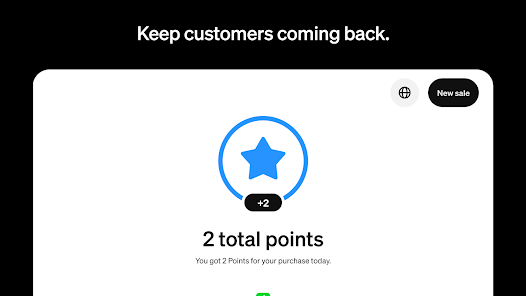
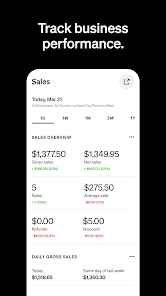
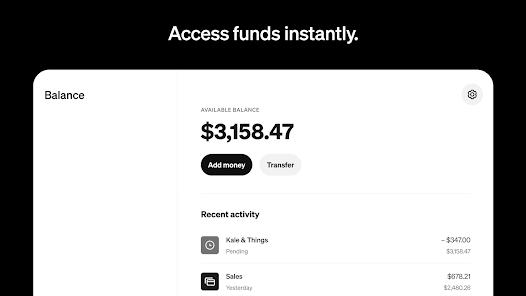
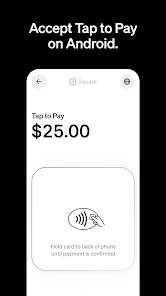
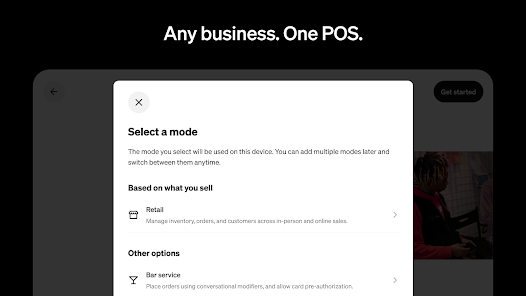
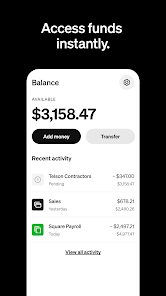
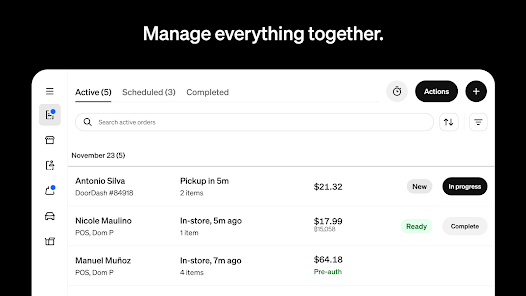
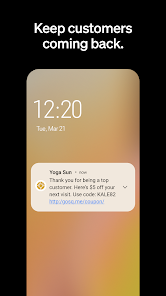
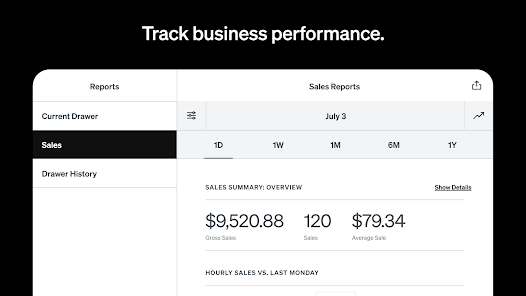
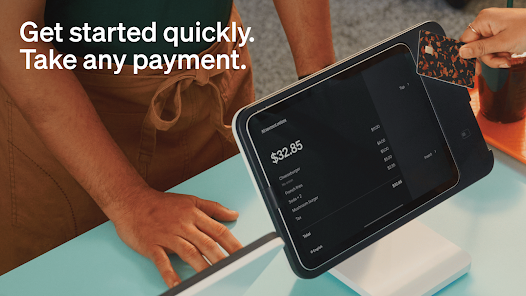
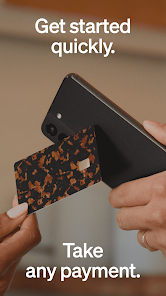
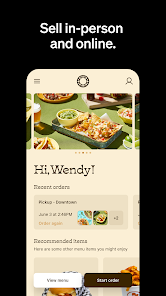
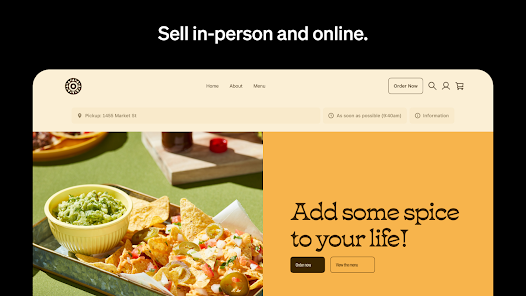
Square Point of Sale: Payment is a versatile solution that caters to a wide range of business needs, from small pop-up shops to established retail stores. Here are some core features that stand out:
As a small business owner, I often find myself juggling various tasks, from managing inventory to processing payments. One of the most frequent scenarios where I rely on Square Point of Sale is during weekend markets. Setting up my booth, I pull out my tablet, connect it to the Square reader, and I'm ready to accept payments in minutes. Customers love the variety of payment options, and I appreciate how quickly I can process transactions without any hiccups.
Another scenario is during promotional events. Whenever I run a sale, I can easily create discounts in the app, allowing customers to enjoy their favorite products at a reduced price. The flexibility of adjusting prices on the fly has proven invaluable, especially during busy days when quick decisions can lead to increased sales.
The user interface of Square Point of Sale is intuitive and user-friendly. Navigating through various features is seamless, and I never felt overwhelmed, even as a novice user. The main dashboard presents vital information at a glance: sales data, recent transactions, and inventory levels are all readily accessible. During my first time using the app, I appreciated the step-by-step prompts that guided me through setting up my account and adding products.
Performance-wise, Square has never let me down. The app runs smoothly, with minimal lag even during peak hours. I can quickly send digital receipts via email or text, which my customers appreciate. Overall, my experience has been overwhelmingly positive. The convenience and efficiency of handling transactions have allowed me to focus more on my products and customer service rather than worrying about the payment process.
Square Point of Sale operates on a pay-as-you-go model, which is perfect for businesses like mine that prefer not to commit to monthly fees. The transaction fee is a flat rate of 2.6% + 10¢ for card-present transactions, making it easy to calculate costs. There are also no hidden fees or long-term contracts, which keeps my budgeting straightforward.
Square provides excellent support through its Help Center, where I found numerous articles and tutorials that addressed my questions. Additionally, they offer 24/7 customer support via phone and chat, which has come in handy during busy hours when I needed immediate assistance. Regular updates ensure the app remains secure and features are continuously improved, giving me confidence in its reliability.
As an American user, security and privacy are paramount when using financial apps like Square Point of Sale. The app is available on both the App Store and Google Play, and has garnered positive reviews regarding its reliability and security measures. During the registration process, I was required to provide personal information, including my business details and bank account information, but I appreciate that this data is encrypted and stored securely.
One concern I had was regarding ads or tracking behavior. Thankfully, I noticed that Square does not bombard users with ads, which is a significant plus. The app’s privacy policy is transparent, outlining how my data is used, which helps alleviate any concerns about unwanted tracking. Overall, Square's commitment to security and user privacy makes it a trustworthy option for managing payments.

 Easy setup for quick transactions Supports various payment methods for flexibility Real-time sales tracking for informed decisions User-friendly interface for seamless operation Robust security features protect customer data
 Limited advanced reporting features for analytics High transaction fees for small businesses Difficulties with customer support response times Hardware compatibility issues may arise
 Square Point of Sale: Payment collects personal data to facilitate transactions, improve user experience, and comply with legal requirements, but it has measures in place to protect your information.
Yes, Square Point of Sale: Payment offers a free version with essential features, allowing users to start processing payments without any upfront costs.
Yes, Square Point of Sale: Payment requires an internet connection to process transactions and sync data in real-time, although some features may be accessible offline.
You can contact Square's support team through the app, their website, or by email, and you can also send feedback directly through the app's feedback feature.
You can manage or cancel your Square Point of Sale: Payment subscription through your Square account settings, where you can update your plan or discontinue your subscription at any time.
Yes, log in to your account settings and update your email address under the profile section.
Yes, after creating an account, you may need to verify your email to activate it fully.
You can reach Square customer service through the app, their website, or by calling their support number provided in your account.
Go to the app settings and toggle on notifications to receive updates about payments and sales.
Open the app, tap on "Sign In," and enter your email and password associated with your account.












 Google Play
  App Store