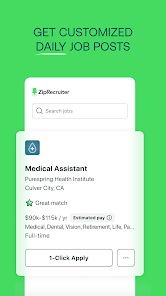
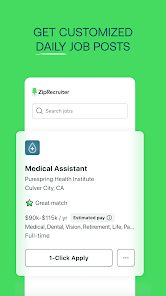
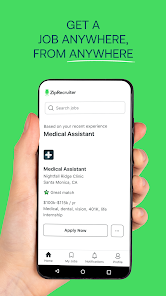
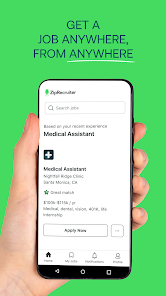
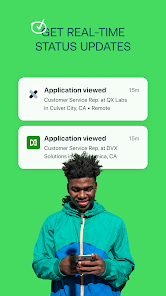
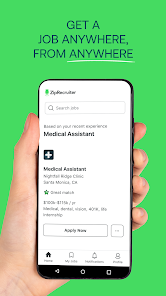
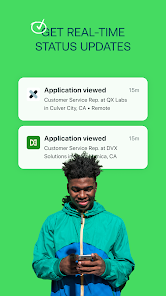
"Job Search by ZipRecruiter" offers a user-friendly platform designed to simplify the job-hunting process. One of its standout features is the ability to search for jobs based on location, allowing users to enter their zip code and find opportunities nearby. This localized search helps job seekers discover positions that are convenient and accessible.
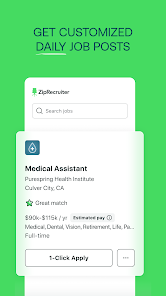
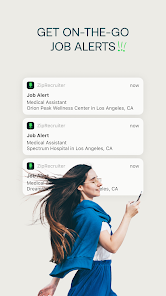
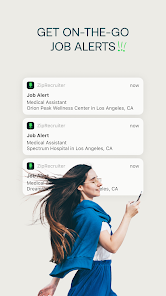
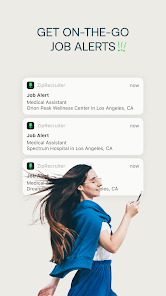
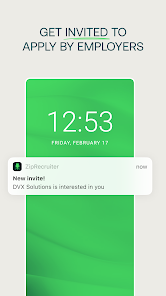
Another notable feature is the personalized job recommendations. The app uses advanced algorithms to analyze user preferences and past searches, providing tailored job listings that match individual skills and interests. Additionally, the platform allows users to set up job alerts, ensuring they receive notifications for new postings that fit their criteria.
The app also includes a resume builder, enabling users to create and optimize their resumes directly within the platform. This feature is particularly beneficial for those who may not have a polished resume ready. Furthermore, the application provides insights into salary expectations and company reviews, helping job seekers make informed decisions about potential employers.
Using "Job Search by ZipRecruiter" is straightforward and intuitive. To get started, users need to download the app from their device's app store and create an account. Once registered, they can enter their zip code to initiate a localized job search. The app will display a list of available positions in the specified area, allowing users to browse through various job listings.
Users can refine their search by applying filters such as job type, salary range, and experience level. This customization helps narrow down the options to find the most relevant opportunities. After selecting a job listing, users can view detailed information about the position, including job responsibilities, qualifications, and company details.
To apply for a job, users can easily submit their resume through the app. The resume builder feature allows for quick edits and updates, ensuring that applicants present their best selves. Additionally, users can save job listings for later review and set up alerts to stay informed about new postings that match their interests.
The "Job Search by ZipRecruiter" app comes with several advantages that enhance the job-seeking experience. One of the primary benefits is its user-friendly interface, which makes navigation simple for users of all tech levels. The personalized job recommendations are another significant advantage, as they save time and effort by presenting relevant opportunities based on individual preferences.
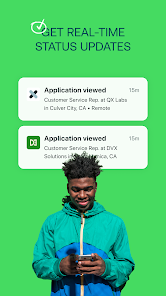
Moreover, the app's resume builder is a valuable tool for those who may need assistance in crafting a professional resume. The ability to set job alerts ensures that users are promptly notified of new opportunities, keeping them ahead in the competitive job market. Additionally, the inclusion of company reviews and salary insights helps users make informed decisions about potential employers.

 Access millions of job listings tailored to your skills and preferences. Receive personalized job alerts that match your criteria instantly. Utilize AI-driven recommendations for a more efficient job search experience. Easily apply to multiple jobs with one-click applications for convenience. Explore employer reviews to make informed decisions about potential workplaces.
 Limited job listings can restrict opportunities for job seekers. High competition may overshadow individual applications, making visibility challenging. Premium features may incur costs, adding financial strain during job search.
 Yes, users can submit suggestions or feedback through the app's support or feedback section, allowing the developers to improve the user experience based on user input.
Yes, Job Search by ZipRecruiter collects personal data to enhance user experience, improve job matching, and provide relevant job recommendations.
Job Search by ZipRecruiter requires an internet connection for full functionality; however, some features may be accessible offline, like previously saved job listings.
To cancel your subscription, you can go to your account settings within the app and follow the prompts to unsubscribe or manage your subscription.
While the app is free, certain premium features may require a subscription, which typically costs around $15 per month, but prices may vary.
Unfortunately, customer numbers cannot be changed. For assistance, please reach out to customer service.
Yes, you can log in to ZipRecruiter using your LinkedIn or Google account for convenience.
To activate your account, click the link in the activation email sent to you after registration.
If you didn't receive the activation email, check your spam folder or request a new activation email through the login page.
You can contact customer service via the support page on our website, where you'll find options for live chat or email.












 Google Play
  App Store