


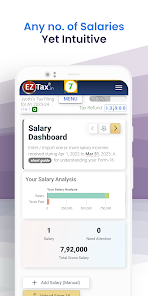
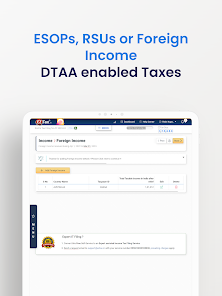
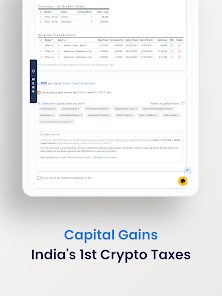
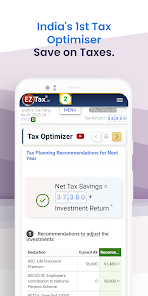
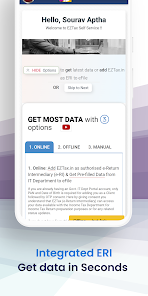
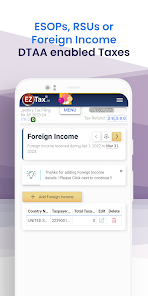
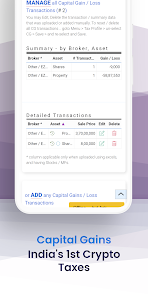
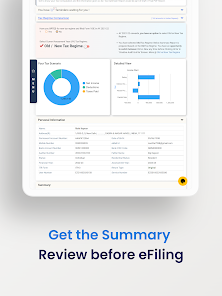
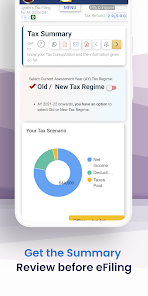
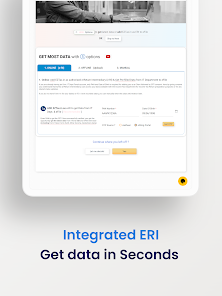
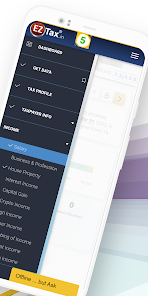
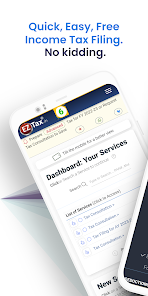
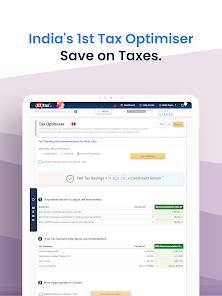
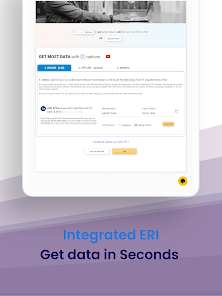
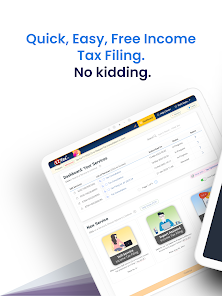
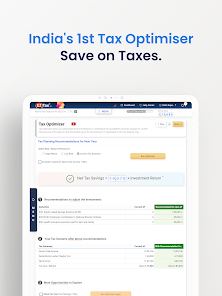
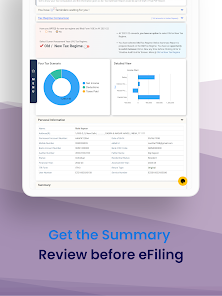
EZTax - Income Tax Filing App is packed with features that cater to both novice and experienced users alike. Here are some of the standout highlights that make this app a must-have during tax season:
As a freelancer, I often juggle multiple income streams, which can complicate tax filing. This year, I decided to use the EZTax app after hearing rave reviews from friends. I found myself using the app not just during tax season but throughout the year. For instance, whenever I received a new 1099 form from a client, I would immediately log into the app to upload the document. The app's ability to store and categorize my income sources made it incredibly easy to keep track of everything.
The user experience of EZTax is remarkable. The app boasts a clean interface that feels intuitive and welcoming. I appreciated how easily I could navigate through the different sections – from entering personal information to itemizing deductions. The feature that stands out the most is the real-time calculations. As I input my data, the app instantly updates my potential refund or tax owed, allowing me to make decisions on-the-fly. Performance-wise, the app is smooth and responsive, with no noticeable lag, even during peak usage times. Overall, using EZTax made what I used to dread into a more manageable and even somewhat enjoyable experience.
EZTax operates on a freemium model, providing basic features at no cost while offering premium services for a fee. The pricing for the premium features is quite reasonable, starting at $29.99 for the full package, which includes additional support and advanced deduction options. It’s a small investment for the peace of mind it brings during tax season.
The EZTax app is regularly updated to keep up with changing tax laws, which is crucial for American users. I noticed several updates throughout the year that enhanced the app's functionality and fixed minor bugs. The customer support team is also commendable; they are responsive and genuinely helpful. I reached out with a question regarding a tax form, and they replied within minutes, providing clarity and guidance.
For American users, security and privacy are paramount when dealing with sensitive financial information. EZTax is available on both the App Store and Google Play, which ensures a level of trustworthiness. During registration, the app requires essential personal data, including your Social Security number and income details, but it employs strong encryption protocols to protect this information.
There are no intrusive ads within the app, which I appreciated, and I noticed minimal tracking behavior. The app clearly outlines its privacy policy, reassuring users that their data won't be sold or shared with third parties without consent. This transparency instills confidence, making it easier for users like myself to navigate the often daunting task of tax filing without compromising security.

 EZTax simplifies tax filing User-friendly interface for all Maximize deductions effortlessly Secure and confidential data Real-time support and updates
 Limited customer support options Complex user interface design Occasional app crashes reported Higher fees for premium features
  Google Play
  App Store
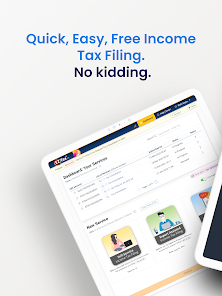
 Yes, users can file their taxes directly through the EZTax app. The app guides users through the filing process, allowing them to enter their income, deductions, and credits, and submit their returns electronically to the IRS or relevant tax authorities.
Yes, EZTax provides customer support options, including FAQs, live chat, and email assistance. Users can reach out for help with any questions or issues they encounter while using the app, ensuring they receive the support they need.
Yes, EZTax allows users to track the status of their tax refunds after filing. Users can access this feature to stay updated on when they can expect their refunds, providing peace of mind during the waiting period.
Yes, EZTax often provides tax tips and advice within the app to help users maximize their deductions and credits. These resources are designed to educate users about tax-saving strategies and ensure they are informed when filing their returns.
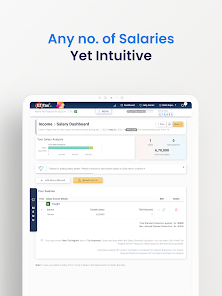
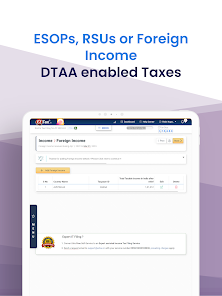
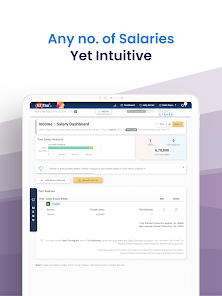
Yes, EZTax supports multiple income sources, including wages, self-employment income, rental income, and investment income. This feature is designed to accommodate users with diverse income streams, ensuring that all relevant income is accurately reported.
Yes, you can update your account information in the app under "Profile" or "Settings."
You can reach EZTax customer service by calling their support number listed in the app or visiting their official website for more options.
To log in, open the app, enter your registered email and password, then tap "Login."
For technical support, use the "Support" feature in the app to submit a request or chat with an agent.
Go to the login screen, click on "Forgot Password," and follow the instructions sent to your email.