












Apple Wallet has quickly become a staple in my everyday life, transforming the way I manage my cards, tickets, and even boarding passes. Its seamless integration and a plethora of features make it an indispensable tool for anyone looking to streamline their digital life. Here are some of the core features that truly stand out:
My journey with Apple Wallet began during a hectic week of travel. I was flying out for a business trip, and I had my boarding pass, hotel reservations, and even my rental car confirmation all stored in the app. Upon arriving at the airport, I simply pulled out my phone, scanned the boarding pass at security, and continued to my gate without digging through my bag. It was a refreshing and stress-free experience. Beyond travel, I use Apple Wallet for everyday purchases as well. Whether I’m grabbing lunch during a work break or picking up groceries, having my cards digitized means I never have to worry about forgetting my wallet or carrying cash.
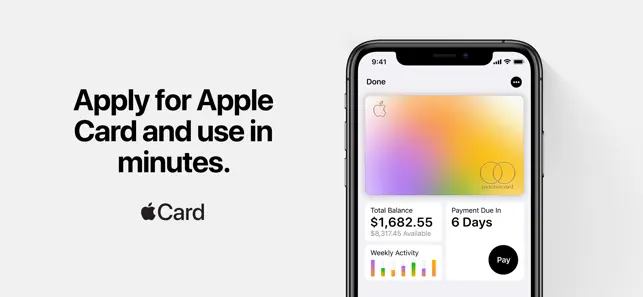
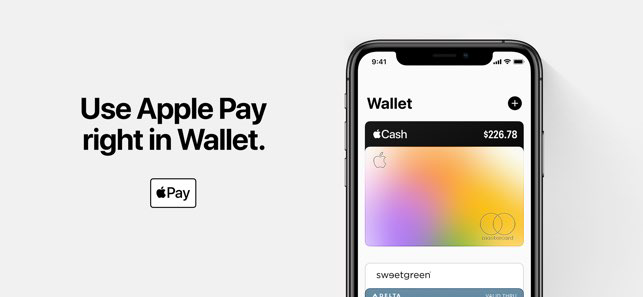
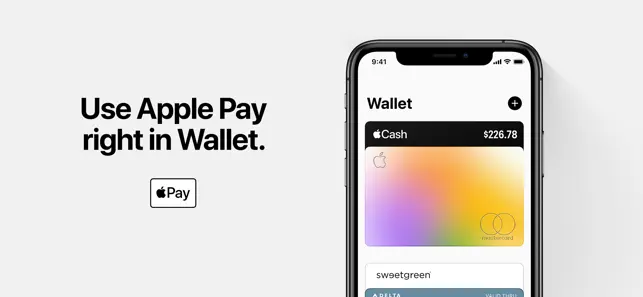
The user interface of Apple Wallet is sleek and intuitive, which makes navigation a breeze. When I first opened the app, I was greeted with a clean dashboard that displayed all my cards and passes neatly. Adding a new card is simple; just scan it with your camera, and the app does the rest. I also appreciate the organized layout that separates different types of cards, making it easy to locate what I need quickly. The performance has been stellar as well; I’ve never experienced lag or glitches, even when accessing multiple passes. Overall, my experience has been overwhelmingly positive. The app not only enhances convenience but also makes me feel more organized and in control of my finances and travel plans.
One of the best aspects of Apple Wallet is that it is completely free to use. There are no hidden fees or subscription costs associated with the app itself. However, keep in mind that while using Apple Pay may not incur charges, your bank or card issuer may have their own fees for transactions. This means that you can enjoy all the features without worrying about spending extra money, making it an even more attractive option for managing your finances.
Apple consistently rolls out updates to enhance the functionality of Apple Wallet, often adding new features or improving existing ones. Recently, for instance, they integrated more transit systems, allowing even more users to benefit from the app. In terms of support, Apple provides comprehensive resources through their website and customer service. Whenever I’ve had questions or run into minor issues, their support team has been responsive and helpful, ensuring that I can make the most of the app.
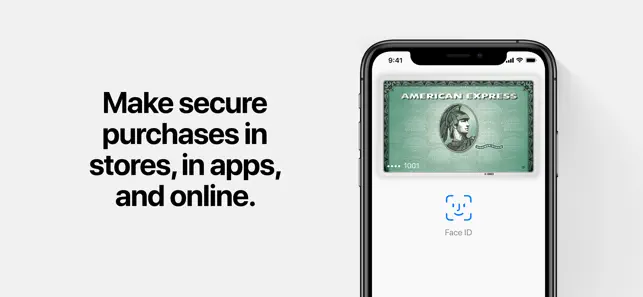
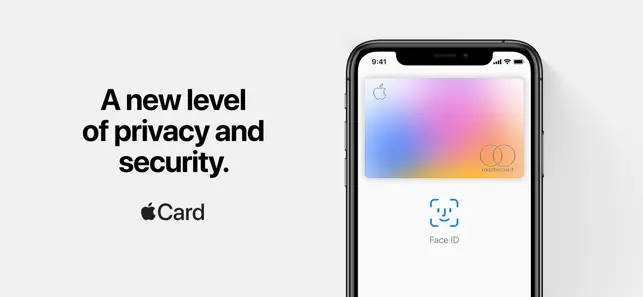
As an American user, security and privacy are paramount when it comes to managing my finances digitally. Apple Wallet is available on the App Store, which is a trusted source for applications. Registering the app requires basic personal data, but Apple prioritizes user privacy and ensures that sensitive information is encrypted. The app does not track my behavior or serve ads directly, which is a significant relief in today's digital age. The use of Face ID or Touch ID adds an additional layer of security, guaranteeing that only I can access my private data. Overall, I feel secure using Apple Wallet, knowing that my information is protected while enjoying the convenience it offers.

 Conveniently store all your cards in one app Quick access to tickets and boarding passes Easily make secure contactless payments Track loyalty points and rewards effortlessly Receive real-time notifications for updates
 Limited acceptance by some merchants Requires iPhone or Apple Watch May drain battery life quickly Dependence on internet connectivity for updates
 Apple Wallet uses encryption to keep your information secure and does not store your card numbers on your device or on Apple servers. However, some transaction data may be collected for purposes such as fraud detection and payment processing.
Apple Wallet is free to use and does not have a subscription fee; however, some services or features may require payment or a separate subscription.
Apple Wallet does not require a constant internet connection; however, an internet connection is needed to initially set up your cards and to update passes.
You can contact Apple Support through their official website or the Apple Support app, and you can provide feedback directly through the app or via the feedback page on Apple's website.
Since Apple Wallet does not have a subscription plan, there is no need to manage or cancel a subscription. However, you can remove cards or passes directly from the app as needed.
If you've lost a card, contact your card issuer for assistance. They can help you with deactivating the lost card and issuing a new one.
Apple Wallet is automatically activated on devices with iOS 9 or later. Simply open the app to start using it.
Open the Wallet app, tap the '+' icon, and follow the prompts to add a credit or debit card using your camera or by entering details manually.
You can reach Apple Support via their website, or by calling 1-800-MY-APPLE. Visit support.apple.com for detailed assistance.
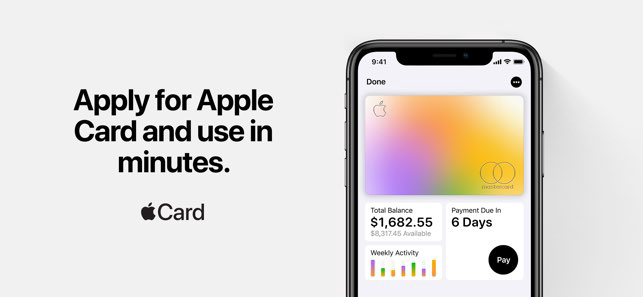
Open the Wallet app, select the card you wish to view, and tap on the transactions to see your recent activity.












 Google Play
  App Store