



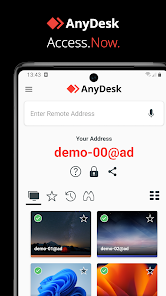
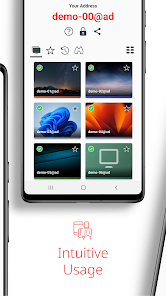
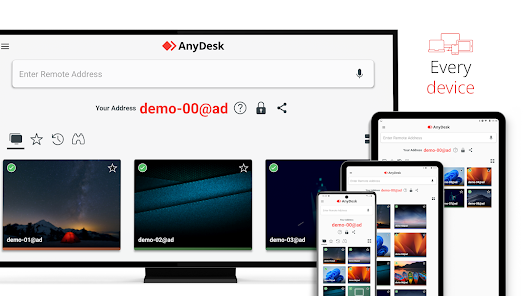
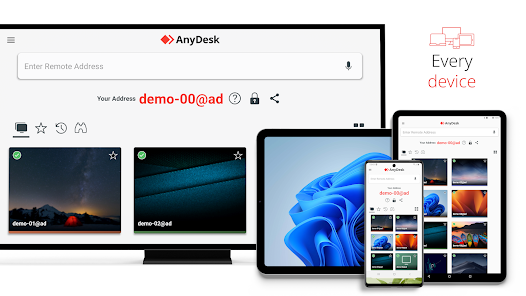
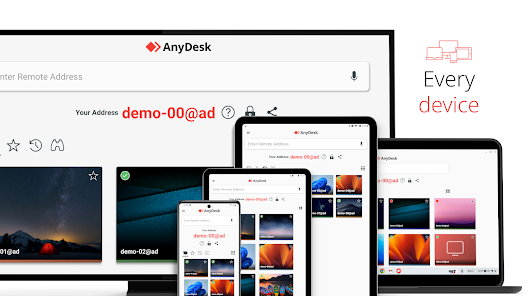
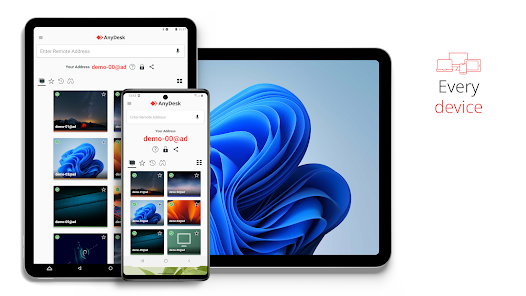
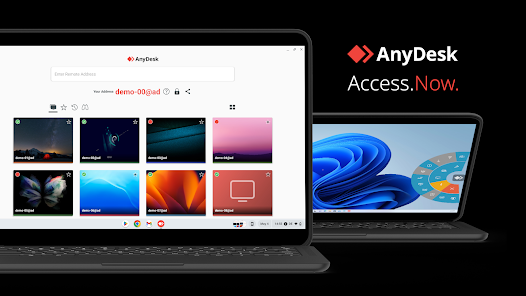
AnyDesk Remote Desktop is a powerful tool designed for remote access and support. One of its standout features is its low latency, which ensures smooth and responsive connections, even on slower internet connections. This is achieved through its proprietary DeskRT codec, which optimizes the transmission of images and reduces bandwidth usage.
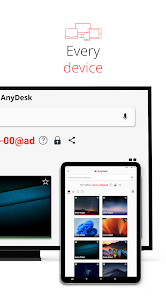
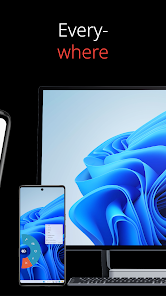
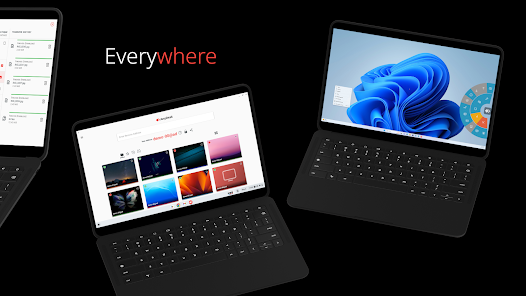
Another notable feature is the ability to connect to devices across various platforms, including Windows, macOS, Linux, Android, and iOS. This cross-platform compatibility allows users to access their devices from virtually anywhere, making it ideal for both personal and professional use.
AnyDesk also offers robust security measures, including TLS 1.2 encryption and RSA 2048 asymmetric key exchange, ensuring that all remote sessions are secure. Additionally, users can customize their settings, such as adjusting the quality of the connection and enabling file transfer capabilities, which enhances the overall user experience.
Furthermore, the software includes features like session recording, remote printing, and a user-friendly interface, making it accessible for users of all skill levels. Overall, AnyDesk combines performance, security, and versatility, making it a top choice for remote desktop solutions.
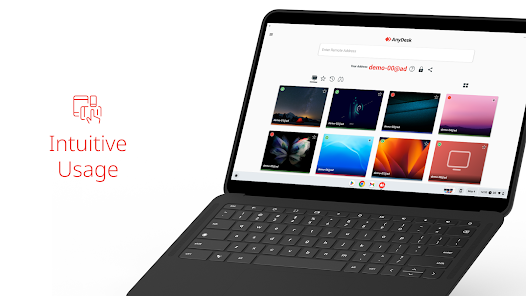
Using AnyDesk Remote Desktop is straightforward and user-friendly. To get started, first, download and install the application on both the local and remote devices. Once installed, launch the application, and you will see a unique AnyDesk ID displayed on your screen. This ID is essential for establishing a connection.
To connect to a remote device, simply enter the AnyDesk ID of the target device in the designated field and click on the "Connect" button. The remote user will receive a prompt to accept or decline the connection request. Once accepted, you will gain access to the remote desktop, allowing you to control it as if you were sitting right in front of it.
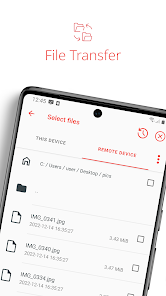
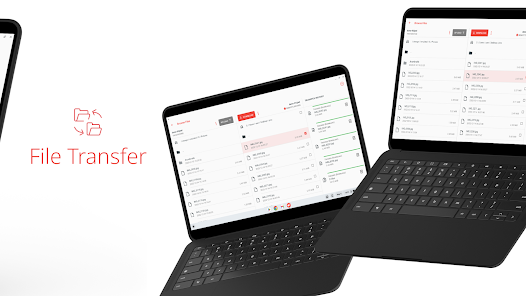
During the session, you can utilize various features such as file transfer, clipboard sharing, and session recording. To end the session, simply close the connection window. Additionally, AnyDesk allows you to customize settings for better performance, such as adjusting the display quality based on your internet speed.
Overall, AnyDesk's intuitive interface and straightforward connection process make it an excellent choice for users seeking efficient remote access solutions.
AnyDesk Remote Desktop comes with several advantages that make it a popular choice among users. One of the primary pros is its exceptional performance, characterized by low latency and high-quality connections, which are crucial for effective remote work. The application is also lightweight, requiring minimal system resources, which allows it to run smoothly on various devices.
Another significant advantage is its cross-platform compatibility, enabling users to connect across different operating systems seamlessly. Additionally, AnyDesk offers robust security features, including end-to-end encryption, which ensures that sensitive data remains protected during remote sessions.
However, there are some drawbacks to consider. One of the cons is that while the free version is functional, it may lack some advanced features available in the paid plans, which could limit its usability for businesses. Furthermore, users have reported occasional connectivity issues, particularly on slower networks, which can disrupt the remote experience.
In summary, while AnyDesk offers excellent performance and security, potential users should weigh these pros and cons based on their specific needs and the nature of their remote access requirements.

 Fast and reliable connections ensure smooth remote access experiences. Supports multiple platforms, allowing seamless access from various devices. User-friendly interface simplifies remote support for all skill levels. Robust security features protect sensitive data during remote sessions. Customizable settings enhance user experience and optimize performance.
 AnyDesk can experience latency issues, affecting remote work efficiency. The app may present security vulnerabilities, risking sensitive data exposure. Limited features in the free version may hinder usability for advanced tasks.
 Yes, AnyDesk encourages users to submit suggestions or feedback through their official website or support channels to help improve the app.
AnyDesk does collect some data for functionality and security purposes, but they are committed to user privacy and do not sell personal data to third parties.
No, AnyDesk requires an internet connection to establish remote desktop sessions, so offline use is not supported.
To cancel your subscription, you can log into your account on the AnyDesk website and follow the cancellation process in your account settings.
Subscription prices for AnyDesk vary depending on the plan chosen, with options for individuals and businesses, starting from a reasonable monthly fee.
Customer numbers are generally fixed, but you can reach out to support for any special requests regarding changes.
You can reach AnyDesk customer service via their official website or support email for assistance.
Once logged in, go to your account settings to update your information easily.
To activate your account, follow the link sent to your email after registration and complete the activation process.
Yes, you can use the 'Forgot Password' feature on the login page to reset your details securely.












 Google Play
  App Store














