


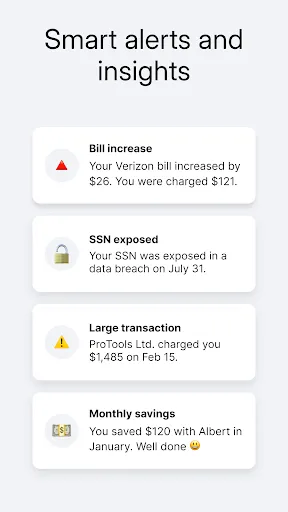
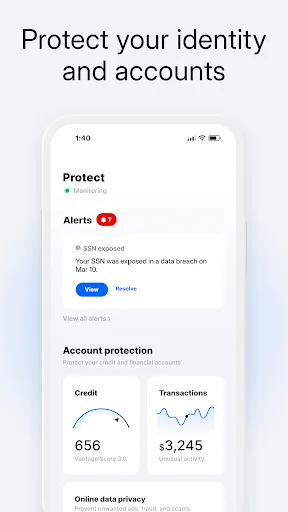
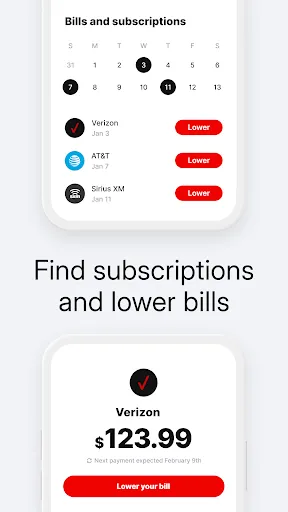
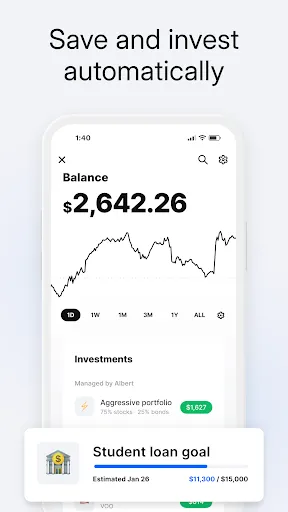
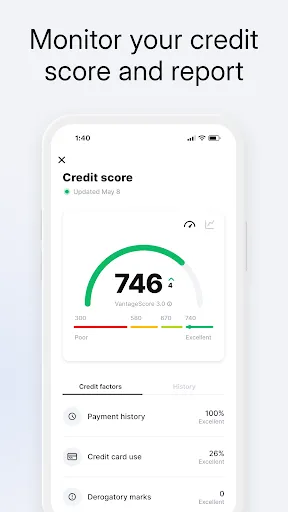
Albert: Budgeting and Banking stands out in the crowded world of personal finance apps. Its intuitive design and powerful features make managing your money not just easier, but also more engaging. Here are some core features that I found particularly helpful:
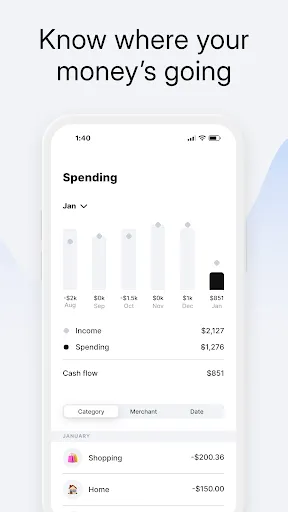
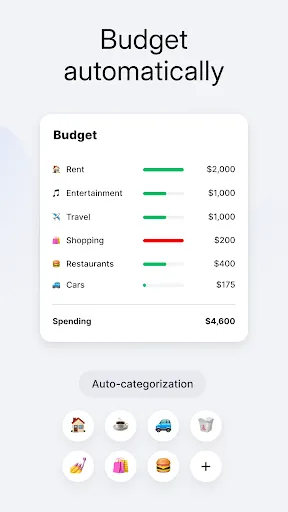
In my daily life, I often find myself juggling various financial responsibilities, from paying bills to saving for vacations. Albert has become an indispensable tool in this mix. For instance, I recently planned a trip and used the app to set a savings goal. I allocated a specific amount each week, and seeing the progress bar fill up was incredibly motivating. Additionally, during the month when my expenses were higher due to back-to-school shopping, I utilized Albert's budgeting feature to monitor my spending in real-time, allowing me to adjust my purchases on the fly.
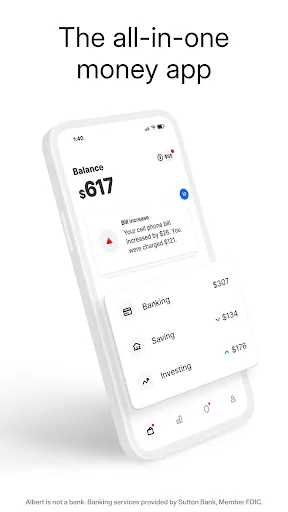
From the moment I downloaded Albert, the UI/UX impressed me with its clean design and easy navigation. The onboarding process was straightforward, requiring minimal setup before I could dive into budgeting. The dashboard displays an overview of my finances, making it simple to see how much I have saved, spent, and what’s left for the month. I particularly enjoyed the weekly check-ins, where Albert updates me on my financial health, offering suggestions for improvement. The app's performance has been stellar, with no lag or crashes, which is crucial when managing finances. Overall, using Albert feels less like a chore and more like having a friendly financial advisor at my fingertips.
Albert offers a free version, which includes many essential features, but there’s also a premium subscription available for $4 per month. The premium version unlocks additional features like advanced budgeting, a more personalized savings plan, and priority customer support. Given the value it provides, I felt that the cost was reasonable, especially considering the potential savings I could achieve.
The Albert app receives regular updates that enhance its functionality and address user feedback, which I appreciate. The support team is responsive; I had a minor issue with linking my bank account initially, but their customer service resolved it quickly via chat. The knowledge base on their website is also comprehensive, providing answers to common questions and tips for getting the most out of the app.
As an American user, I placed a significant emphasis on security and privacy when using financial apps. Albert is available on both the App Store and Google Play, which reassures me about its credibility. When registering, I was asked for personal data such as my name, email, and financial information, which is standard for banking apps. However, I appreciated the transparency in their privacy policy, detailing how my data would be used and protected.
Regarding ads and tracking behavior, I found Albert to be free of intrusive advertisements, which is a pleasant change from many other apps. They do not track my activity for marketing purposes, and I felt more secure knowing that my financial information was kept private. Overall, Albert’s commitment to user security gave me confidence in managing my finances through their platform.

 Easy-to-use interface simplifies financial management. Automated budgeting helps track your spending effortlessly. Real-time insights enhance informed financial decisions. Goal setting features motivate savings and financial growth. Secure banking ensures peace of mind for users.
 Limited customer support options available for users Mobile app can be slow or unresponsive at times Lacks advanced investment features for experienced users Basic budgeting tools may not meet complex needs
  Google Play
  App Store
 Yes, Albert: Budgeting and Banking collects personal data to provide its services, but it adheres to strict privacy policies to protect your information and ensure it is used responsibly.
Albert: Budgeting and Banking offers a free version with basic budgeting features, while more advanced functionalities are available through paid subscription plans.
Yes, Albert: Budgeting and Banking requires an internet connection to sync your financial data, access features, and receive updates in real-time.
You can contact support or send feedback for Albert: Budgeting and Banking through the app's help section, where you can find options for live chat, email support, or frequently asked questions.
You can manage or cancel your Albert: Budgeting and Banking subscription directly within the app by navigating to your account settings and following the prompts for subscription management.
Yes, you can update your information in the account settings section of the app.
You can contact Albert's customer service through the app's help section or by emailing support
After signing up, follow the verification link sent to your email to activate your account.
To close your account, contact customer support through the app and request account closure.
Your customer number can be found in the app under your account settings or by contacting support.