
 Home
Home  Apps
Apps  Games
Games  Windows
  Topics
  Terms of Service
  Cookies & Privacy Policy
  Disclaimer
Storybook: Calm Bedtime, Sleep


Information
- Category: Parenting
- Price: free
- Age Rating: Everyone
- Rating: 3.9
- Developer: Familify® – Kids Sleep, Spiritual & Mental Health
- Version: 5.2.37



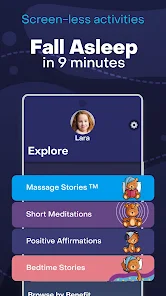
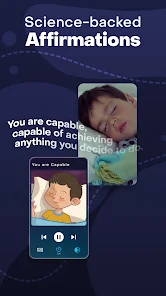
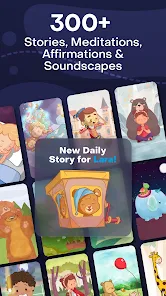
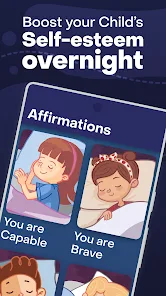
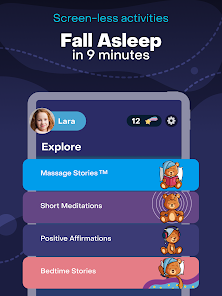
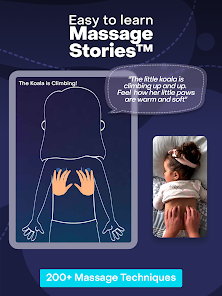
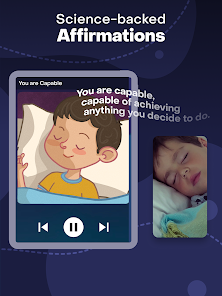
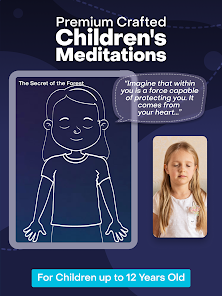
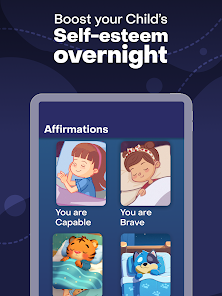
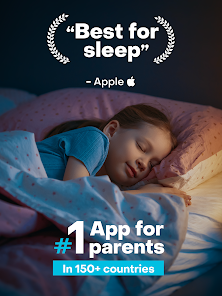
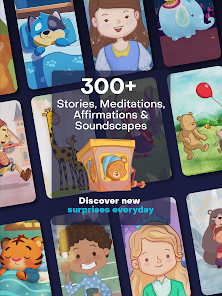
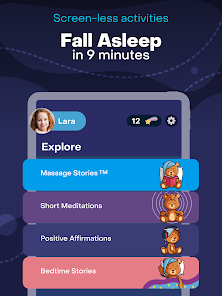
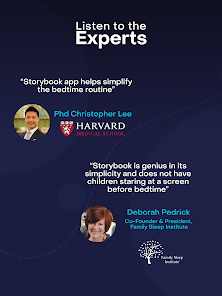
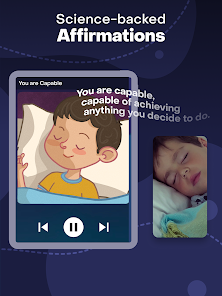

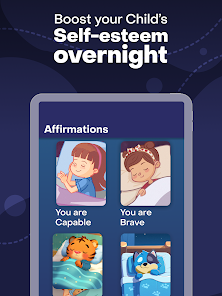
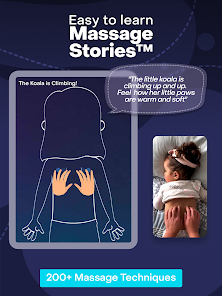
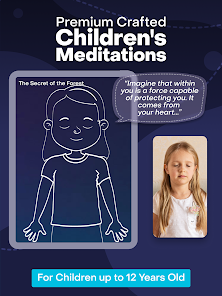
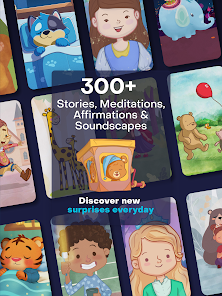
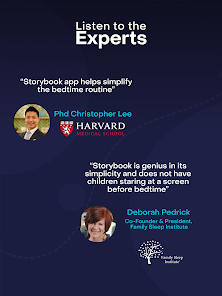
Welcome to "Storybook: Calm Bedtime, Sleep," your go-to app for soothing bedtime stories that help children drift off to dreamland. With a curated collection of enchanting tales, calming sounds, and gentle narrations, we create a peaceful bedtime routine that fosters relaxation and imagination. Perfect for parents seeking to instill a love for reading while ensuring a restful night’s sleep, our app transforms bedtime into a magical experience for both kids and caregivers. Sweet dreams await!
Features of "Storybook: Calm Bedtime, Sleep"
"Storybook: Calm Bedtime, Sleep" is designed to create a soothing bedtime experience for children. One of its standout features is a diverse library of calming stories that cater to various age groups, ensuring that every child finds something engaging. The app also includes gentle soundscapes and ambient music that enhance the storytelling experience, helping to create a tranquil atmosphere conducive to sleep.
Another notable feature is the customizable reading settings, allowing parents to adjust the narration speed and background sounds according to their child's preferences. The app also offers a sleep timer, which can automatically turn off the stories after a set duration, ensuring that children can drift off without interruption. Additionally, the user-friendly interface makes it easy for both parents and children to navigate through the app, making bedtime routines smoother and more enjoyable.
How to Use "Storybook: Calm Bedtime, Sleep"
Using "Storybook: Calm Bedtime, Sleep" is straightforward and user-friendly. First, download the app from your device's app store and create an account if necessary. Once you’re in, explore the extensive library of stories categorized by age and theme. You can select a story that resonates with your child or choose one based on their mood.
After selecting a story, you can customize the experience by adjusting the narration speed and background sounds to create a calming environment. Set the sleep timer to ensure the app turns off automatically after your child has fallen asleep. Encourage your child to engage with the story by asking questions or discussing the characters, making the experience interactive. This not only helps in winding down but also fosters a love for storytelling, making bedtime a cherished routine.
Pros & Cons of the App
Like any app, "Storybook: Calm Bedtime, Sleep" has its advantages and disadvantages. On the positive side, the app offers a rich selection of stories that promote relaxation and help children transition to sleep. The soothing soundscapes and customizable features enhance the overall experience, making it appealing to both kids and parents. Additionally, the user-friendly interface ensures that even young children can navigate the app with ease.
However, there are some drawbacks to consider. Some users may find that the library, while extensive, could benefit from more frequent updates with new stories. Additionally, reliance on technology for bedtime routines may not suit every family's preferences, as some parents prefer traditional storytelling methods. Lastly, while the app is designed to be calming, excessive screen time before bed could potentially disrupt sleep patterns for some children. Balancing app usage with other bedtime practices is essential for optimal results.
Get Installation Details  Google Play
  App Store
Google Play App Store FAQ
Can I create playlists on Spotify?
Yes, users can create, share, and collaborate on playlists with friends.
Can I download music on Spotify?
Yes, premium users can download songs and playlists for offline listening.
Can I listen to Spotify offline?
Yes, premium users can listen to downloaded music offline without an internet connection.
Can I use Spotify on multiple devices?
Yes, you can use Spotify on multiple devices, but only one device can stream at a time.
Does Spotify have podcasts?
Yes, Spotify hosts a wide range of podcasts across various genres.
Similar Apps














You May Like

Findmykids: Kids GPS Tracker
Parenting
4.6

Amazon Kids+: Books, Videos…
Parenting
4

Microsoft Family Safety
Parenting
3.9

Speech Blubs: Language Therapy
Parenting
4.5

OurFamilyWizard Co-Parent App
Parenting
4.5

AirDroid Parental Control
Parenting
4.5

Eyezy: GPS phone tracker
Parenting
3.4

KidsGuard-Parental Control App
Parenting

Bark - Parental Controls
Parenting
4.2
Parental Control App- FamiSafe
Parenting
3.3

Solid Starts: Baby Food App
Parenting
4.9

Babysits - Find Babysitters
Parenting
4.1