
 Home
Home  Apps
Apps  Games
Games  Windows
  Topics
  Terms of Service
  Cookies & Privacy Policy
  Disclaimer
KidsGuard-Parental Control App


Information
- Category: Parenting
- Price: free
- Age Rating: Everyone
- Rating:
- Developer: CLEVERGUARD TECHNOLOGY CO.,LIMITED
- Version: 1.4.9
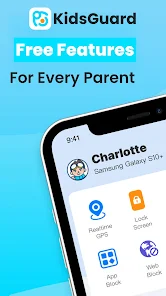
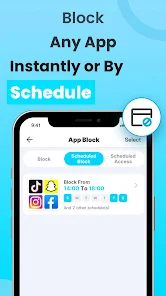
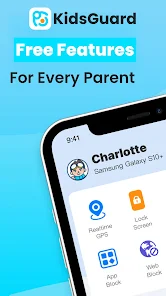
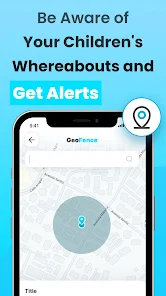
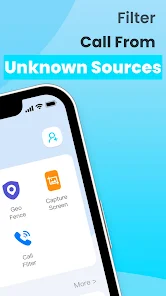
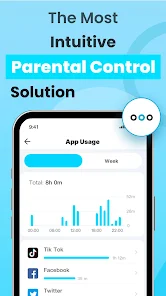
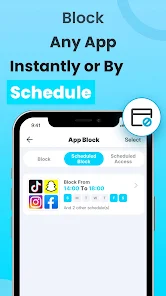
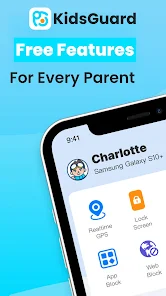
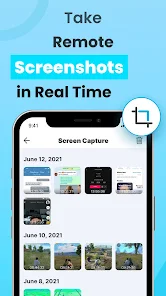
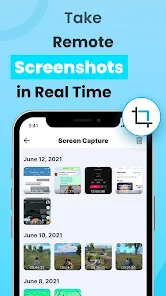
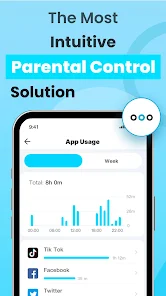
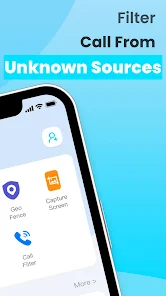
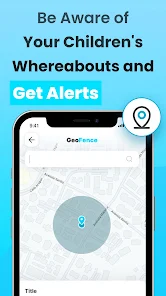
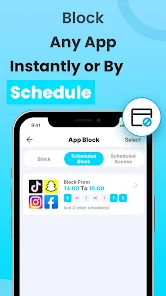
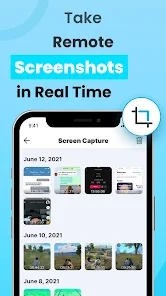
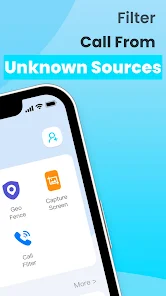
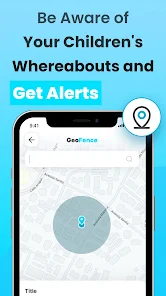
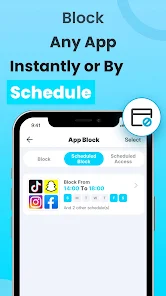
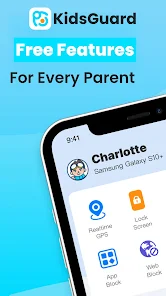
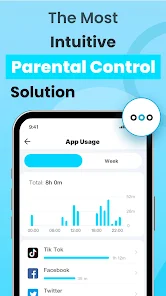
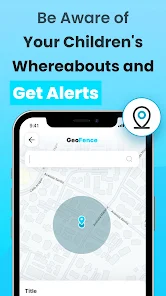
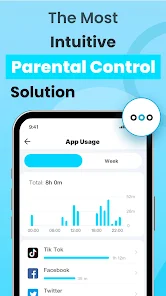
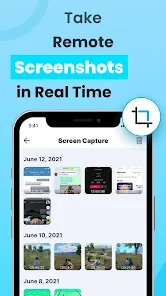
KidsGuard is a comprehensive parental control app designed to help parents monitor and manage their children's online activities. With features like real-time location tracking, app usage monitoring, and web filtering, KidsGuard empowers parents to ensure their kids' safety in the digital world. The user-friendly interface makes it easy to set boundaries and promote healthy screen time habits, giving parents peace of mind while their children explore the internet. Keep your family safe with KidsGuard!
Features of "KidsGuard-Parental Control App"
The KidsGuard-Parental Control App offers a comprehensive suite of features designed to help parents monitor and manage their children's online activities effectively. One of its standout features is real-time location tracking, which allows parents to see where their child is at any given moment. This feature is particularly useful for ensuring safety during outings or school commutes.
Another significant feature is the ability to monitor social media activity. Parents can keep an eye on their child's interactions on platforms like Facebook, Instagram, and Snapchat, helping to identify any potential risks or inappropriate behavior. Additionally, the app provides web filtering options, enabling parents to block access to harmful or unsuitable websites.
KidsGuard also includes screen time management tools, allowing parents to set limits on how long their children can use their devices. This feature promotes a healthy balance between online and offline activities. Furthermore, the app offers call and text monitoring, giving parents insight into their child's communication with others. Overall, KidsGuard is a robust tool for fostering a safe digital environment for children.
How to Use "KidsGuard-Parental Control App"
Using the KidsGuard-Parental Control App is a straightforward process that begins with downloading the app on the target device. First, parents need to create an account on the KidsGuard website and choose a subscription plan that suits their needs. After setting up the account, they can download the app on their child's smartphone or tablet.
Once installed, parents will need to grant the necessary permissions for the app to function effectively. This may include location access, notifications, and permissions to monitor apps and messages. After the setup is complete, parents can log into their KidsGuard account from any device to access the dashboard, where they can view real-time data and reports on their child's activities.
From the dashboard, parents can customize settings, such as setting screen time limits, blocking specific websites, and monitoring social media interactions. Regularly checking the dashboard will help parents stay informed about their child's online behavior and make adjustments as needed to ensure a safe digital experience.
Pros & Cons of the App
The KidsGuard-Parental Control App comes with several advantages that make it a popular choice among parents. One of the primary pros is its extensive monitoring capabilities, which cover various aspects of a child's digital life, including location tracking, social media activity, and web browsing. This comprehensive approach allows parents to have a clearer understanding of their child's online interactions and potential risks.
Another significant advantage is the user-friendly interface, which makes it easy for parents to navigate and utilize the app's features effectively. Additionally, the app offers robust customer support, ensuring that users can get assistance when needed. However, there are some cons to consider. For instance, the app requires installation on the child's device, which may raise privacy concerns or lead to trust issues if not communicated properly.
Moreover, while the app provides a wealth of features, some users may find the subscription cost to be a drawback, especially if they are looking for free alternatives. Lastly, the effectiveness of the app can vary depending on the device and operating system, which may limit its functionality in certain cases. Overall, KidsGuard offers a balanced mix of benefits and drawbacks that parents should weigh carefully.
Get Installation Details  Google Play
  App Store
Google Play App Store FAQ
Can I create playlists on Spotify?
Yes, users can create, share, and collaborate on playlists with friends.
Can I download music on Spotify?
Yes, premium users can download songs and playlists for offline listening.
Can I listen to Spotify offline?
Yes, premium users can listen to downloaded music offline without an internet connection.
Can I use Spotify on multiple devices?
Yes, you can use Spotify on multiple devices, but only one device can stream at a time.
Does Spotify have podcasts?
Yes, Spotify hosts a wide range of podcasts across various genres.
Similar Apps















You May Like

Findmykids: Kids GPS Tracker
Parenting
4.6

Amazon Kids+: Books, Videos…
Parenting
4

Microsoft Family Safety
Parenting
3.9

Speech Blubs: Language Therapy
Parenting
4.5

OurFamilyWizard Co-Parent App
Parenting
4.5

AirDroid Parental Control
Parenting
4.5

Eyezy: GPS phone tracker
Parenting
3.4

Bark - Parental Controls
Parenting
4.2
Parental Control App- FamiSafe
Parenting
3.3

Solid Starts: Baby Food App
Parenting
4.9

Babysits - Find Babysitters
Parenting
4.1

Sitly - The babysitter app
Parenting
1.5