
 Home
Home  Apps
Apps  Games
Games  Windows
  Topics
  Terms of Service
  Cookies & Privacy Policy
  Disclaimer
Sheet Music Scanner & Reader


Information
- Category: Music & Audio
- Price: $19.99
- Age Rating: Everyone
- Rating: 4.0
- Developer: Remusician
- Version: 2.210
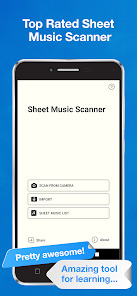
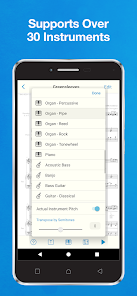
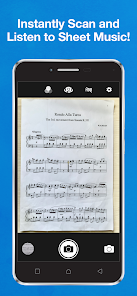
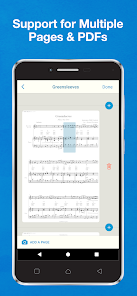
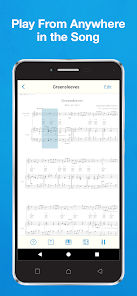
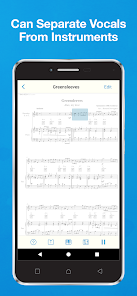
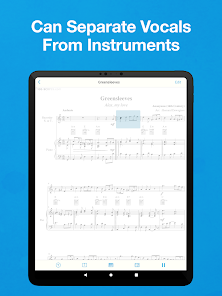
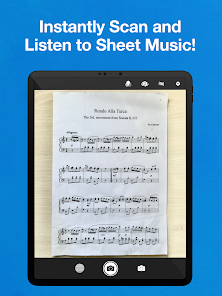
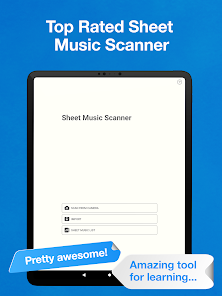
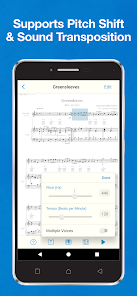
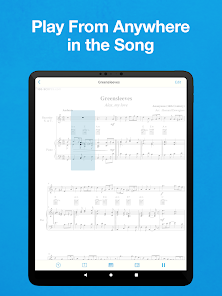
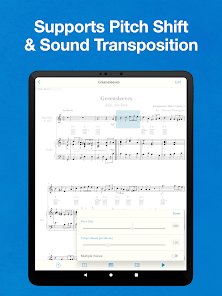
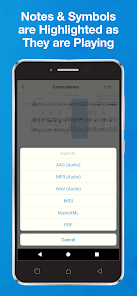
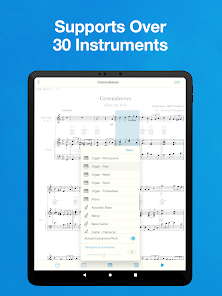
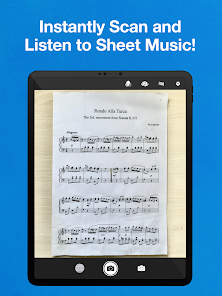
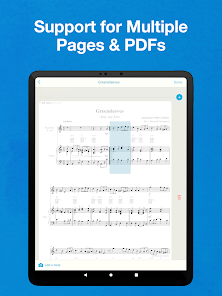
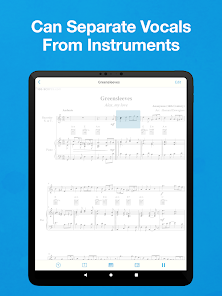
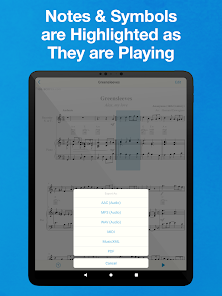
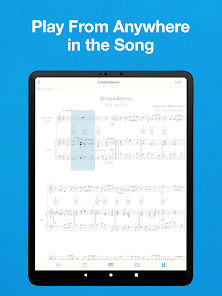
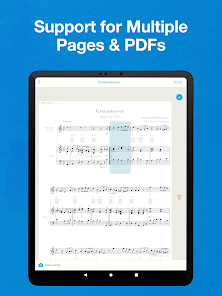
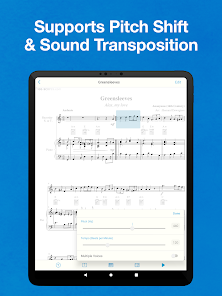
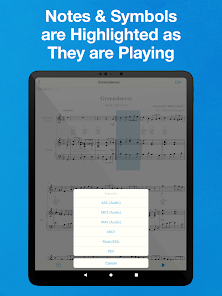
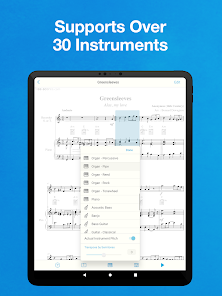
Introducing the "Sheet Music Scanner & Reader" app, your ultimate companion for transforming printed sheet music into digital format. Effortlessly scan, read, and play your favorite scores with advanced optical recognition technology. Whether you're a musician, teacher, or student, this app simplifies practice and learning by providing instant access to your music library. Enjoy features like playback, annotation, and sharing, all designed to enhance your musical experience. Unlock the world of music with just a few taps!
Features of "Sheet Music Scanner & Reader"
"Sheet Music Scanner & Reader" is a versatile application designed for musicians and music enthusiasts. One of its standout features is Optical Music Recognition (OMR), which allows users to scan printed sheet music and convert it into digital format. This feature is particularly useful for those who want to edit or play back their music using digital instruments. The app supports various music formats, enabling users to export their scanned music into MIDI or MusicXML files, making it compatible with other music software.
Another notable feature is the built-in playback function, which lets users listen to the scanned music. This is beneficial for learning and practicing, as it provides an auditory reference. Additionally, the app includes a user-friendly interface that simplifies navigation and enhances the overall user experience. Users can also annotate their scores, adding notes or markings directly on the digital sheet music. Furthermore, the app supports multi-page scanning, allowing users to capture entire pieces of music in one go, making it efficient for larger compositions.
How to Use "Sheet Music Scanner & Reader"
Using "Sheet Music Scanner & Reader" is a straightforward process that caters to both beginners and experienced musicians. To start, download and install the app on your device. Once installed, open the app and select the scanning option. Position your sheet music under the camera or upload an image from your gallery. Ensure that the music is well-lit and clearly visible for optimal scanning results.
After scanning, the app will process the image using its Optical Music Recognition technology. Review the scanned music for any inaccuracies, as the app allows you to make corrections if necessary. Once satisfied, you can save the file in your preferred format, such as MIDI or MusicXML. Additionally, take advantage of the playback feature to listen to your music, which can aid in practice and learning. Finally, don’t forget to explore the annotation tools to personalize your scores further.
Pros & Cons of the App
"Sheet Music Scanner & Reader" comes with several advantages that make it a valuable tool for musicians. One of the primary pros is its ability to quickly convert printed sheet music into digital formats, saving time and effort. The playback feature enhances learning by providing an audio reference, which is particularly helpful for beginners. The app's user-friendly interface makes it accessible for users of all skill levels, and the annotation tools allow for personalized adjustments to scores.
However, the app is not without its drawbacks. One notable con is that the accuracy of the Optical Music Recognition can vary depending on the quality of the original sheet music. Complex scores with intricate notations may not be scanned perfectly, requiring manual corrections. Additionally, some users may find the app's features limited compared to more advanced music notation software. Lastly, while the app is generally reliable, occasional bugs or performance issues may arise, which can hinder the user experience.
 Google Play
  App Store
 FAQ
Can I create playlists on Spotify?
Yes, users can create, share, and collaborate on playlists with friends.
Can I download music on Spotify?
Yes, premium users can download songs and playlists for offline listening.
Can I listen to Spotify offline?
Yes, premium users can listen to downloaded music offline without an internet connection.
Can I use Spotify on multiple devices?
Yes, you can use Spotify on multiple devices, but only one device can stream at a time.
Does Spotify have podcasts?
Yes, Spotify hosts a wide range of podcasts across various genres.
Similar Apps















You May Like

SiriusXM: Music, Sports & News
Music & Audio
4.6

Pandora - Music & Podcasts
Music & Audio
3.9

BandLab
Music & Audio
4.6

Audiomack: Music Downloader
Music & Audio
4.8

Amazing Slow Downer
Music & Audio
3.7

Amazon Music: Songs & Podcasts
Music & Audio
3.4

Apple Music
Music & Audio
4.6

FL STUDIO MOBILE
Music & Audio
4.0

Koala Sampler
Music & Audio
4.8

MediaMonkey Pro
Music & Audio
4.4

MobileSheets
Music & Audio
4.4
Music Downloader -Mp3 music
Music & Audio
4.7