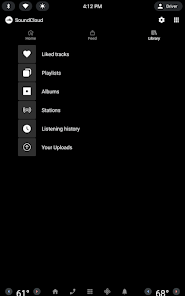
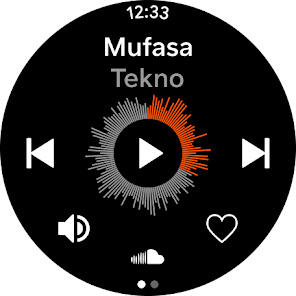
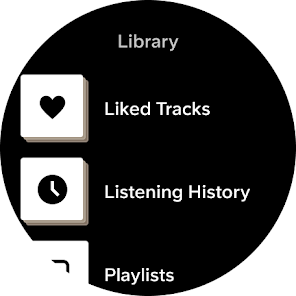
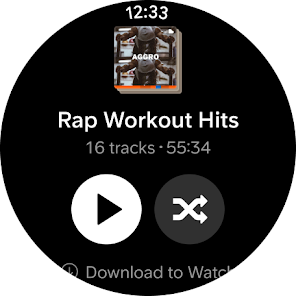

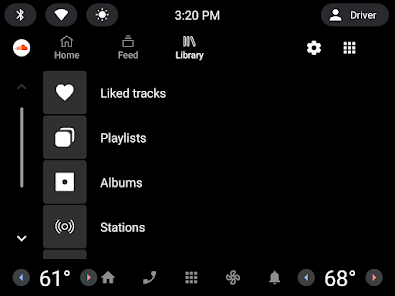

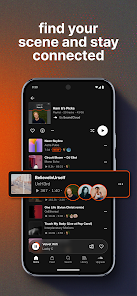
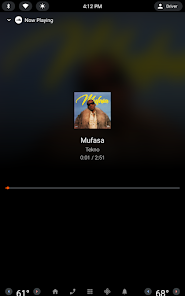

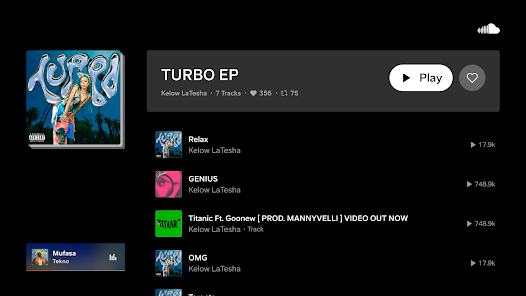

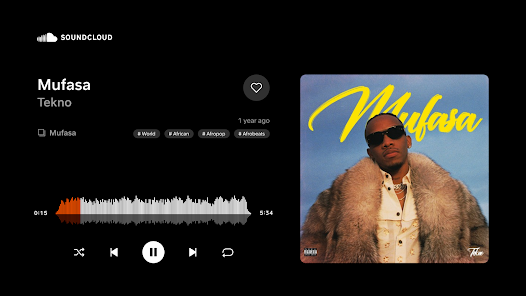
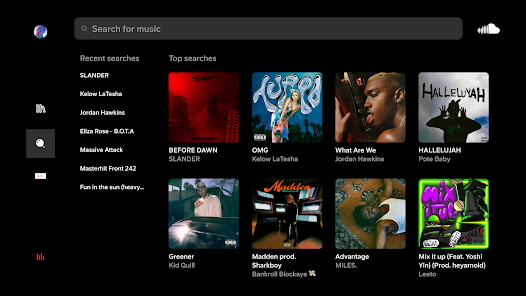
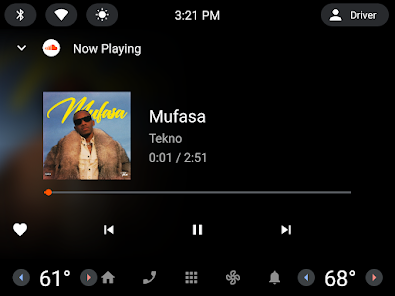
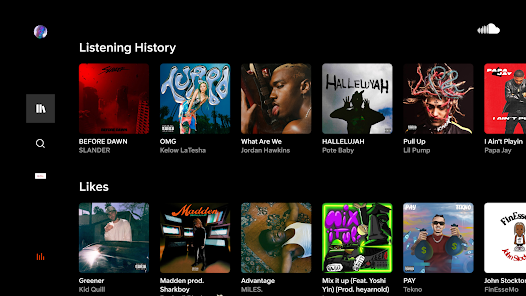
SoundCloud: The Music You Love offers a diverse range of features that cater to music enthusiasts and creators alike. One of its standout features is the extensive library of tracks, which includes both mainstream and independent artists. Users can discover new music through personalized recommendations based on their listening habits, making it easy to find tracks that resonate with their tastes.
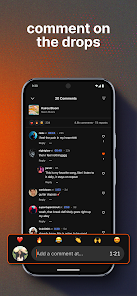
Another notable feature is the ability to create and share playlists. Users can curate their favorite songs and share them with friends or the SoundCloud community. Additionally, the platform supports user-generated content, allowing aspiring musicians to upload their tracks and gain exposure. The interactive comment section on tracks enables listeners to engage directly with artists, fostering a sense of community.
SoundCloud also offers offline listening for premium users, allowing them to enjoy their favorite music without an internet connection. The app's user-friendly interface makes navigation seamless, and its social sharing options enable users to promote their favorite tracks across various platforms. Overall, SoundCloud combines a rich music library with community engagement features, making it a unique platform for music lovers.
Using SoundCloud: The Music You Love is straightforward and user-friendly. To get started, users need to download the app from their device's app store or access the website. After installation, users can create an account using their email or social media profiles. Once logged in, they can explore the vast library of music available on the platform.
To discover new tracks, users can browse through curated playlists, trending songs, or search for specific artists and genres. The app's algorithm also suggests music based on listening history, making it easy to find new favorites. Users can create their own playlists by adding songs they enjoy, and they can follow other users or artists to stay updated on new releases.
For those interested in sharing their own music, the app provides an easy upload feature. After uploading, users can promote their tracks through social media or within the SoundCloud community. Engaging with other users through comments and likes enhances the experience, allowing for interaction with both fans and artists. Overall, SoundCloud is designed to be an accessible platform for both listening and sharing music.
SoundCloud: The Music You Love comes with several advantages that make it a popular choice among music lovers. One of the primary pros is its extensive library, which includes a wide variety of genres and independent artists that may not be available on other platforms. This diversity allows users to discover unique sounds and emerging talent. Additionally, the platform's community features, such as comments and sharing options, foster interaction between artists and listeners, creating a vibrant music culture.
However, the app is not without its drawbacks. One notable con is the presence of ads in the free version, which can interrupt the listening experience. Furthermore, while the platform is great for discovering new music, the quality of some user-uploaded tracks can vary significantly. This inconsistency may lead to a less enjoyable experience for users seeking high-quality audio. Lastly, the premium subscription, which offers offline listening and an ad-free experience, may not be affordable for all users.
In summary, while SoundCloud offers a rich and engaging platform for music discovery and sharing, potential users should weigh the pros and cons to determine if it meets their needs.

 Discover a vast library of tracks from emerging and established artists Easily share and promote your music to a global audience Engage with a community of music lovers and creators Personalize your listening experience with curated playlists and recommendations Access exclusive content and remixes not found on other platforms
 Limited monetization options for creators can hinder income growth. Audio quality may vary due to user uploads. Discoverability can be challenging amidst a vast array of content.
  Google Play
  App Store
 Yes, users can submit suggestions or feedback directly through the app or on the SoundCloud website, typically through a feedback form or customer support channel.
Yes, SoundCloud: The Music You Love collects personal data to enhance user experience, provide personalized recommendations, and for other operational purposes, as outlined in their privacy policy.
Yes, SoundCloud: The Music You Love allows users to download tracks for offline listening, but this feature is typically available only to premium subscribers.
To cancel your subscription, you can go to your account settings within the app or website and follow the prompts for managing your subscription, or you can contact customer support for assistance.
The subscription cost for SoundCloud: The Music You Love varies by region and plan type, with options for monthly or annual payments; users should check the app or website for the most current pricing information.
Your customer number is not directly available in the app, but you can find it in your account settings on the website.
Yes, customer service can assist with account recovery. Provide them with your details, and they will guide you through the process.
Select the Facebook login option on the SoundCloud login page. Make sure your Facebook account is connected to your SoundCloud account.
You can contact customer service through the help section on the SoundCloud website or app. Look for the support option to submit a request.
After signing up, check your email for an activation link from SoundCloud. Click the link to activate your account.