



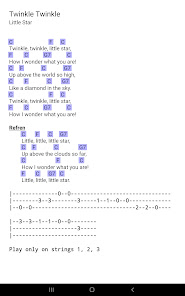
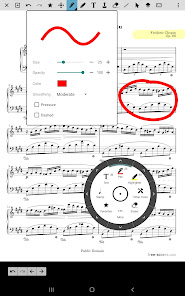
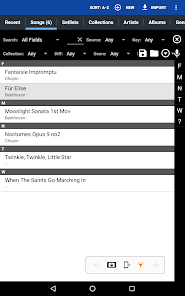
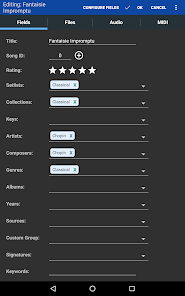
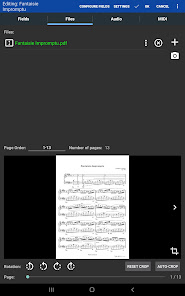
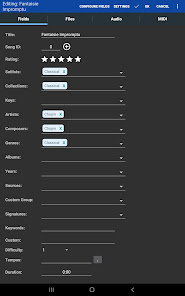
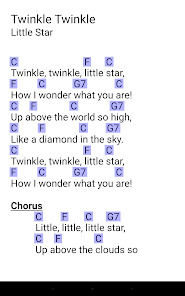
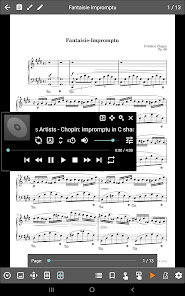
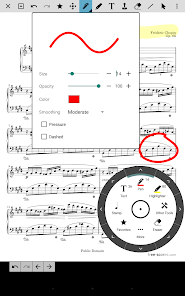
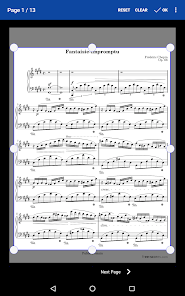
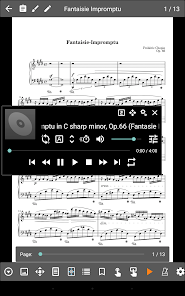
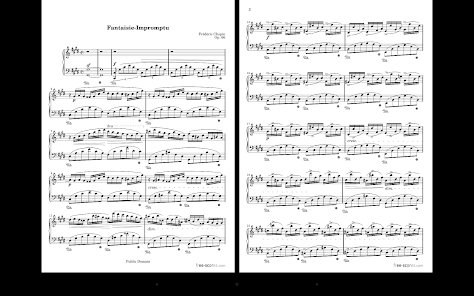
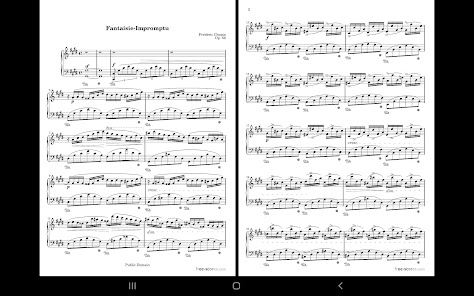
MobileSheets is a versatile sheet music reader designed for musicians of all levels. One of its standout features is the ability to import a wide range of file formats, including PDF, images, and text files, making it easy to access your music library. The app also supports annotations, allowing users to highlight, add notes, and mark sections directly on the sheet music, which is invaluable during practice or performances.
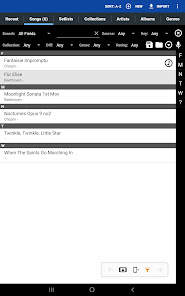
Another key feature is the setlist management system, which enables musicians to organize their music into customizable setlists for performances. This feature is particularly useful for gigging musicians who need quick access to specific songs. Additionally, MobileSheets offers a built-in metronome and tuner, enhancing practice sessions. The app also supports cloud storage integration, allowing users to back up their music and access it from multiple devices. With its user-friendly interface and extensive customization options, MobileSheets is an essential tool for any musician looking to streamline their practice and performance experience.
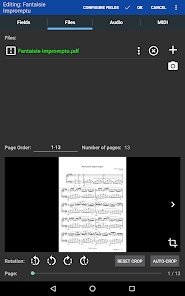
Using MobileSheets is straightforward, making it accessible for musicians of all skill levels. To get started, download the app from your device's app store and create an account. Once installed, you can import your sheet music by selecting the 'Import' option, where you can choose files from your device or cloud storage. The app supports various formats, so you can easily bring in PDFs, images, or text files.
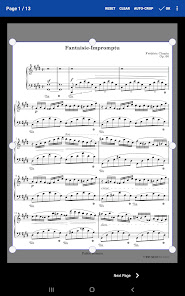
After importing, you can organize your music into setlists by selecting the songs you want and creating a new setlist. This feature allows for quick access during performances. To enhance your practice, utilize the annotation tools to mark important sections or add notes directly on the sheet music. You can also adjust the display settings for optimal viewing. Finally, take advantage of the built-in metronome and tuner to improve your timing and pitch. With these steps, you can effectively use MobileSheets to enhance your musical practice and performances.
MobileSheets offers numerous advantages that make it a popular choice among musicians. One of the primary benefits is its extensive file format support, allowing users to import various types of sheet music easily. The annotation features are also a significant plus, enabling musicians to personalize their scores for better practice and performance. Additionally, the setlist management system is highly praised, as it allows for quick organization and access to songs during gigs. The app's user-friendly interface and customization options further enhance the overall experience.
However, there are some drawbacks to consider. Some users have reported occasional bugs or crashes, which can be frustrating during critical moments. Additionally, while the app is feature-rich, the learning curve may be steep for those unfamiliar with digital sheet music readers. The initial setup and organization of music files can also be time-consuming. Lastly, while MobileSheets offers a free version, some advanced features are locked behind a paywall, which may deter budget-conscious musicians. Overall, while MobileSheets has its limitations, its benefits often outweigh the cons for many users.

 Organize sheet music effortlessly in customizable collections. Sync your library across multiple devices seamlessly. Annotate scores with digital tools for easy editing. Access music offline without an internet connection. Enjoy an intuitive interface designed for musicians.
 Limited compatibility with certain file formats may restrict usage. User interface can be overwhelming for new users. Occasional syncing issues may disrupt access to sheet music.
  Google Play
  App Store
 MobileSheets values user privacy and does not collect personal data unless explicitly provided for account creation or support purposes. Always review the privacy policy for specific details.
MobileSheets offers a free trial period for new users to explore the app's features, but it does not have a completely free version.
MobileSheets does not require an internet connection for most features, as you can access and use your stored sheet music offline. However, some features may require connectivity for updates or cloud services.
You can contact MobileSheets support or send feedback through the app's help section or by visiting their official website for additional support options.
To manage or cancel your subscription, you can go to the app store from which you purchased MobileSheets and follow the specific steps for subscription management.
Yes, you can activate your account on multiple devices using the same customer number and credentials. Just log in on each device.
Yes, you can change your login credentials in the account settings section after logging in. If you have issues, contact customer service for assistance.
To log in, open the app, enter your email and password, and tap the login button. If you encounter issues, ensure your credentials are correct.
If your customer number changes, please contact customer service to update your account information. They'll guide you through the process.
To activate your account, follow the activation link sent to your email after purchase. If you didn't receive it, check your spam folder or reach out to customer service.



























