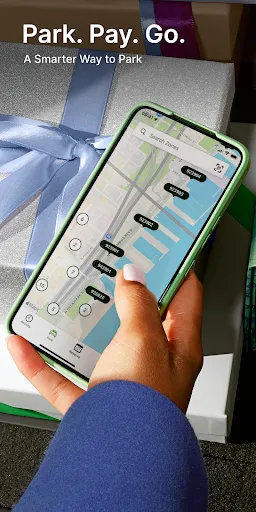
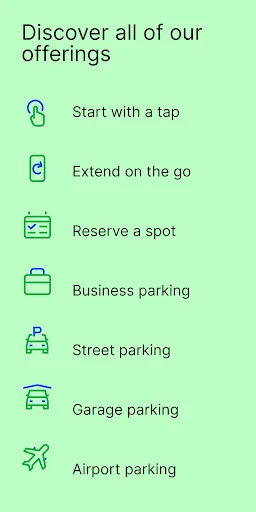
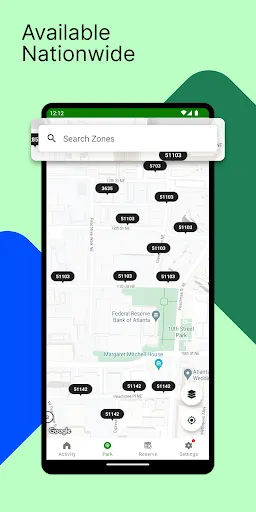
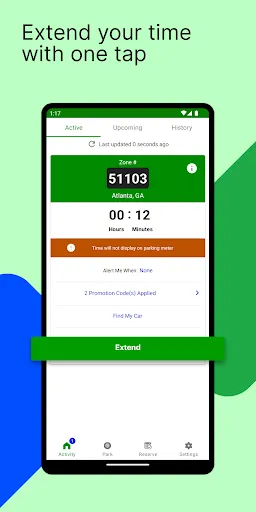
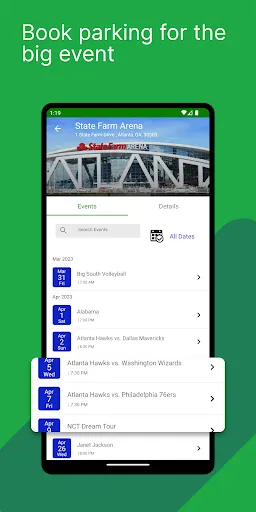
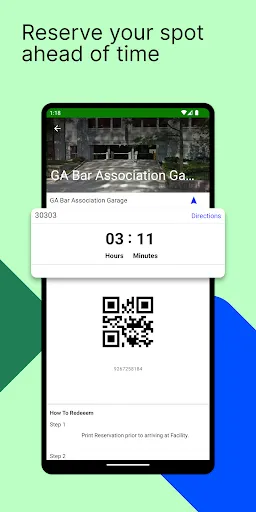
ParkMobile is a user-friendly mobile application designed to simplify the parking experience for users. One of its standout features is the ability to find available parking spots in real-time, allowing users to locate the nearest parking options quickly. The app also enables users to pay for parking directly through their smartphones, eliminating the need for coins or cash. Additionally, ParkMobile offers the convenience of extending parking sessions remotely, which is particularly useful for those who may need extra time without returning to their vehicles.
Another notable feature is the ability to manage multiple vehicles within the app, making it easy for users to switch between different cars. ParkMobile also provides users with reminders about their parking sessions, helping to avoid potential fines. Furthermore, the app integrates with various cities and parking facilities, ensuring a wide range of options for users. With its intuitive interface and robust features, ParkMobile enhances the overall parking experience, making it more efficient and hassle-free.
Using ParkMobile is straightforward and user-friendly. First, download the app from the App Store or Google Play and create an account. Once registered, you can enter your payment information to facilitate quick transactions. To find parking, simply open the app and allow it to access your location. The app will display nearby parking options, including availability and pricing.
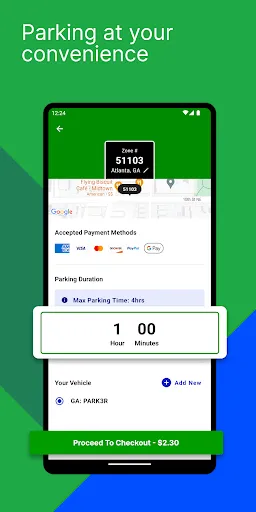
After selecting a parking spot, you can choose the duration of your stay and complete the payment directly through the app. Once your session is active, you will receive notifications about your parking time, and if needed, you can extend your session without returning to your vehicle. When you’re ready to leave, simply end the session in the app. This seamless process makes ParkMobile an efficient tool for managing parking needs, whether you’re in a busy city or a local area.
ParkMobile offers several advantages that enhance the parking experience. One of the primary benefits is convenience; users can find and pay for parking from their smartphones, saving time and effort. The app's ability to extend parking sessions remotely is another significant advantage, allowing users to avoid fines for overstaying. Additionally, ParkMobile's integration with various cities and parking facilities provides a wide range of options, making it easier to find suitable parking.
However, there are some drawbacks to consider. One potential con is that not all parking locations may be covered by the app, which could limit options in certain areas. Additionally, users may encounter occasional technical issues, such as app crashes or payment processing delays. Some users also express concerns about service fees associated with transactions. Overall, while ParkMobile offers a convenient solution for parking, it’s essential to weigh these pros and cons based on individual needs and experiences.

 Easily find parking spots in busy areas. Pay for parking directly from your smartphone. Extend your parking time remotely without hassle. Receive notifications for parking expiration reminders. Access a user-friendly interface for seamless transactions.
 Limited availability in certain areas can make finding parking difficult. User experience can be hindered by app glitches or slow loading times. Transaction fees may add extra costs, reducing overall convenience.
  Google Play
  App Store
 Yes, users are encouraged to submit suggestions or feedback through the app or by contacting customer support, as the company values user input for future improvements.
Yes, ParkMobile: Park. Pay. Go. collects personal data to enhance user experience, process payments, and improve services, but they adhere to privacy regulations to protect user information.
ParkMobile: Park. Pay. Go. primarily requires an internet connection to function, but some features may be accessible offline, such as viewing previously parked locations.
Users can cancel their subscription directly through the app settings or by contacting customer support for assistance with the cancellation process.
While the app itself is free, ParkMobile does offer a premium subscription option that may include additional features, but specific pricing can vary based on the user's location and the services selected.
Unfortunately, customer numbers cannot be changed. For further inquiries, please contact customer service.
You can reach customer service by calling their support number or by using the help section in the app.
You can contact customer service through the app or by calling their helpline for immediate assistance.
To log in, open the app, enter your email and password, then click "Log In."
If you can't log in, ensure your credentials are correct or reset your password through the "Forgot Password?" option.