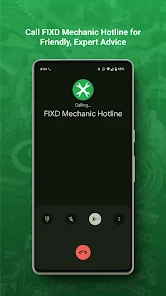
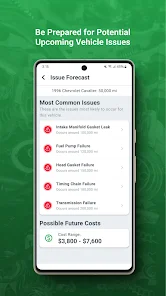
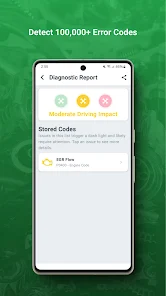
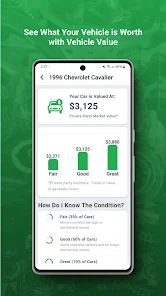
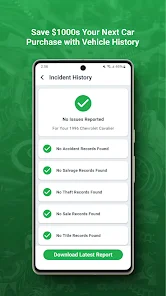
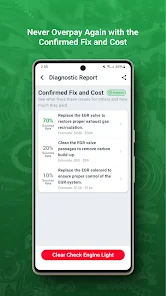
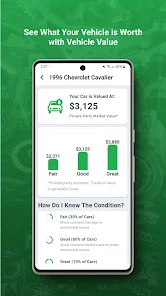
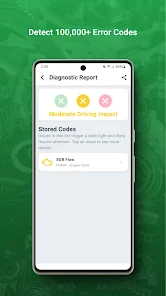
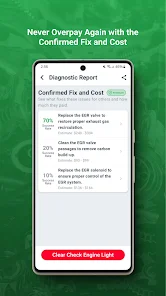
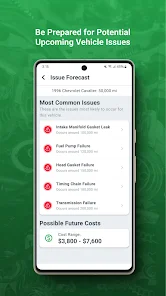
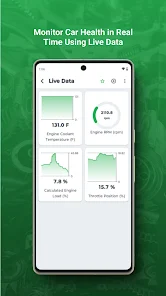
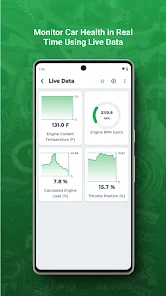
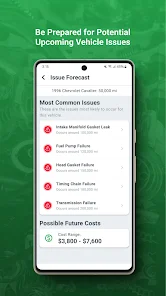
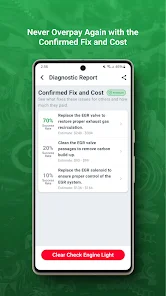
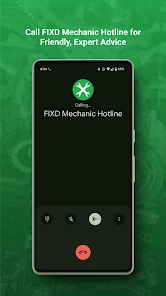
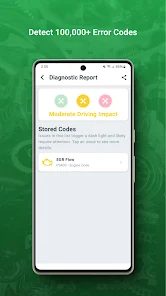
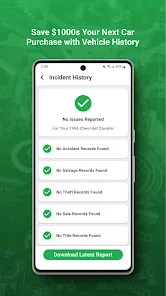
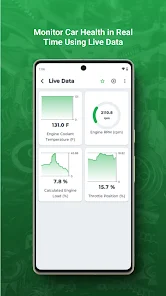
The FIXD OBD2 Scanner is a versatile tool designed for both novice and experienced car owners. One of its standout features is its ability to provide real-time data on your vehicle's health, including diagnostic trouble codes (DTCs) that can help identify issues before they escalate. The scanner connects seamlessly to your smartphone via Bluetooth, allowing you to access information through the FIXD app, which is available for both iOS and Android devices.
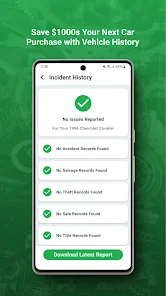
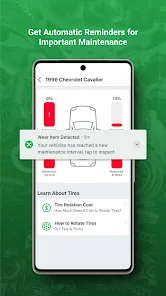
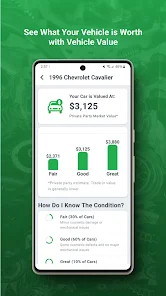
Another notable feature is its user-friendly interface, which simplifies the process of understanding complex automotive diagnostics. The app not only translates codes into plain language but also offers maintenance reminders based on your vehicle's specific needs. Additionally, the FIXD scanner can monitor multiple vehicles, making it a practical choice for families or those with more than one car. It also provides a vehicle health report, which can be invaluable when buying or selling a car, ensuring you are well-informed about its condition.
Using the FIXD OBD2 Scanner is a straightforward process that can be completed in just a few steps. First, plug the FIXD device into your vehicle's OBD2 port, which is typically located under the dashboard near the steering wheel. Once connected, download the FIXD app from the App Store or Google Play Store and create an account if you haven't already.
After setting up the app, ensure that Bluetooth is enabled on your smartphone. Open the app, and it will automatically detect the FIXD scanner. You can then start scanning your vehicle for any diagnostic trouble codes. The app will display the results in an easy-to-understand format, allowing you to take appropriate action based on the information provided. Regularly check the app for maintenance reminders and updates to keep your vehicle in optimal condition.
The FIXD app offers several advantages that make it a popular choice among car owners. One of the primary benefits is its user-friendly design, which makes it accessible for individuals with little to no automotive knowledge. The app provides clear explanations of diagnostic codes, helping users understand their vehicle's issues without needing a mechanic. Additionally, the maintenance reminders and vehicle health reports are valuable features that promote proactive vehicle care.
However, there are some drawbacks to consider. Some users have reported connectivity issues between the scanner and the app, which can be frustrating during diagnostics. Additionally, while the app is free to download, certain advanced features may require a subscription, which could deter budget-conscious users. Overall, while the FIXD app is a powerful tool for vehicle diagnostics, potential users should weigh these pros and cons before making a decision.

 User-friendly interface simplifies vehicle diagnostics for everyone. Real-time data access helps monitor vehicle health effectively. Comprehensive reports identify issues before they escalate, saving money. Supports multiple vehicles, making it versatile for families or businesses. Regular software updates ensure you stay current with automotive technology.
 Limited compatibility with older vehicle models may restrict usability. Subscription fees for advanced features can add ongoing costs. Lack of real-time data monitoring limits diagnostic effectiveness during driving.
 Yes, users can submit suggestions or feedback directly through the app or via their official website to help improve the service.
FIXD OBD2 Scanner adheres to privacy standards and collects minimal personal data necessary for its services; users can review the privacy policy for detailed information.
FIXD OBD2 Scanner primarily requires an internet connection for full functionality, but some basic features may be accessible offline.
To cancel your FIXD OBD2 Scanner subscription, you can do so through your app store account settings, following the cancellation process outlined there.
Subscription costs for FIXD OBD2 Scanner may vary depending on the plan chosen, typically offering monthly or annual options, so users should check the app for the latest pricing.
Yes, you can log in to your FIXD account from multiple devices as long as you use the same credentials.
To activate your account, download the FIXD app, create an account, and follow the prompts to complete the activation process.
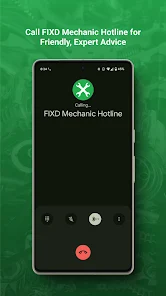
You can contact customer service through the support section of our website or by calling the number listed on your user manual.
To update your customer number, please contact customer service with your old and new information for assistance.
To log in, open the FIXD app and enter your registered email and password. If you have trouble, use the "Forgot Password" option.










 Google Play
  App Store