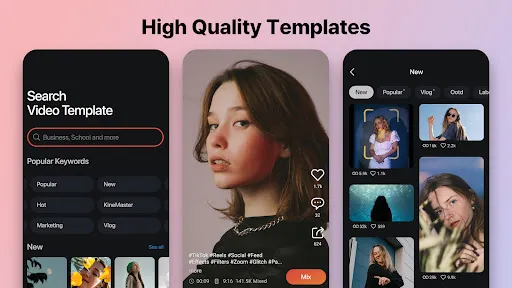
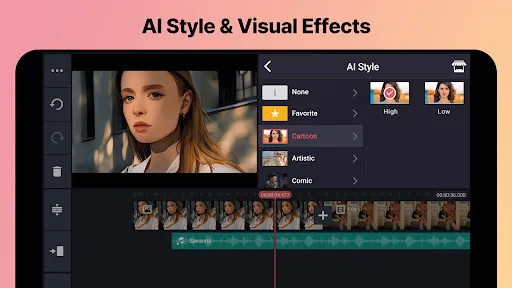
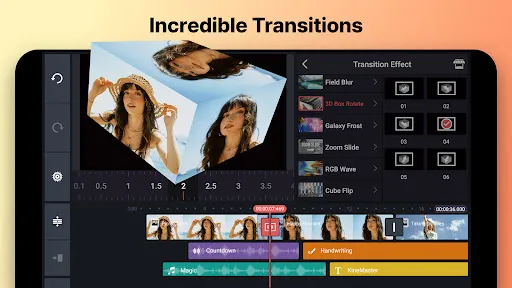
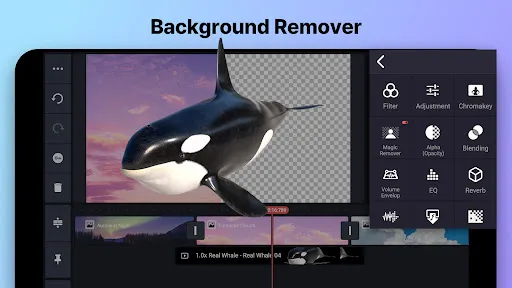
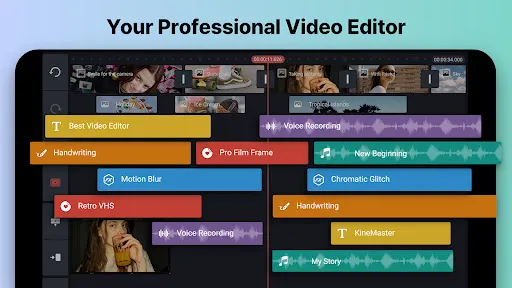
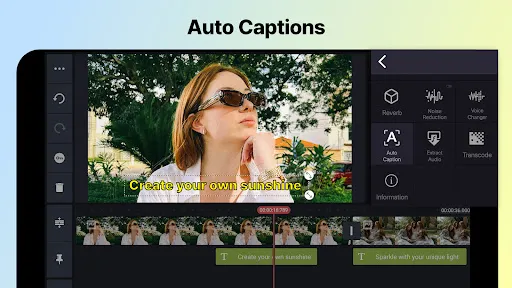
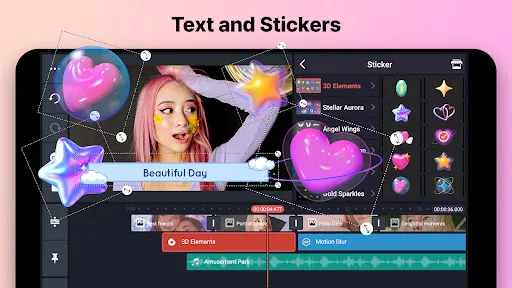
KineMaster - Video Editor & Maker is a powerful mobile application designed for video editing enthusiasts and professionals alike. One of its standout features is the multi-layer editing capability, which allows users to overlay videos, images, and text seamlessly. This feature enables intricate editing and creative storytelling, making it ideal for producing high-quality content.
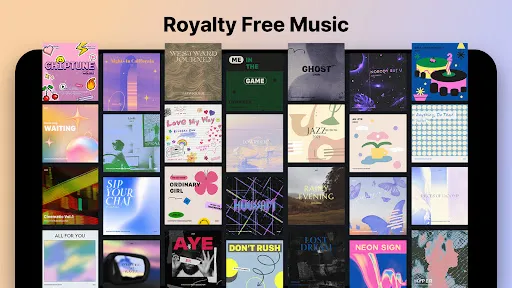
Another notable feature is the extensive library of effects, transitions, and animations that users can apply to their videos. KineMaster also supports various aspect ratios, making it suitable for different platforms, including YouTube, Instagram, and TikTok. Additionally, the app offers precise audio editing tools, allowing users to adjust volume levels, add voiceovers, and incorporate background music effortlessly.
Furthermore, KineMaster provides real-time video and audio recording, enabling users to capture moments directly within the app. The intuitive interface and user-friendly design make it accessible for beginners while still offering advanced features for seasoned editors. Overall, KineMaster is a comprehensive video editing solution that caters to a wide range of editing needs.
Using KineMaster - Video Editor & Maker is straightforward, making it accessible for users of all skill levels. To get started, download and install the app from your device's app store. Once installed, open the app and create a new project by selecting the desired aspect ratio for your video. You can then import media files from your device, including videos, images, and audio tracks.
After importing your media, you can begin editing by dragging and dropping clips onto the timeline. KineMaster allows you to trim, split, and rearrange clips easily. To enhance your video, explore the app's library of effects, transitions, and text overlays. You can also adjust audio levels and add voiceovers using the built-in audio tools.
Once you are satisfied with your edits, preview your video to ensure everything flows smoothly. Finally, export your project in your desired resolution and format, ready to share on social media or other platforms. With its intuitive interface and robust features, KineMaster makes video editing a fun and creative process.
KineMaster - Video Editor & Maker comes with several advantages that make it a popular choice among video editors. One of the primary pros is its user-friendly interface, which allows both beginners and experienced users to navigate the app with ease. The multi-layer editing feature is another significant advantage, enabling users to create complex videos with multiple elements seamlessly.
Additionally, KineMaster offers a wide range of effects, transitions, and audio editing tools, providing users with the flexibility to enhance their videos creatively. The app also supports high-resolution exports, ensuring that the final product maintains quality. However, there are some drawbacks to consider. The free version of KineMaster includes a watermark on exported videos, which may be a dealbreaker for some users.
Moreover, while the app is feature-rich, some advanced features may require a subscription to unlock. This can be a limitation for users who are looking for a completely free editing solution. Overall, KineMaster is a powerful video editing tool with both strengths and weaknesses, making it essential for users to weigh their options based on their editing needs.
```
 User-friendly interface makes editing intuitive for all skill levels. Extensive library of effects and transitions enhances creativity. Supports multiple layers for advanced editing flexibility. High-quality exports ensure professional-looking videos. Regular updates introduce new features and improvements consistently.
 Limited export options can restrict video quality and format choices. Frequent ads can disrupt the editing experience and annoy users. Subscription costs may be prohibitive for casual users or beginners.
  Google Play
  App Store
 Yes, users can submit suggestions or feedback through the app's support section or directly via their official website to help improve the app's features and functionality.
KineMaster may collect certain personal data to enhance user experience, but it is important to review their privacy policy for specific details on data collection and usage.
Yes, KineMaster-Video Editor&Maker supports offline use, allowing users to edit their videos without needing an internet connection. However, some features may require online access.
Users can cancel their KineMaster subscription through their app store account settings, either on Google Play Store for Android devices or the App Store for iOS devices.
The subscription cost for KineMaster varies by region and plan, but it typically offers monthly and yearly options at competitive prices. Users can check the app for the most accurate pricing information.
Unfortunately, customer numbers are unique and cannot be changed. If you have concerns, please reach out to customer service for assistance.
Yes, you can log in on multiple devices using the same account, but ensure you log out from devices if you encounter issues.
You can contact customer service through the app's support section or visit our website for more options.
To activate your account, simply follow the link sent to your email during registration and complete the process as instructed.
Use the "Forgot Password" link on the login page to reset your password and regain access to your account.