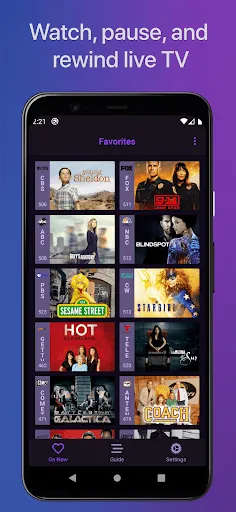
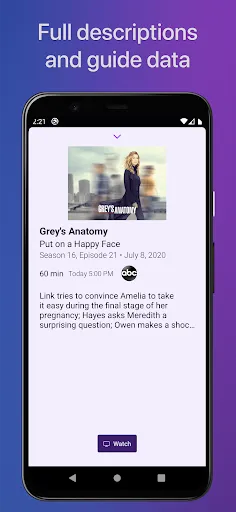
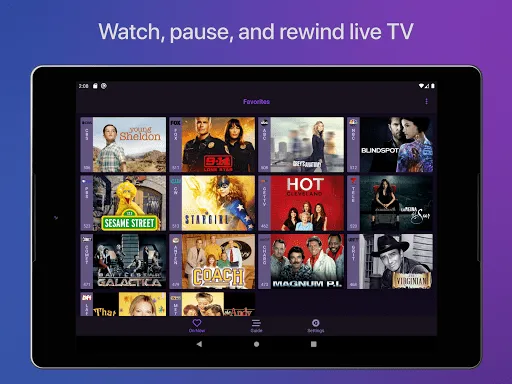
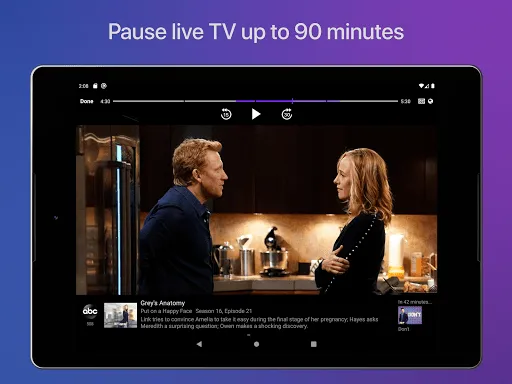
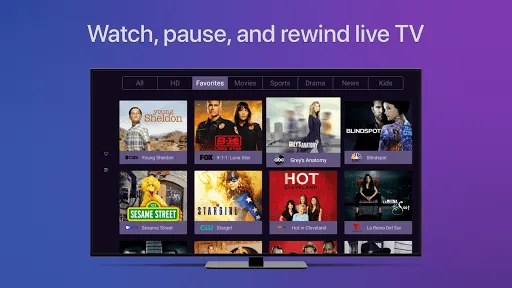
"Channels for HDHomeRun" is a versatile application designed to enhance your viewing experience by providing access to live TV and DVR capabilities. One of its standout features is the ability to stream live television from your HDHomeRun tuner, allowing you to watch your favorite shows in real-time. The app supports a wide range of channels, including local broadcasts and cable networks, ensuring that you have a comprehensive selection of programming at your fingertips.
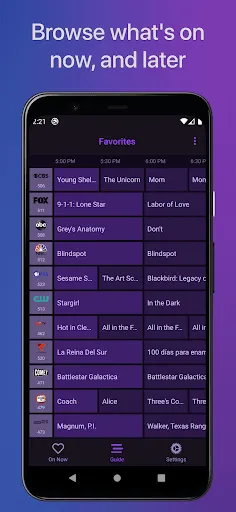
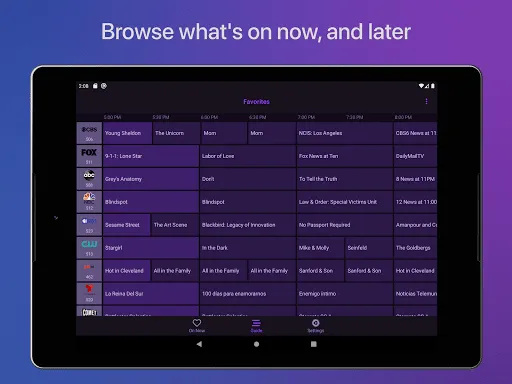
Another notable feature is the intuitive user interface, which makes navigation seamless and user-friendly. You can easily browse through channels, access the program guide, and manage your DVR recordings. The app also supports multiple devices, enabling you to watch content on smartphones, tablets, and smart TVs. Additionally, it offers features like pause, rewind, and fast-forward, giving you control over your viewing experience. With its robust functionality and ease of use, "Channels for HDHomeRun" is an excellent choice for cord-cutters and live TV enthusiasts alike.
Using "Channels for HDHomeRun" is a straightforward process that allows you to enjoy live TV and DVR features with ease. First, ensure that you have an HDHomeRun tuner connected to your home network. Once your tuner is set up, download the "Channels for HDHomeRun" app from your device's app store. After installation, open the app and follow the on-screen instructions to connect it to your HDHomeRun device.
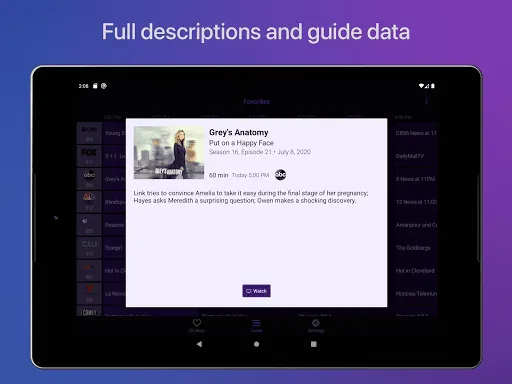
Once connected, you can start browsing through the available channels. The app provides a user-friendly interface where you can view the program guide, select channels, and manage your DVR settings. To record a show, simply navigate to the program in the guide and select the recording option. You can also create a watchlist for your favorite shows, making it easy to keep track of what you want to watch. Overall, the app is designed to provide a seamless experience, allowing you to enjoy live TV and recordings effortlessly.
The "Channels for HDHomeRun" app comes with several advantages that make it appealing to users. One of the primary pros is its ability to stream live TV without the need for a cable subscription, making it an excellent option for cord-cutters. The app's intuitive interface enhances user experience, allowing for easy navigation and quick access to channels and recordings. Additionally, the support for multiple devices means you can watch your favorite shows on various screens, from smartphones to smart TVs.
However, there are some drawbacks to consider. One con is that the app requires an HDHomeRun tuner, which is an additional cost for users who do not already own one. Furthermore, while the app supports a wide range of channels, the availability of specific channels may vary based on your location and the type of HDHomeRun device you have. Lastly, some users may find that the app's performance can be affected by network issues, leading to buffering or connectivity problems. Overall, while the app offers many benefits, potential users should weigh these pros and cons before making a decision.

 Channels for HDHomeRun offer seamless live TV streaming across devices. Enjoy high-definition content without cable subscriptions. Access a wide variety of channels tailored to your interests. Effortlessly record live shows for later viewing. Simplified setup process ensures quick and easy installation.
 Limited access to certain channels may frustrate users. Channel lineup can change without notice, disrupting viewing. Potential for signal interference affects picture and sound quality.
  Google Play
  App Store
 Yes, users are encouraged to submit suggestions or feedback through the app's support section or the official website, as the developers welcome input to enhance the app's features and performance.
Channels for HDHomeRun may collect basic usage data to improve the app's performance and user experience, but it prioritizes user privacy and does not share personal data with third parties.
Channels for HDHomeRun primarily focuses on live streaming and does not support offline use, as it requires a continuous connection to the HDHomeRun device for content access.
To cancel your Channels for HDHomeRun subscription, you can follow the instructions provided in your account settings within the app or through the platform where you purchased the subscription.
The subscription cost for Channels for HDHomeRun may vary based on the chosen plan, with options typically ranging from monthly to annual billing for users to select based on their preferences.
Yes, you can access customer service through the support section in the HDHomeRun app for quick assistance.
Yes, you can change your login details by logging into your account and navigating to the account settings section.
You can reach our customer service by visiting our website and using the contact form or calling the support number listed there.
If you've forgotten your login, use the "Forgot Password" option on the login page to reset it.
To log in, go to the HDHomeRun website and enter your registered email and password in the login section.