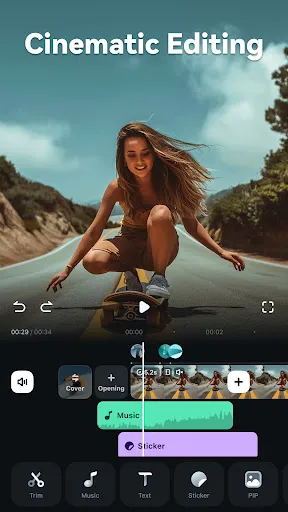
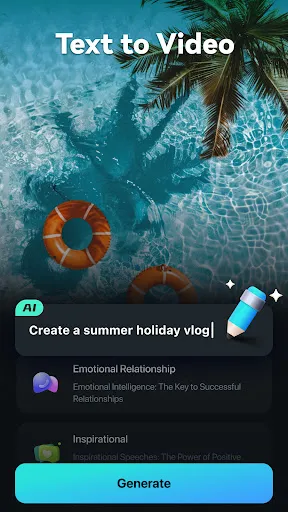
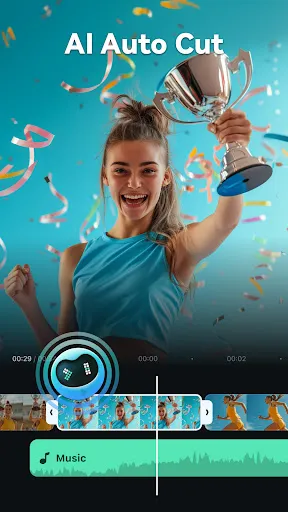
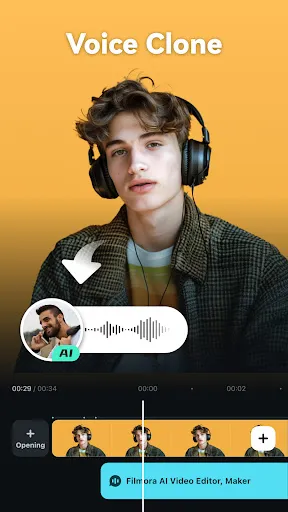
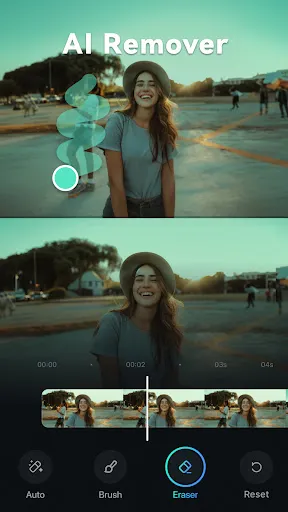
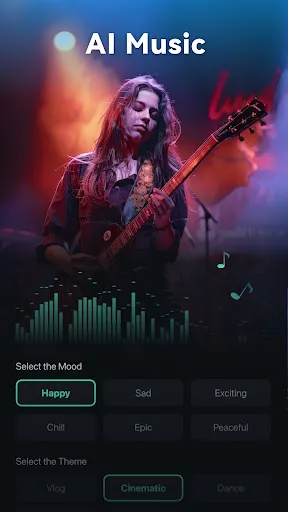
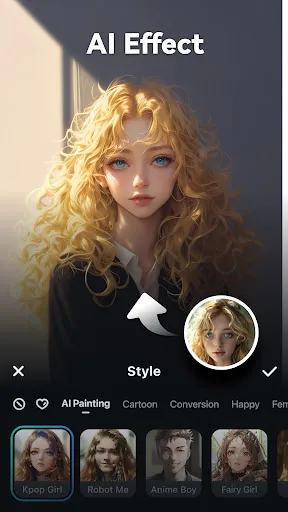
Filmora: AI Video Editor, Maker is a versatile tool designed for both novice and experienced video creators. One of its standout features is the AI-driven editing capabilities, which streamline the editing process by automatically suggesting cuts, transitions, and effects based on the content of the video. This feature significantly reduces the time spent on manual editing, allowing users to focus on creativity.
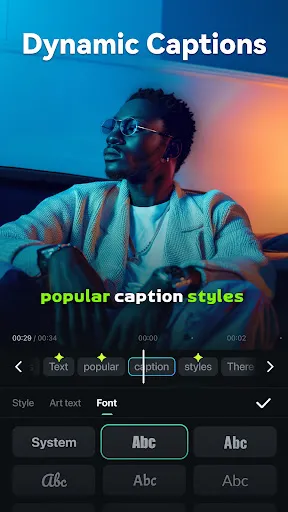
Another notable feature is the extensive library of templates and effects. Users can choose from a wide range of pre-designed templates, transitions, and filters to enhance their videos. Additionally, Filmora supports 4K video editing, ensuring high-quality output for professional projects. The intuitive drag-and-drop interface makes it easy to arrange clips, add music, and incorporate text overlays.
Filmora also includes advanced features such as motion tracking, green screen effects, and audio equalization, providing users with the tools needed to create polished videos. Furthermore, the software allows for seamless sharing across various platforms, including social media, making it convenient for users to showcase their work.
Using Filmora: AI Video Editor, Maker is straightforward, making it accessible for users of all skill levels. To get started, download and install the software on your device. Once installed, launch the application and create a new project. You can import your video clips, images, and audio files by dragging them into the media library or using the import button.
After importing your media, drag the clips onto the timeline. Here, you can arrange them in the desired order. Utilize the AI editing features by selecting the AI tools available, which will analyze your footage and suggest edits. You can also explore the effects library to add transitions, filters, and text overlays to enhance your video.
Once you are satisfied with your edits, preview the video to ensure everything flows smoothly. Finally, export your project by selecting the desired resolution and format, and share it directly to your preferred social media platforms or save it to your device. With these simple steps, you can create engaging videos effortlessly.
Filmora: AI Video Editor, Maker comes with several advantages that make it a popular choice among video editors. One of the primary pros is its user-friendly interface, which allows beginners to navigate the software easily. The AI features significantly enhance the editing process, saving time and effort while providing professional-looking results. Additionally, the extensive library of effects, transitions, and templates offers users a wide range of creative options to enhance their videos.
However, there are some drawbacks to consider. One notable con is that while Filmora offers a free version, it comes with limitations, such as watermarked exports. Users may need to purchase a subscription to access all features and remove these restrictions. Furthermore, some advanced users may find the software lacks certain high-end features available in more professional editing software, which could limit its appeal for complex projects.
In summary, Filmora: AI Video Editor, Maker is an excellent choice for casual users and those new to video editing, but it may not fully meet the needs of professional editors seeking advanced capabilities.

 User-friendly interface simplifies video editing for all skill levels. AI-powered features enhance creativity by automating tedious tasks. Vast library of effects and templates sparks inspiration for unique projects. Seamless integration with various formats ensures compatibility across platforms. Affordable pricing plans provide excellent value for high-quality video production.
 Limited advanced editing features for professional users Steeper learning curve for beginners compared to simpler tools Subscription costs can add up over time for casual users
  Google Play
  App Store
 Yes, Filmora: AI Video Editor, Maker encourages users to submit suggestions and feedback through their official website or app, helping to improve the user experience.
Filmora: AI Video Editor, Maker may collect certain personal data as outlined in their privacy policy, primarily for account management and service improvement.
Yes, Filmora: AI Video Editor, Maker allows users to edit videos offline, giving them the flexibility to work without an internet connection.
Users can cancel their subscription to Filmora: AI Video Editor, Maker through their account settings or by contacting customer support, depending on the platform used for the subscription.
Subscription costs for Filmora: AI Video Editor, Maker vary based on the plan chosen, with options for monthly, yearly, or lifetime subscriptions available.
Unfortunately, customer numbers cannot be changed. If you have concerns, please contact customer service for assistance.
Customer numbers are unique and cannot be reset. Please contact customer service if you have any issues finding it.
To activate, log in to your account and enter the activation code sent to your email after purchase.
You can reach our customer service through the support section on our website or by emailing support
After purchasing, you will receive an activation code via email. Log in to your account, and enter the code to activate.