
 Home
Home  Apps
Apps  Games
Games  Windows
  Topics
  Terms of Service
  Cookies & Privacy Policy
  Disclaimer
Keeper Password Manager


Information
- Category: Productivity
- Price: free
- Age Rating: Everyone
- Rating: 4.6
- Developer: Keeper Security, Inc.
- Version:
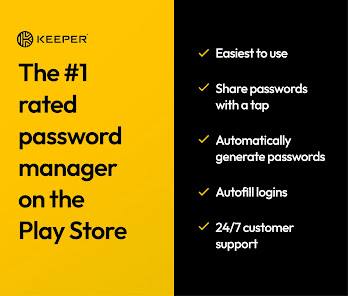
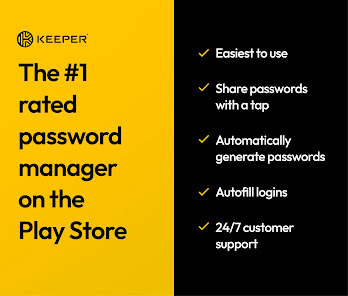
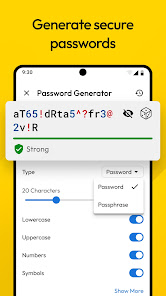
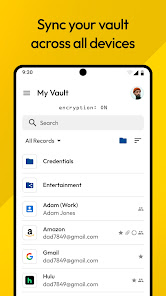
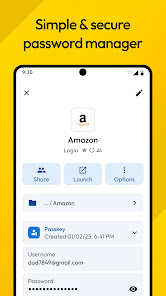
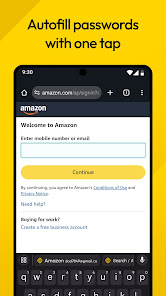
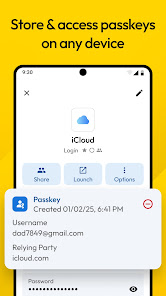
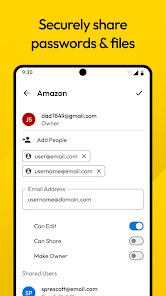
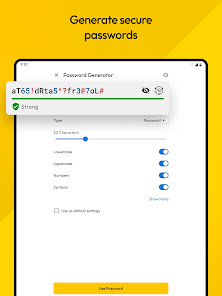
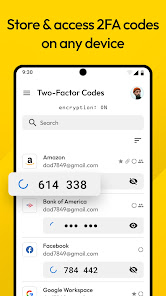
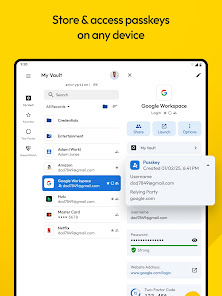
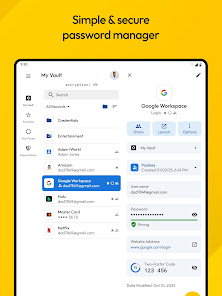
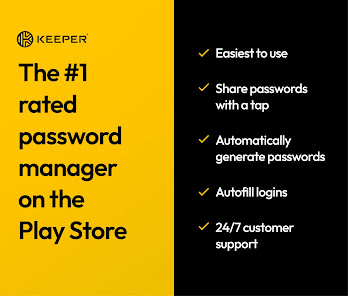
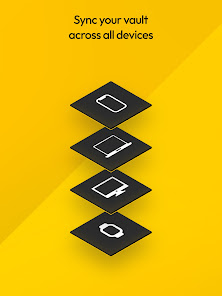
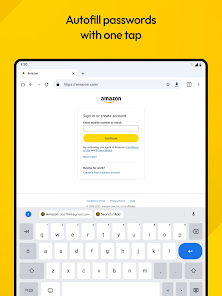
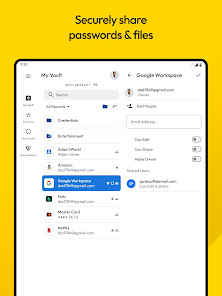
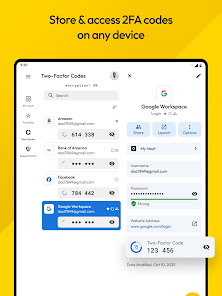
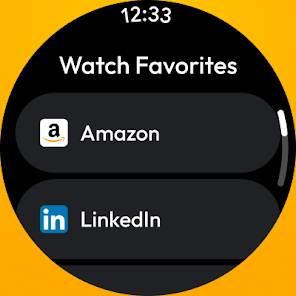
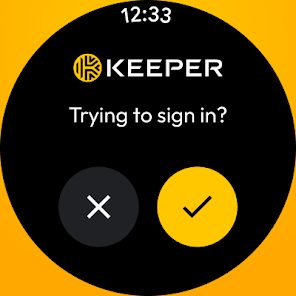
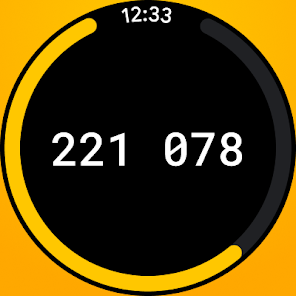
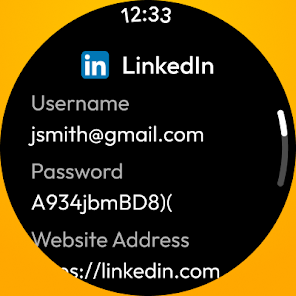
Keeper Password Manager is a secure and user-friendly app designed to help you manage and protect your passwords and sensitive information. With advanced encryption and a zero-knowledge security model, Keeper ensures that only you have access to your data. Easily generate strong passwords, store them safely, and autofill login credentials across devices. Simplify your online security and safeguard your digital life with Keeper’s intuitive features and robust protection.
Features & Highlights
Keeper Password Manager is packed with a multitude of features designed to enhance your security and streamline your password management. Here are some of the standout highlights:
- Cross-Platform Compatibility: Keeper works seamlessly across various devices, including smartphones, tablets, and desktops. This means you can access your passwords anytime, anywhere. For instance, when I’m at a coffee shop, I can quickly log into my online banking app from my phone without worrying about forgetting my credentials.
- Biometric Authentication: The app supports fingerprint and facial recognition for quick and secure access. This feature is particularly useful when I’m in a hurry; I can simply unlock Keeper with my fingerprint instead of typing in a master password every time.
- Secure Sharing: Keeper allows you to share passwords securely with trusted individuals without exposing the actual password. I recently had to share access to a joint account with a friend; using Keeper, I sent them access without compromising my security.
- Dark Web Monitoring: This feature scans the dark web for any compromised information linked to your accounts. I found it reassuring when Keeper alerted me about my email being involved in a data breach, prompting me to change my password immediately.
- Emergency Access: Keeper allows designated contacts to access your account in case of emergencies. It gives peace of mind knowing that if something happens, my loved ones can still access essential information.
Real Experience Using Keeper Password Manager
Application Scenarios
As someone who juggles multiple online accounts for work, banking, and personal use, Keeper Password Manager has become an indispensable tool in my daily routine. For example, when I set up a new account for a project management tool at work, I can generate a complex password directly within Keeper and save it with just a few taps. This streamlined process saves me the hassle of creating a memorable yet secure password on my own.
Moreover, I often need to switch between devices throughout the day. Whether I’m at home on my laptop or out and about on my smartphone, Keeper's cross-platform functionality ensures that I never miss a beat. Just recently, I was at a client meeting and realized I forgot the login credentials for a shared document. Thanks to Keeper, I was able to access the information on my phone in seconds, impressing my client with my preparedness.
User Experience
The user interface of Keeper is both intuitive and visually appealing, making navigation a breeze. Upon launching the app, I was greeted by a clean layout that didn’t overwhelm me with information. I could easily locate the “Add Password” button or access my vault of saved credentials. The workflow is smooth; adding new passwords or updating existing ones is a straightforward process that takes minimal time.
Performance-wise, Keeper is impressively fast. I’ve noticed that it rarely glitches or lags, even when I’m using it to fill in passwords on various websites. The autofill feature works like a charm; it pops up seamlessly, saving me the annoyance of manually entering my credentials. Overall, using Keeper has transformed how I manage my passwords, making a once tedious task feel effortless.
Pricing
Keeper offers a variety of pricing tiers to suit different needs, starting with a free version that includes basic password management features. For more advanced functionalities, such as dark web monitoring and secure file storage, the premium subscription is available at a reasonable annual fee. I opted for the premium tier, and the investment has proven worthwhile considering the level of security and convenience it provides.
Updates & Support
The app is regularly updated to ensure top-notch security and functionality. I appreciate that Keeper continuously adds features and improvements based on user feedback. Additionally, their customer support is commendable. I had a question about setting up emergency access, and their support team responded quickly with clear instructions, enhancing my overall experience with the app.
Security & Privacy Review
When it comes to security and privacy, Keeper Password Manager stands out as a reliable choice for American users. Available on both the App Store and Google Play, it has garnered positive reviews for its robust security measures. Upon registration, the app only requires minimal personal data, making it less intrusive compared to other services.
I was pleased to find that Keeper does not serve ads or engage in tracking behavior, which is often a concern for many users. Instead, it focuses on providing a secure environment for managing sensitive information. This commitment to user privacy reassures me that my data is safe and not being exploited. Overall, Keeper Password Manager is a trustworthy app that prioritizes both security and user experience, making it a top choice for anyone looking to safeguard their online identities.
Pros 
-
 Secure password storage
 - Easy password sharing
- Multi-device synchronization
- User-friendly interface
- Strong encryption technology
Cons 
-
 Limited free version features
 - Complex user interface design
- High subscription costs for users
- Occasional syncing issues reported
Get Installation Details  Google Play
  App Store
Google Play App Store FAQ
Can I submit suggestions or feedback to Keeper Password Manager?
Yes, you can submit feedback or suggestions directly through the app or their support website.
Does Keeper Password Manager collect my personal data?
Keeper does not collect personal data; it prioritizes user privacy and data security.
Does Keeper Password Manager support offline use?
Yes, Keeper allows offline access to your stored passwords and information.
How do I cancel my Keeper Password Manager subscription?
You can cancel your subscription through the account settings on the Keeper app or website.
How much does a subscription to Keeper Password Manager cost?
Keeper's subscription plans start at around $2.91 per month, depending on the plan selected.
How to use Keeper Password Manager
Can I change my Keeper Password Manager master password?
Yes, log in to your account, go to settings, and select the option to change your master password.
How can I contact Keeper Password Manager customer service?
You can reach Keeper's customer service by visiting their official website and using the support section for chat, email, or phone options.
How do I activate my Keeper Password Manager account?
After signing up, check your email for an activation link from Keeper. Click the link to complete your account activation.
How do I log in to my Keeper Password Manager account?
Open the Keeper app or website, enter your email and master password, then click "Log In" to access your account.
How do I reset my Keeper Password Manager account?
To reset, you can use the recovery options or contact customer support for help with account access and reset procedures.
Similar Apps















You May Like

Microsoft Word: Edit Documents
Productivity
4.8

HotSchedules
Productivity
3.4

MediaFire
Productivity
3.8

@Voice Premium License
Productivity
4.4

Acode - code editor | FOSS
Productivity
4.3

Adobe Acrobat Reader: Edit PDF
Productivity
4.5

CRUMB
Productivity
4.7

CamScanner- scanner, PDF maker
Productivity
4.8

DAVx⁵
Productivity
4.3

Dropbox: Secure Cloud Storage
Productivity
4.4

Duet Display
Productivity
4.2
Easy Voice Recorder Pro
Productivity
4.7