

DAVx⁵ is a versatile open-source application designed for Android devices that enables users to synchronize their contacts, calendars, and tasks with various online services. One of its standout features is its support for the CalDAV and CardDAV protocols, which allows seamless integration with numerous cloud services, including Nextcloud, ownCloud, and Google. This ensures that users can manage their personal data efficiently across multiple platforms.
Another notable feature is its user-friendly interface, which simplifies the setup process for syncing accounts. DAVx⁵ also offers advanced privacy options, allowing users to control their data and choose which information to sync. Additionally, it supports multiple accounts, enabling users to manage different services from a single application. The app is designed to work in the background, ensuring that data is always up-to-date without requiring constant user intervention. Furthermore, DAVx⁵ is compatible with a wide range of Android devices, making it accessible to a broad audience.
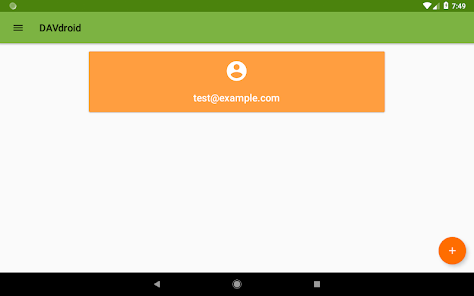
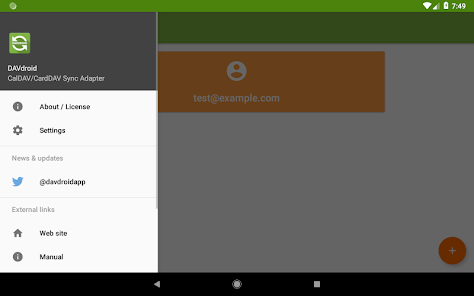
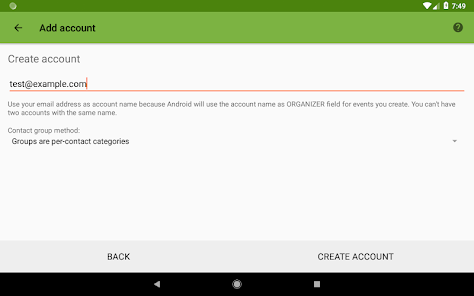
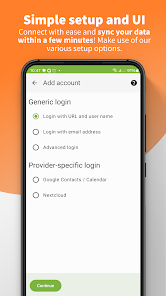
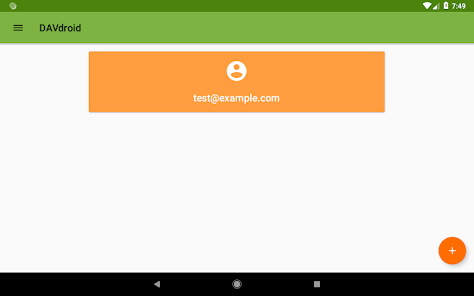
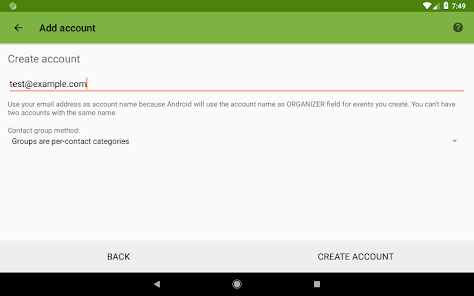
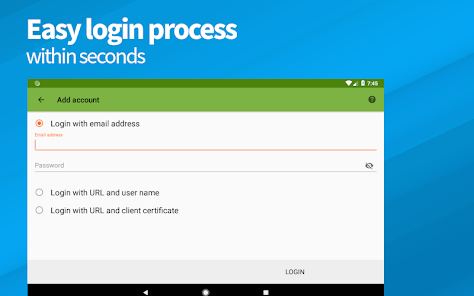
Using DAVx⁵ is straightforward and user-friendly. First, download and install the app from the Google Play Store or F-Droid. Once installed, open the application, and you will be greeted with a setup wizard that guides you through the initial configuration. To add an account, select the type of service you wish to sync with, such as CalDAV or CardDAV, and enter the required credentials, including your username and password.
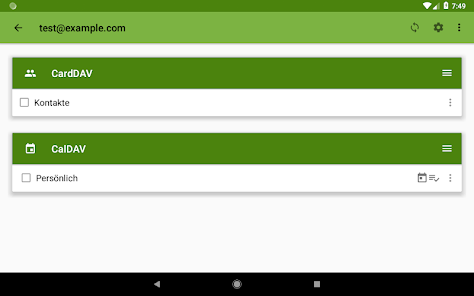
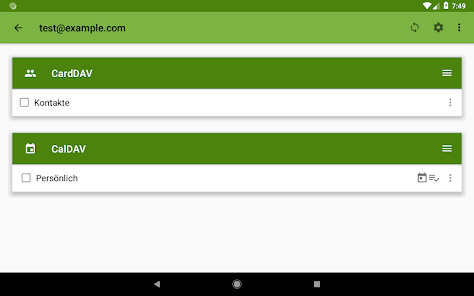
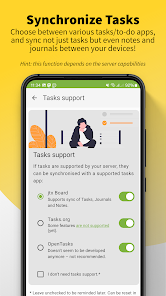
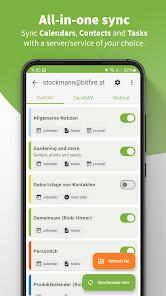
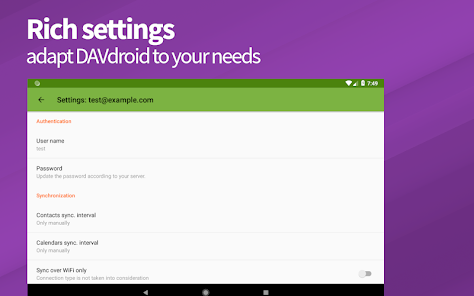
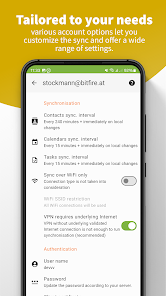
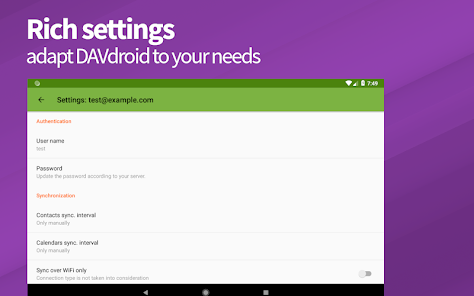
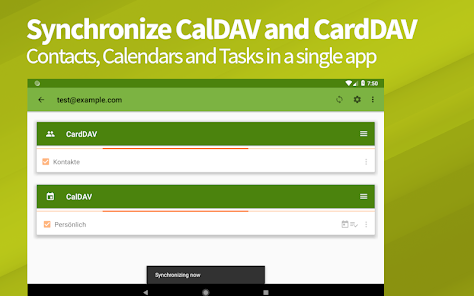
After successfully adding your account, you can customize the synchronization settings according to your preferences. This includes selecting which calendars or contacts to sync and setting the frequency of updates. Once configured, DAVx⁵ will automatically sync your data in the background, ensuring that your information is always current. You can also manage multiple accounts within the app, making it easy to switch between different services. Overall, DAVx⁵ provides a seamless experience for users looking to synchronize their personal data across various platforms.
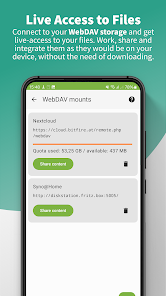
DAVx⁵ comes with several advantages that make it a popular choice among users seeking synchronization solutions. One of the primary benefits is its open-source nature, which ensures transparency and allows for community-driven improvements. The app supports a wide range of services, making it versatile for users with different needs. Additionally, its user-friendly interface simplifies the setup process, making it accessible even for those who may not be tech-savvy. The ability to manage multiple accounts from a single app is another significant advantage, as it streamlines the user experience.
However, DAVx⁵ is not without its drawbacks. Some users may encounter occasional synchronization issues, particularly with less common services. Additionally, while the app is generally stable, it may require updates to maintain compatibility with certain cloud services. Furthermore, users who are unfamiliar with CalDAV and CardDAV protocols may find the initial setup somewhat challenging. Despite these cons, DAVx⁵ remains a powerful tool for those looking to manage their contacts and calendars effectively.

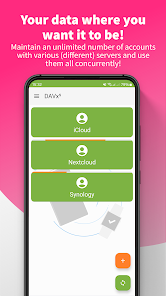
 Seamlessly sync contacts and calendars across multiple devices. User-friendly interface enhances navigation and management. Supports various servers for flexible integration options. Open-source software ensures transparency and community support. Robust privacy features protect your personal data effectively.
 Syncing issues may arise with specific server configurations Limited support for complex calendar features User interface can be less intuitive for newcomers
  Google Play
  App Store
 Yes, users are encouraged to submit suggestions and feedback through the official support channels, such as their website or community forums, to help improve the app.
DAVx⁵ does not collect personal data; it is designed to operate locally on your device and respect user privacy, only syncing data with your chosen servers.
Yes, DAVx⁵ allows users to access and manage their data offline, syncing changes back to the server once an internet connection is re-established.
You can cancel your subscription through the app store or platform where you purchased it, following the specific instructions provided for managing subscriptions.
The subscription cost for DAVx⁵ varies, but it generally includes a one-time purchase option and optional monthly or yearly subscription plans to support ongoing development.
Currently, DAVx⁵ requires a standard login method; social media login options are not available.
Yes, once logged in, you can access and modify your account settings in the app.
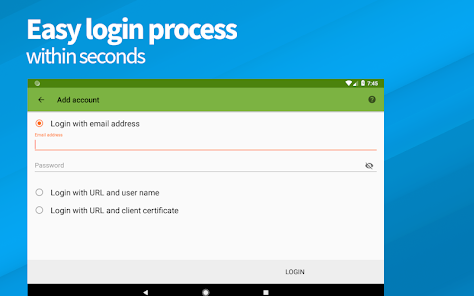
To log in, open the app, enter your credentials, and tap the login button.
You can update your customer number by contacting customer service for assistance with your account details.
You can reach customer service by emailing support