

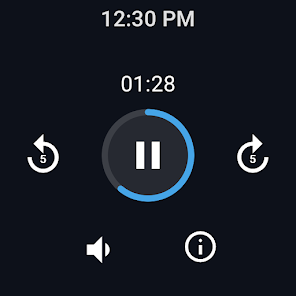
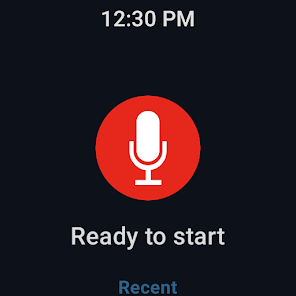

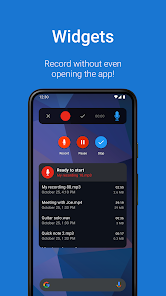
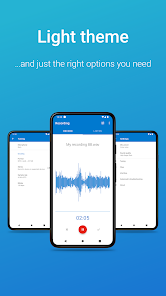
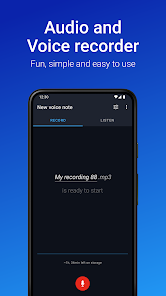
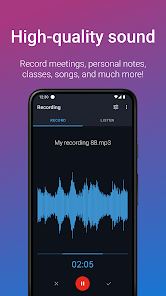
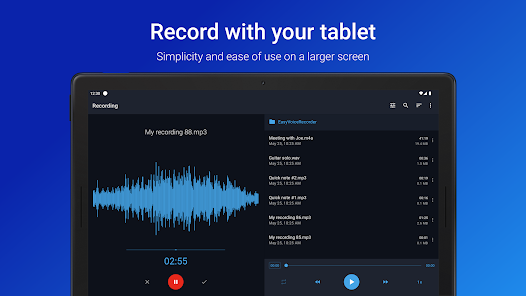
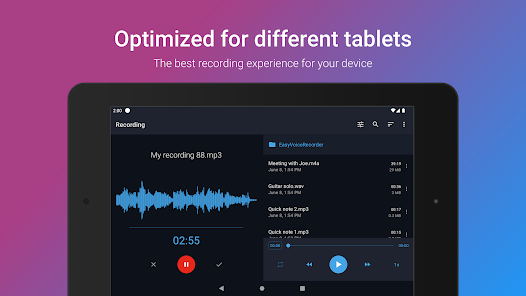
"Easy Voice Recorder Pro" is a versatile audio recording application designed for both casual users and professionals. One of its standout features is the ability to record in high-quality formats, including PCM and AAC, ensuring that your recordings are clear and detailed. The app also supports background recording, allowing users to capture audio while multitasking on their devices. Additionally, it offers a simple and intuitive user interface, making it easy for anyone to navigate and use the app effectively.
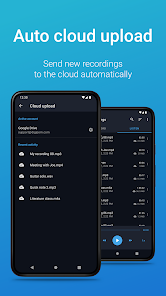
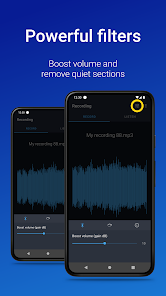
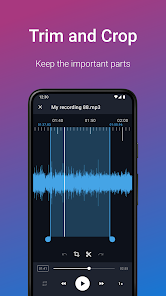
Another notable feature is the ability to organize recordings into folders, which helps users manage their audio files efficiently. The app also includes a built-in audio editor, enabling users to trim and modify recordings directly within the app. Furthermore, it supports cloud integration, allowing users to back up their recordings to services like Google Drive and Dropbox. With features like variable speed playback and the ability to share recordings via email or social media, "Easy Voice Recorder Pro" is a comprehensive tool for anyone needing reliable audio recording capabilities.
Using "Easy Voice Recorder Pro" is straightforward and user-friendly. After downloading and installing the app, launch it to access the main interface, where you will find a prominent record button. To start recording, simply tap the button, and the app will begin capturing audio immediately. You can pause or stop the recording at any time, and once finished, the audio file will be saved automatically in your designated folder.
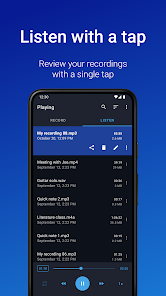
To access your recordings, navigate to the "Recordings" tab, where you can view all your saved files. From here, you can play back, edit, or share your recordings. If you wish to organize your files, you can create new folders by tapping on the folder icon. For editing, select a recording and choose the edit option to trim or modify the audio as needed. Additionally, you can adjust the recording settings by accessing the app's settings menu, where you can change the audio format, quality, and other preferences to suit your needs.
"Easy Voice Recorder Pro" comes with several advantages that make it a popular choice among users. One of the primary pros is its high-quality recording capabilities, which ensure that audio is captured with clarity. The app's user-friendly interface is another significant benefit, making it accessible for users of all skill levels. Additionally, the ability to organize recordings into folders and the inclusion of a built-in audio editor enhance its functionality, allowing for efficient management and editing of audio files.
However, there are some drawbacks to consider. Some users have reported occasional bugs or crashes, which can disrupt the recording process. Additionally, while the app offers a range of features, some advanced functionalities may be limited compared to more specialized audio recording software. Lastly, the app's reliance on cloud services for backup may not appeal to users who prefer local storage options. Overall, while "Easy Voice Recorder Pro" is a robust tool for audio recording, potential users should weigh these pros and cons based on their specific needs.

 Easy Voice Recorder Pro offers high-quality audio recording for clear sound capture. The app supports various audio formats, ensuring compatibility with your needs. User-friendly interface makes recording quick and effortless for everyone. It features background recording, allowing multitasking while capturing audio seamlessly. Easy sharing options let you effortlessly send recordings via email or social media.
 Limited editing features may hinder advanced audio manipulation Battery consumption can be high during long recordings User interface may feel outdated compared to competitors
  Google Play
  App Store
 Yes, users are encouraged to submit suggestions or feedback directly through the app, contributing to its improvement and future updates.
The app prioritizes user privacy and does not collect personal data without consent; however, users should review the privacy policy for detailed information.
Yes, Easy Voice Recorder Pro can be used offline, allowing users to record audio without needing an internet connection.
Users can cancel their subscription through the app store settings on their device, following the specific instructions for subscription management.
The subscription cost for Easy Voice Recorder Pro varies based on the plan chosen, typically offering options for monthly or yearly billing.
Customer numbers are unique and cannot be changed. If you have concerns, please contact customer service for further assistance.
You can reach our customer service via the support section in the app or through our website's contact form. We’re here to help!
To activate your account, simply follow the link in the confirmation email you received after purchase. If you have issues, contact customer service for assistance.
Your customer number can be found in the app under your account settings or in the email confirmation you received upon purchase.
Once logged in, go to your account settings to update your information. If you encounter any issues, reach out to customer service for support.