

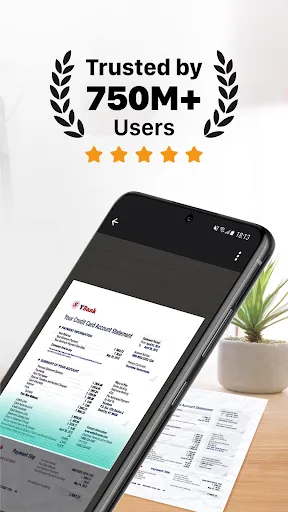
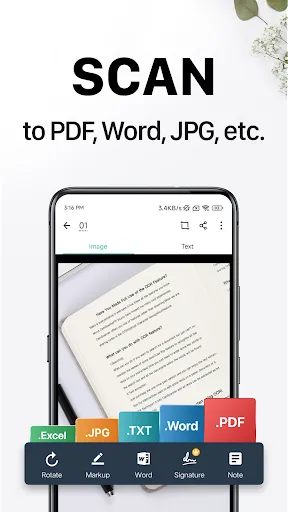
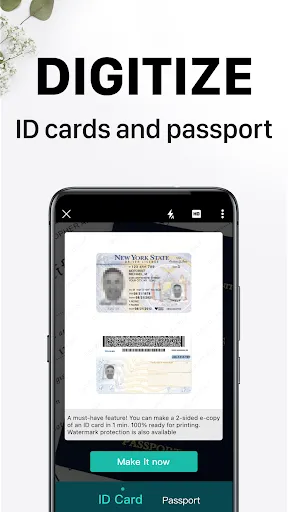
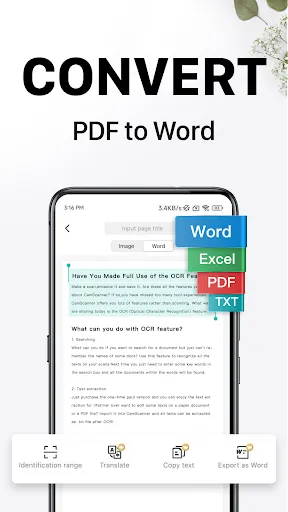
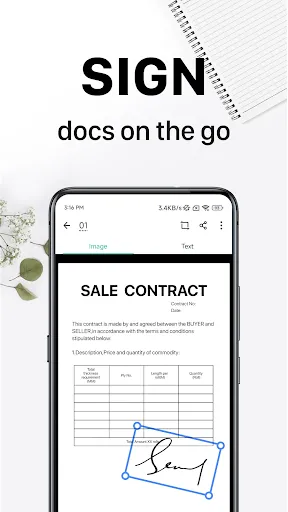
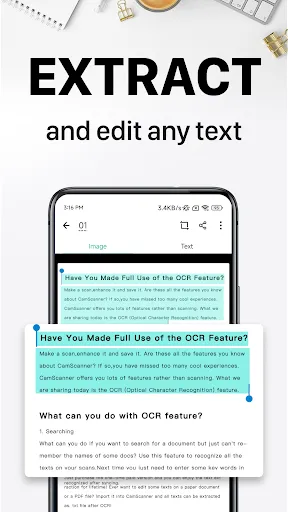
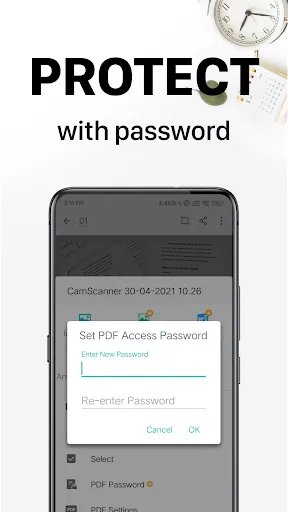
CamScanner has emerged as a go-to app for anyone in need of a reliable scanning solution. Its comprehensive features cater to both casual users and professionals alike. Here are some standout highlights:
As a freelance graphic designer, I often find myself in situations where I need to digitize physical documents on the fly. Whether it’s scanning contracts, receipts, or notes from client meetings, CamScanner has become an indispensable tool. For example, I recently attended a client meeting where they handed me a stack of design requirements on paper. Instead of lugging the documents back to my studio, I quickly pulled out my phone, scanned each page, and uploaded them to my cloud storage. This not only saved time but also helped me stay organized.
The user interface of CamScanner is sleek and intuitive, making it easy for anyone to navigate. Upon opening the app, you’re greeted with a simple camera interface, allowing you to start scanning immediately. Once a document is captured, the app quickly processes it, offering options for cropping and enhancing the image. I particularly appreciate the auto-crop feature, which ensures that only the document is scanned, eliminating any unwanted background. The performance is reliable, with minimal lag during scanning, and the overall workflow is smooth, which is crucial when I’m in a hurry. After using the app, I feel confident that my scanned documents will look sharp and professional.
CamScanner offers a freemium model, which means you can access a basic version of the app for free, but there are premium features available for a monthly or annual subscription. The premium version includes additional features like unlimited cloud storage, enhanced OCR capabilities, and ad removal. Personally, I opted for the premium subscription because it significantly improves my workflow, especially when working with clients who expect quick turnaround times.
The developers of CamScanner are quite proactive about updates, frequently releasing new features and enhancements. Recently, they introduced a dark mode, which I found particularly beneficial for late-night work sessions. As for customer support, I’ve reached out a couple of times with questions and received prompt responses. Their help center is also well-organized, making it easy to find solutions to common issues.
As an American user, security and privacy are paramount when using any app that handles personal documents. CamScanner is available on both the App Store and Google Play, ensuring a level of credibility through official channels. The app requires registration, which involves providing an email address. While this is standard for many applications, I always recommend using a disposable email if you're concerned about privacy.
In terms of ads and tracking behavior, I noticed that the free version displays ads. However, upgrading to the premium version removes these ads, creating a more streamlined experience. CamScanner does collect some data for analytics purposes, but they have a clear privacy policy outlining how they use this information. Overall, I feel comfortable using CamScanner, knowing that they prioritize user security while still delivering a top-notch scanning experience.

 High-quality scans with advanced image processing Easily convert documents to PDF format Share files quickly via email or cloud Optical character recognition for editable text User-friendly interface for seamless navigation
 Limited editing features for scanned documents Frequent ads disrupt user experience and workflow Potential privacy concerns with cloud storage usage Occasional inaccuracies in text recognition accuracy
  Google Play
  App Store
 CamScanner may collect personal data as outlined in its privacy policy. This can include information necessary for account creation, usage analytics, and improving the app's services. Users are encouraged to review the privacy policy for detailed information.
Yes, CamScanner offers a free version with basic features, as well as a premium subscription that unlocks additional functionalities. There may also be a free trial period for new users of the premium features.
While some features of CamScanner require an internet connection, such as cloud storage and sharing options, you can still use the basic scanning and PDF creation functionalities offline.
Users can contact CamScanner support or send feedback through the app's help section, via email, or through their official website. Support options may include FAQs, live chat, or direct email communication.
You can manage or cancel your subscription through your app store account settings (Google Play Store for Android or App Store for iOS). Detailed instructions are usually available within the app under the subscription management section.
Yes, you can update your contact information in your account settings within the app.
You can reach CamScanner customer service through their official website or support email found in the app's settings.
To activate your subscription, go to the "Upgrade" section in the app and follow the prompts to purchase the premium features.
To deactivate, contact customer service directly through the app or their website for assistance.
Your customer number can typically be found in your account settings within the app.