



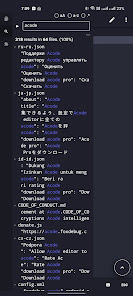


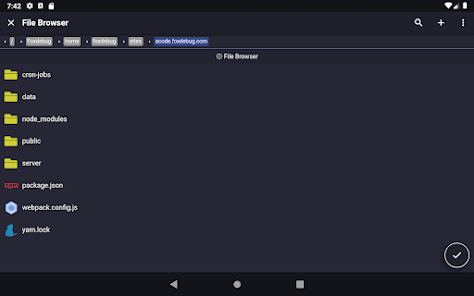
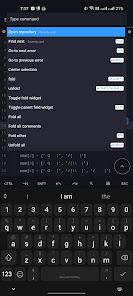
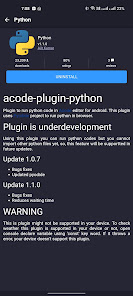
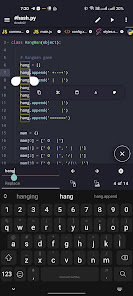
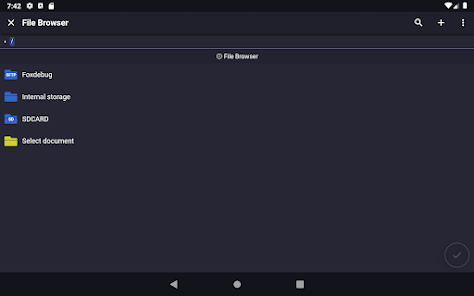
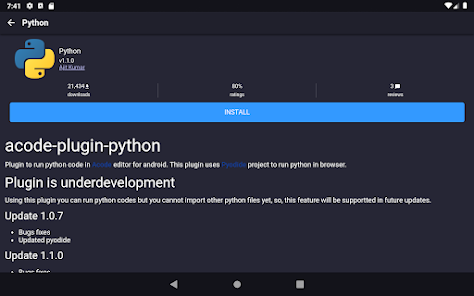
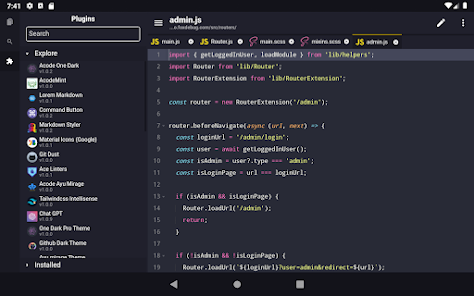
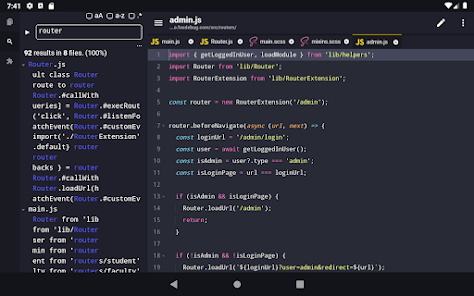
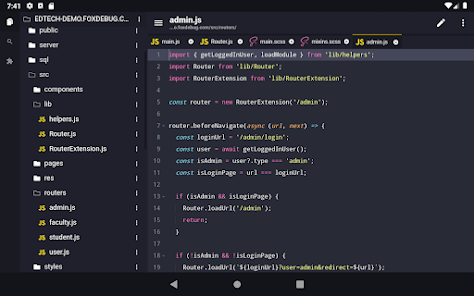
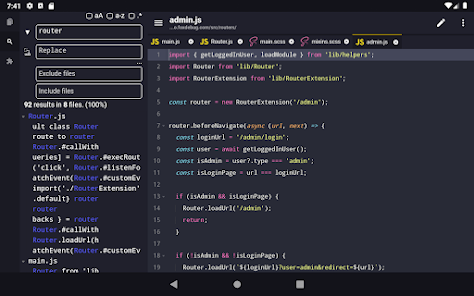
Acode is a versatile code editor designed for developers who seek a lightweight yet powerful tool for coding on mobile devices. One of its standout features is syntax highlighting, which supports a wide range of programming languages, making it easier to read and write code. The editor also includes a built-in file manager, allowing users to navigate through their project files seamlessly. Additionally, Acode supports various file types, including HTML, CSS, JavaScript, and more, catering to web developers specifically.
Another notable feature is the live preview functionality, which enables users to see real-time changes as they edit their code. This is particularly useful for web development, as it allows for immediate feedback on design and layout adjustments. Acode also offers customizable themes and fonts, allowing users to personalize their coding environment. Furthermore, it supports external keyboards, enhancing the coding experience for those who prefer physical keys over touchscreens. Overall, Acode combines essential features with user-friendly design, making it an excellent choice for both novice and experienced developers.
Using Acode is straightforward, making it accessible for users of all skill levels. To get started, download and install the app from your device's app store. Once installed, open the app, and you will be greeted with a clean interface. You can create a new file by tapping the "+" icon, where you can choose the file type you wish to work on, such as HTML, CSS, or JavaScript.
After creating a file, you can begin coding right away. The editor provides syntax highlighting, which helps in identifying different code elements easily. To save your work, simply tap the save icon, and you can organize your files using the built-in file manager. If you want to see how your code looks in real-time, utilize the live preview feature, which opens a browser window displaying your work. Additionally, you can customize the editor's appearance through settings, adjusting themes and fonts to suit your preferences. With these simple steps, you can effectively use Acode to enhance your coding experience on the go.
Acode comes with several advantages that make it a popular choice among developers. One of the primary pros is its lightweight nature, which allows for quick loading times and efficient performance on mobile devices. The app supports a variety of programming languages, making it versatile for different coding projects. Additionally, the live preview feature is a significant benefit for web developers, as it provides immediate feedback on changes made to the code. The customizable interface also enhances user experience, allowing developers to tailor the editor to their liking.
However, Acode is not without its drawbacks. One of the cons is that, while it offers a range of features, it may lack some advanced functionalities found in desktop IDEs, such as debugging tools or extensive plugin support. Additionally, the mobile interface can be limiting for complex projects, as coding on a smaller screen may not be as efficient as on a larger display. Some users may also find the lack of collaboration features a downside, as working with teams can be challenging without integrated tools. Overall, while Acode is a solid choice for mobile coding, it may not fully replace desktop development environments for all users.

 Acode offers a lightweight design for optimal performance. It supports multiple programming languages seamlessly for versatility. The user-friendly interface enhances productivity and ease of use. Acode provides powerful features like syntax highlighting for better code clarity. Being FOSS, it promotes collaboration and community-driven enhancements.
 Limited language support can hinder diverse coding tasks. Customization options may be overwhelming for new users. Performance issues can arise with larger codebases or files.
  Google Play
  App Store
 Acode is committed to user privacy and does not collect personal data. As a FOSS application, the source code is available for review, allowing users to verify its data handling practices.
Acode is completely free to use as it is an open-source application, meaning users have full access to all features without any trial period or subscription fees.
Acode can be used offline for coding and editing tasks, but some features, such as cloud synchronization or package updates, may require an internet connection.
Users can contact support or send feedback through the official repository on platforms like GitHub, where they can report issues, request features, or contribute to the development of Acode.
Since Acode does not have a subscription model, there is no need to manage or cancel any subscriptions. Users can simply uninstall the app if they choose to stop using it.
Yes, you can activate your account directly through the app by following the activation link sent to your email.
Absolutely! Our customer service team is available to assist you with any account activation issues you may face.
You can reach our customer service via email at support
You can contact customer service via email or through the help section in the app for assistance with activation issues.
You can update your login credentials in the account settings section once you are logged in to your Acode account.