

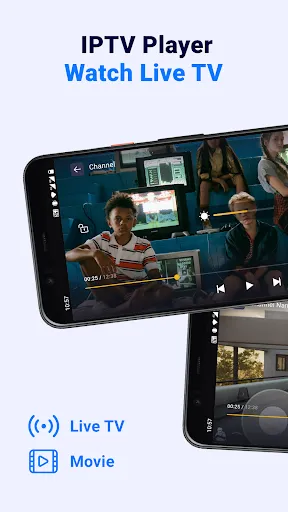
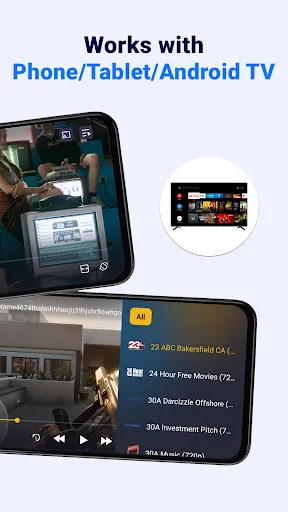

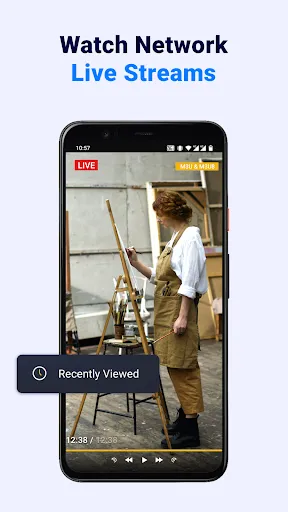
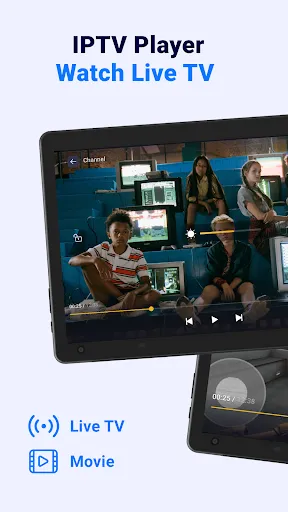
"IPTV Player: Watch Live TV" offers a variety of features that enhance the viewing experience for users. One of the standout features is its ability to stream live television channels from around the world, providing access to a diverse range of content. The app supports multiple formats, ensuring compatibility with various IPTV services, which allows users to enjoy their favorite shows without interruptions.
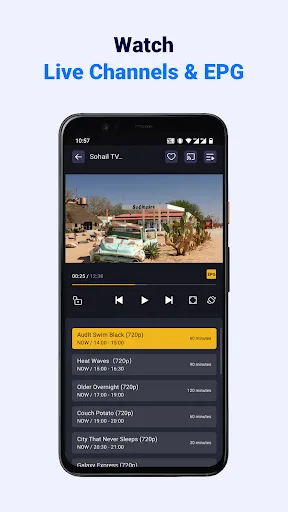
Another notable feature is the user-friendly interface, which makes navigation seamless for both new and experienced users. The app also includes a built-in EPG (Electronic Program Guide), enabling viewers to check schedules and plan their viewing accordingly. Additionally, users can create personalized playlists, allowing them to organize their favorite channels for quick access. The app supports high-definition streaming, ensuring that users enjoy crisp and clear visuals. Furthermore, it offers parental controls, giving parents the ability to restrict access to certain content, making it a family-friendly option.
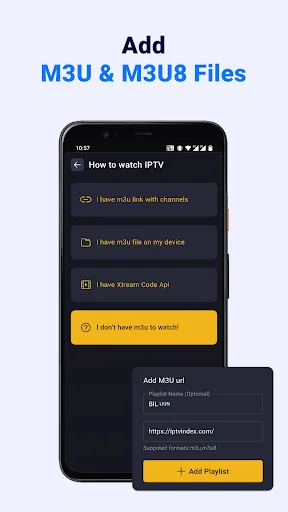
Using "IPTV Player: Watch Live TV" is a straightforward process that allows users to quickly access their favorite channels. First, download and install the app from the appropriate app store for your device. Once installed, open the app and you will be prompted to enter your IPTV service provider's M3U or XSPF playlist URL. This URL is essential as it contains the channel list and streaming links.
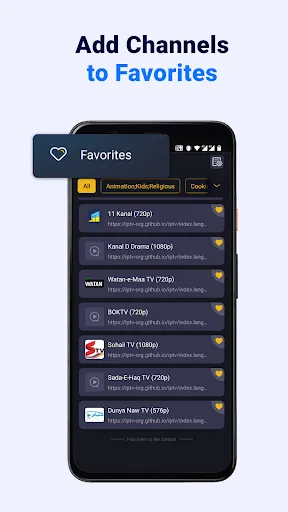
After entering the URL, the app will load the channels, and you can start browsing through the available options. The interface allows you to easily navigate through different categories, making it simple to find specific channels or programs. You can also utilize the EPG feature to view upcoming shows and plan your viewing schedule. For a more personalized experience, take advantage of the playlist feature to save your favorite channels. Overall, the app is designed to be intuitive, ensuring that users can enjoy live TV with minimal hassle.
Like any application, "IPTV Player: Watch Live TV" comes with its own set of advantages and disadvantages. One of the primary pros is its extensive channel selection, which allows users to access a wide variety of content from different regions. The app's user-friendly interface is another significant advantage, making it accessible for users of all ages. Additionally, the support for high-definition streaming enhances the viewing experience, while the EPG feature helps users keep track of their favorite shows.
On the downside, one of the cons is that the app's performance can be heavily dependent on the quality of the IPTV service provider. Users may experience buffering or connectivity issues if the service is unreliable. Furthermore, some users may find the initial setup process a bit challenging, especially if they are unfamiliar with IPTV technology. Lastly, while the app offers parental controls, it may not have extensive content filtering options, which could be a concern for some families. Overall, weighing these pros and cons can help users determine if this app meets their needs.

 Enjoy a vast selection of live channels from around the world Stream in high-definition for a superior viewing experience User-friendly interface makes navigation simple and intuitive Access content on multiple devices for flexibility and convenience Record live shows easily to watch later at your convenience
 Limited channel selection may not meet all viewer preferences. Streaming quality can vary based on internet stability. Potential legal issues with unlicensed content and services.
  Google Play
  App Store
 Yes, users can typically submit suggestions or feedback through the app's support or feedback section, or by contacting customer service.
IPTV Player: Watch Live TV has a privacy policy in place, but it may collect certain user data to enhance the app experience. Users are advised to review the privacy policy for detailed information.
IPTV Player: Watch Live TV primarily requires an internet connection for streaming, and offline use is generally not supported.
To cancel your subscription, you can follow the cancellation instructions provided within the app or through the platform's subscription management settings.
Subscription prices for IPTV Player: Watch Live TV can vary based on the package and region, so it's best to check the app for the latest pricing information.
Unfortunately, customer numbers cannot be changed. Please contact customer service for further assistance if there’s an issue.
Yes, you can log in to IPTV Player on multiple devices using the same account, but check your subscription for device limitations.
You can reach customer service by calling our support number listed on the app or website for immediate assistance.
Your customer number can be found in your account settings within the app or on your registration email.
To activate your account, check your email for an activation link and follow the instructions provided.