


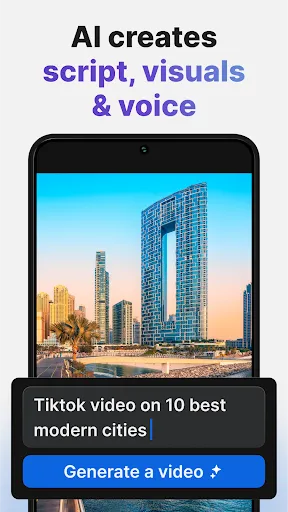
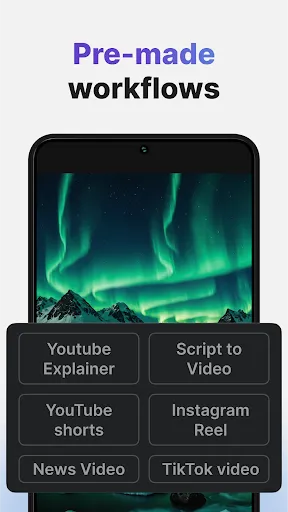
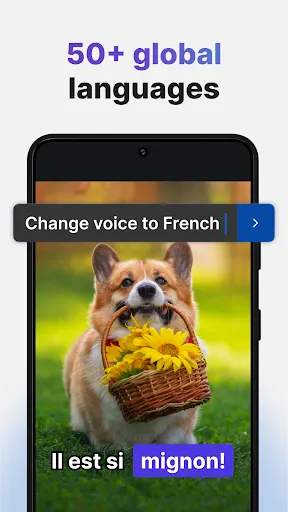
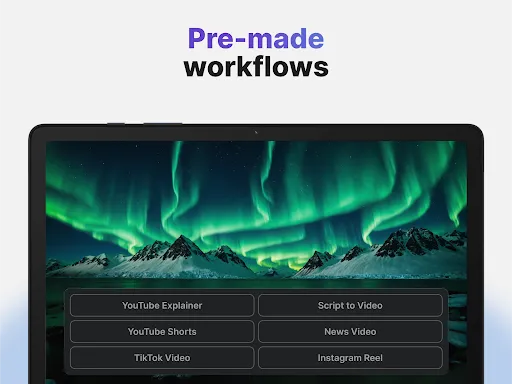
InVideo AI: Video Generator is a powerful tool designed to simplify the video creation process for users of all skill levels. One of its standout features is the extensive library of templates, which allows users to choose from a variety of pre-designed formats tailored for different purposes, such as marketing, social media, and educational content. This feature significantly reduces the time and effort required to create professional-looking videos.
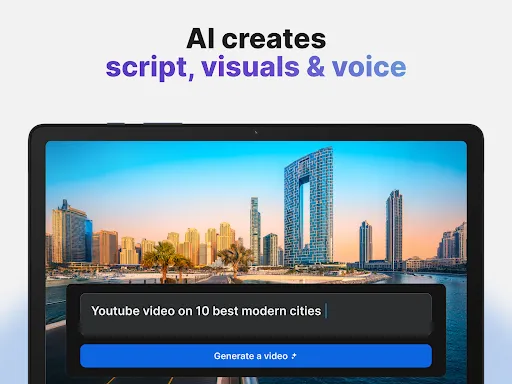
Another notable feature is the AI-driven text-to-video functionality, which enables users to convert written content into engaging videos seamlessly. This is particularly useful for content creators looking to repurpose blog posts or articles into visual formats. Additionally, InVideo offers a rich media library filled with stock images, videos, and music tracks, providing users with ample resources to enhance their projects.
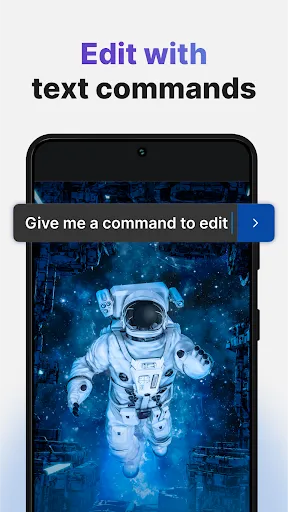
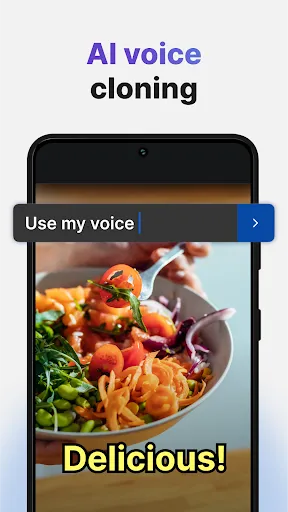
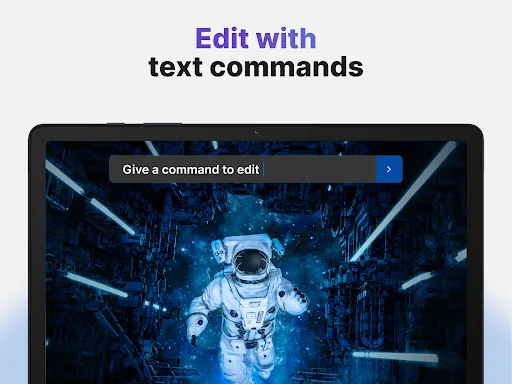
Furthermore, the platform supports collaboration, allowing teams to work together on video projects in real-time. Users can also customize their videos with various editing tools, including transitions, animations, and voiceovers, ensuring that each video is unique and tailored to their specific needs. Overall, InVideo AI: Video Generator combines user-friendly features with advanced technology to streamline the video creation process.
Using InVideo AI: Video Generator is a straightforward process that can be broken down into a few simple steps. First, users need to sign up for an account on the InVideo website. Once registered, they can access the dashboard, where they will find a variety of templates categorized by purpose, such as promotional videos, social media clips, and more. Selecting a template is the first step in creating a video.
After choosing a template, users can customize it by adding their own text, images, and videos. The platform's AI capabilities allow for easy text-to-video conversion, making it simple to transform written content into engaging visuals. Users can also explore the media library to find stock footage and music that complements their project.
Once the video is customized to satisfaction, users can preview it to ensure everything looks perfect. After final adjustments, the video can be exported in various formats suitable for different platforms. InVideo also provides options for sharing directly to social media or downloading the video for offline use. This user-friendly approach makes video creation accessible to everyone, regardless of their technical expertise.
InVideo AI: Video Generator comes with several advantages that make it a popular choice among content creators. One of the primary pros is its user-friendly interface, which allows even beginners to navigate the platform with ease. The extensive library of templates and media resources enables users to create high-quality videos quickly, saving time and effort. Additionally, the AI-driven features, such as text-to-video conversion, enhance productivity by automating parts of the video creation process.
However, there are some drawbacks to consider. One potential con is that while the free version offers many features, users may encounter limitations in terms of video length and watermarking. This can be a hindrance for those looking to produce professional-grade content without investing in a paid plan. Furthermore, some users may find the customization options somewhat restrictive compared to more advanced video editing software.
In summary, InVideo AI: Video Generator is an excellent tool for those seeking to create engaging videos quickly and efficiently. While it has its limitations, the benefits it offers, particularly for beginners and small businesses, often outweigh the drawbacks, making it a valuable asset in the realm of video production.

 Create professional-quality videos in minutes without any prior video editing experience. Automate video production with AI, saving time and enhancing productivity. Access a wide range of customizable templates to suit various themes and styles. Easily integrate images, music, and text to create engaging content. Collaborate seamlessly with teams for efficient project management and feedback.
 Limited customization options may hinder unique video creation. Quality may not match professionally produced content. Reliance on templates can lead to generic results.
  Google Play
  App Store
 Yes, InVideo AI: Video Generator encourages user feedback and suggestions, which can usually be submitted through their support or contact options available on their website.
Yes, InVideo AI: Video Generator may collect personal data as part of its user registration and usage process, as outlined in its privacy policy.
No, InVideo AI: Video Generator requires an internet connection to function, as it is a web-based application that relies on cloud processing.
You can cancel your subscription to InVideo AI: Video Generator by accessing your account settings within the app and following the cancellation process provided.
Subscription costs for InVideo AI: Video Generator vary depending on the plan selected, with monthly and annual options available, typically starting at a competitive price point.
Customer numbers are not changeable. For any concerns regarding your subscription, please reach out to customer service for assistance.
Customer numbers are generally fixed. If you need assistance, please contact customer service for further help.
You can reach our customer service team through the support section on our website or by emailing support
After signing up, check your email for an activation link. Click the link to activate your account, then log in to start using InVideo AI.
Check your spam folder first. If you still don't see it, contact customer service to have a new activation link sent to you.