


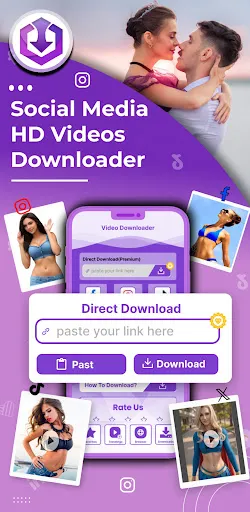

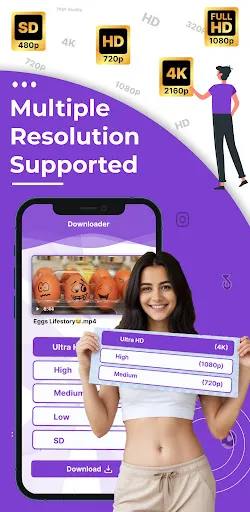
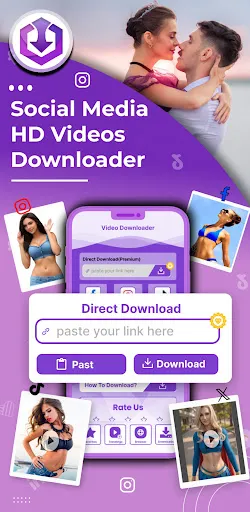

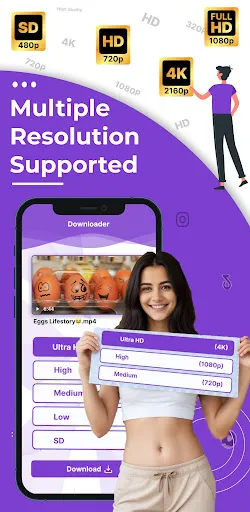
"HD Video Downloader Quick Save" is a versatile application designed to facilitate the downloading of videos from various online platforms. One of its standout features is the ability to download videos in multiple resolutions, allowing users to choose the quality that best suits their needs. The app supports a wide range of video formats, ensuring compatibility with most devices.
Another notable feature is the built-in browser, which enables users to navigate directly to their desired video sites without needing to switch between apps. This seamless integration enhances user experience by simplifying the downloading process. Additionally, the app offers a batch download option, allowing users to queue multiple videos for download simultaneously, saving time and effort.
Furthermore, "HD Video Downloader Quick Save" includes a user-friendly interface that makes it accessible for users of all skill levels. The app also provides a download manager, which helps users track their downloads and manage them efficiently. With its ability to download videos from social media platforms and other websites, this app is a comprehensive solution for video enthusiasts.
Using "HD Video Downloader Quick Save" is a straightforward process that can be completed in just a few steps. First, download and install the app from your device's app store. Once installed, open the app and use the built-in browser to navigate to the website containing the video you wish to download. This feature allows for easy access without needing to leave the app.
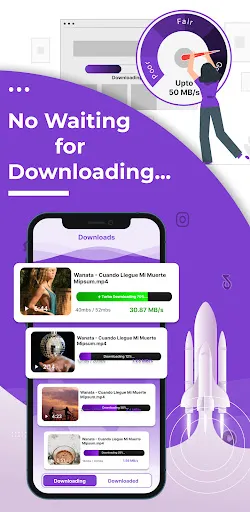
After locating the video, simply tap on it to start playing. The app will automatically detect the video and prompt you with a download option. Select your preferred video quality and format, then click the download button. The app will begin downloading the video, and you can monitor its progress through the download manager.
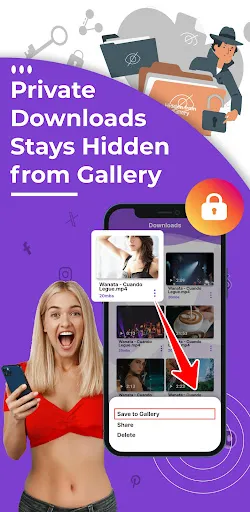
Once the download is complete, the video will be saved to your device's storage, where you can access it anytime. The app also allows you to manage your downloaded files, making it easy to organize and view your videos. With these simple steps, you can enjoy your favorite videos offline with ease.
"HD Video Downloader Quick Save" comes with several advantages that make it a popular choice among users. One of the primary pros is its ability to download videos from a wide variety of websites, including social media platforms. This versatility allows users to access content that may not be readily available for offline viewing. Additionally, the app's user-friendly interface makes it easy for anyone to navigate and use, regardless of their technical expertise.
Another significant advantage is the batch download feature, which saves time by allowing users to download multiple videos at once. The app also supports various video formats and resolutions, catering to different user preferences. However, there are some cons to consider. Some users may experience occasional ads, which can interrupt the downloading process. Additionally, the app's performance may vary depending on the device and internet connection, leading to slower download speeds at times.
Lastly, while the app is generally reliable, there may be limitations on downloading content from certain websites due to copyright restrictions. Overall, "HD Video Downloader Quick Save" offers a robust set of features, but users should be aware of its potential drawbacks when considering its use.

 Effortlessly download HD videos from various platforms in seconds. Enjoy an intuitive interface for easy navigation and use. Save videos in multiple formats to suit your preferences. Manage downloads efficiently with a built-in file organizer. Watch videos offline anytime, reducing data usage and buffering.
 Limited support for certain video formats can hinder usability. Slower download speeds may frustrate users seeking efficiency. Frequent ads disrupt the user experience and can be distracting.
  Google Play
  App Store
 Yes, users are encouraged to submit suggestions or feedback through the app's support section or via the official website to help improve the service.
HD Video Downloader Quick Save is committed to user privacy and does not collect personal data unless explicitly provided by the user for specific features.
Yes, HD Video Downloader Quick Save allows users to access downloaded videos offline, enabling viewing without an internet connection.
You can cancel your subscription through your app store settings, or by following the cancellation instructions provided within the app.
The subscription cost for HD Video Downloader Quick Save varies based on the plan chosen, typically offering monthly and yearly options at competitive prices.
Currently, HD Video Downloader requires a dedicated email and password for login; social media login is not supported.
To activate your account, log in with your registered email and follow the on-screen instructions for account activation.
You can reach our customer service team via the contact form in the app or by emailing support
If you haven't received the activation email, check your spam folder or contact customer service for a resend of the activation link.
Open the app, tap on the 'Log In' button, and enter your registered email and password to access your account.